One measurement, many tag names
The same measurement is product_temp on Lines 2 and 3, ProductTemp on Line 4 and product_temp under another folder on the pasteurizer. Give them one meaning in one step, whatever each tag is called.
- Where
- Start from your data › Review signal by signal
- Makes
- A meaning of your own, in your workspace library
- Later topics
- Suggested first; a person applies it
- Editions
- Foundation, Enterprise, free trial
The problem
Nobody can ask for "every product temperature" without knowing each tag: line-2/f2/product_temp, line-3/f3/product_temp, line-4/f4/ProductTemp and blending/tt11/product_temp. The built-in meaning Temperature would fit them all, but it also fits the pumps' bearings and the boiler, and one product temperature alarm must not reach those.
What you will get
One meaning, Product temperature, given to all four topics in one change, saved in your workspace's own library. Its Topics tab lists every topic that holds it, grouped by naming pattern. New topics named like these are offered this meaning first; a person still applies it.
Before you start
- Role. Giving topics a meaning takes a Data Admin or a Workspace Admin, or someone who looks after that part of the topic tree. Making a meaning of your own also takes someone who may create or update a draft library (a Data Admin or a Workspace Admin). Without that, the page says so and how to set limits on these topics only.
- Edition. Foundation, Enterprise, and the free trial. On the free trial the number of topics with a meaning is capped (the evaluation licence's cap, counted across the whole instance); see Your licence.
Steps
1. Review the group and tick the topics you mean
Open Explore › Libraries › Start from your data, click Review signal by signal, then Review on the Temperature group. Answer any unit question (A line sends another unit) and untick every row that is not a product temperature. Ticking across headings is fine: all ticked rows are applied together.
2. Choose A meaning of their own
Under When you apply, choose A meaning of their own….
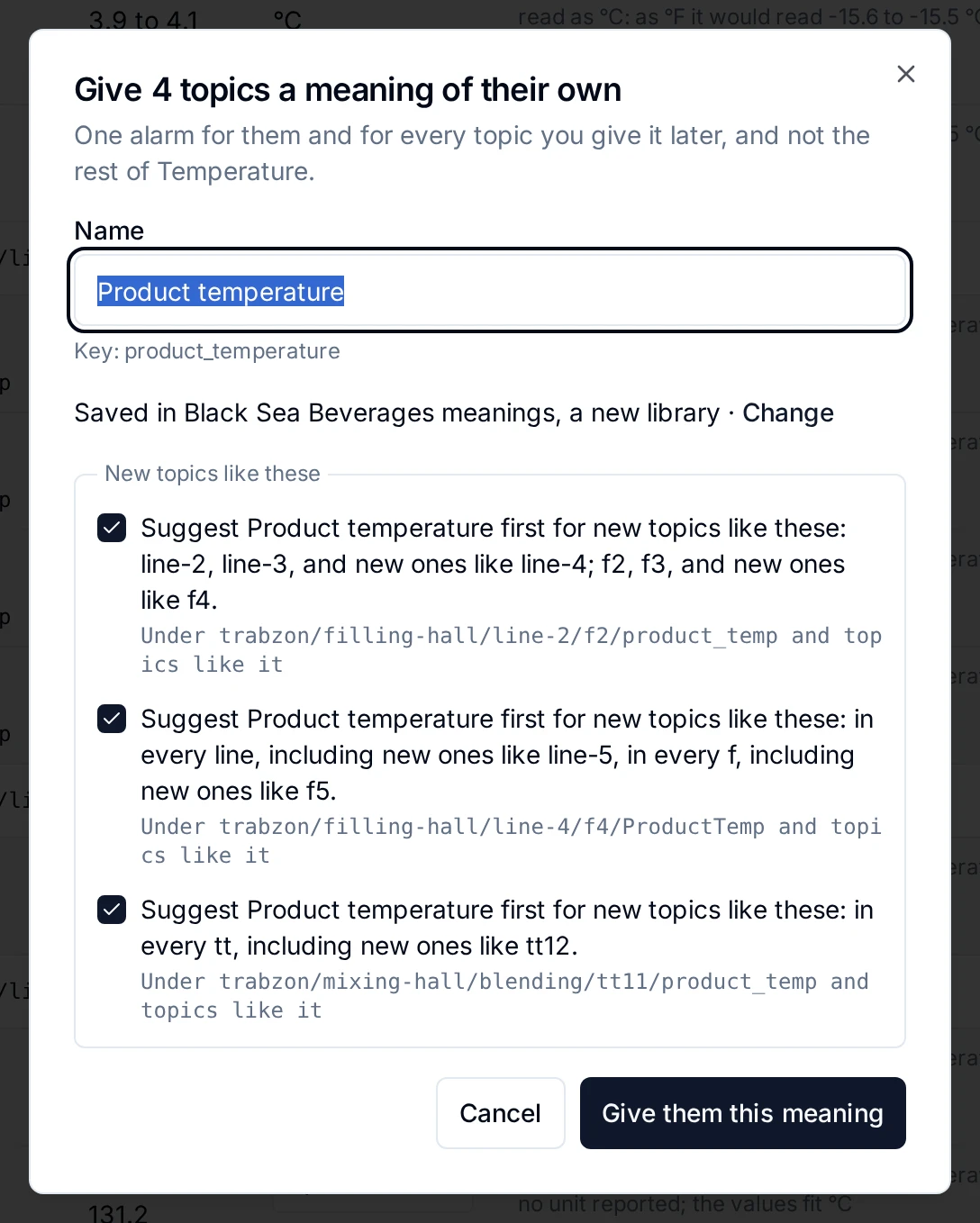
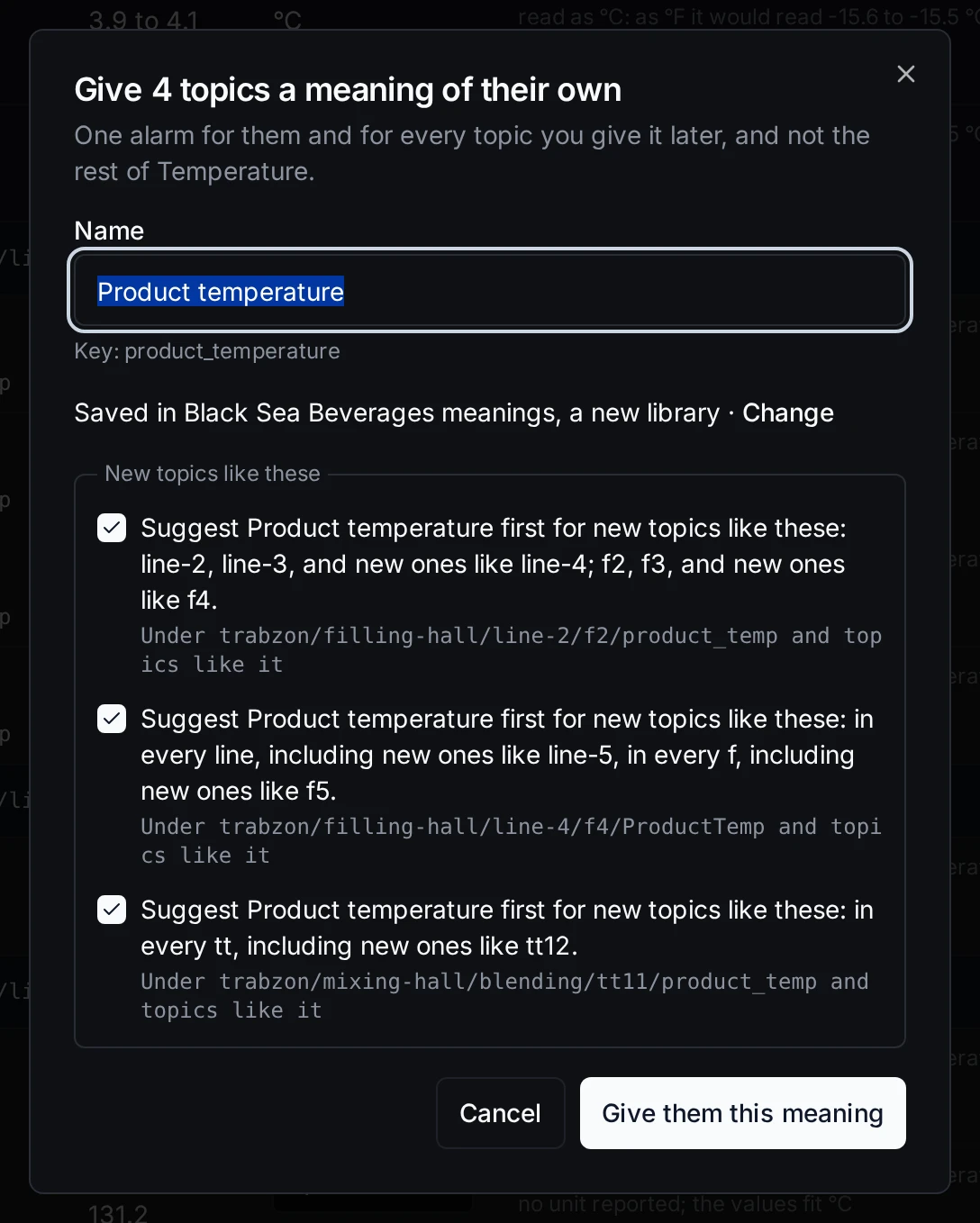
The name is proposed for you, and your own library is created on the way if it does not exist yet.
- Keep the proposed name, Product temperature, or type your own.
- Check the library it is saved in: your workspace's own library. Change picks another.
- Leave the naming patterns ticked, so a new topic named like one of these is offered this meaning first.
- Click Give them this meaning. The ticked topics get it in one change, all of them or none, and the page shows the result.
3. See them together
The result page says how many topics now read as Product temperature and which units they reported, and draws two that reported different units on one scale (A line sends another unit). If any pipeline, dashboard or app reads the topics, the review page names them first and asks you to confirm you have checked them.
Check the result
Open Explore › Libraries, your workspace's library, then Product temperature, and its Topics tab.
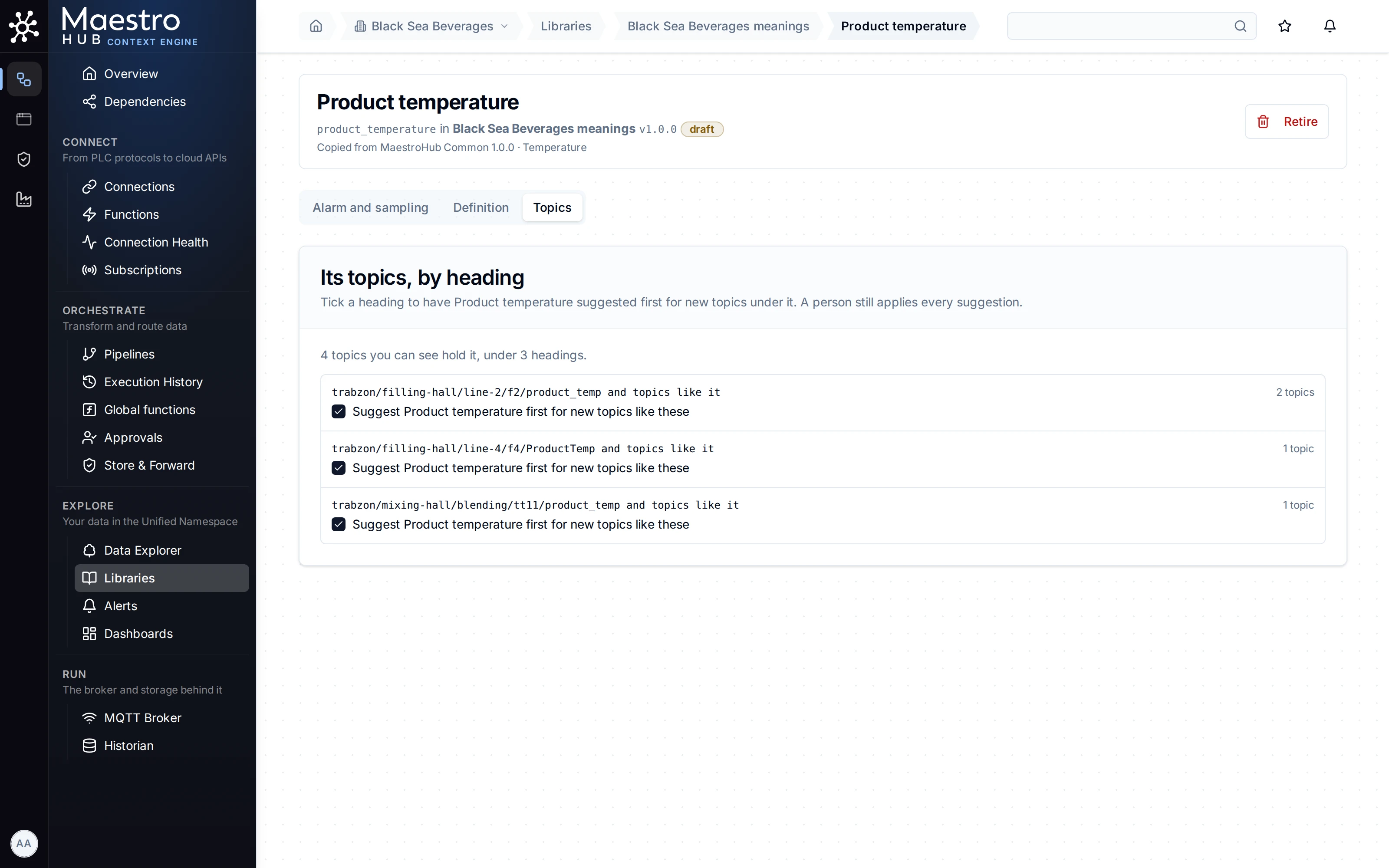
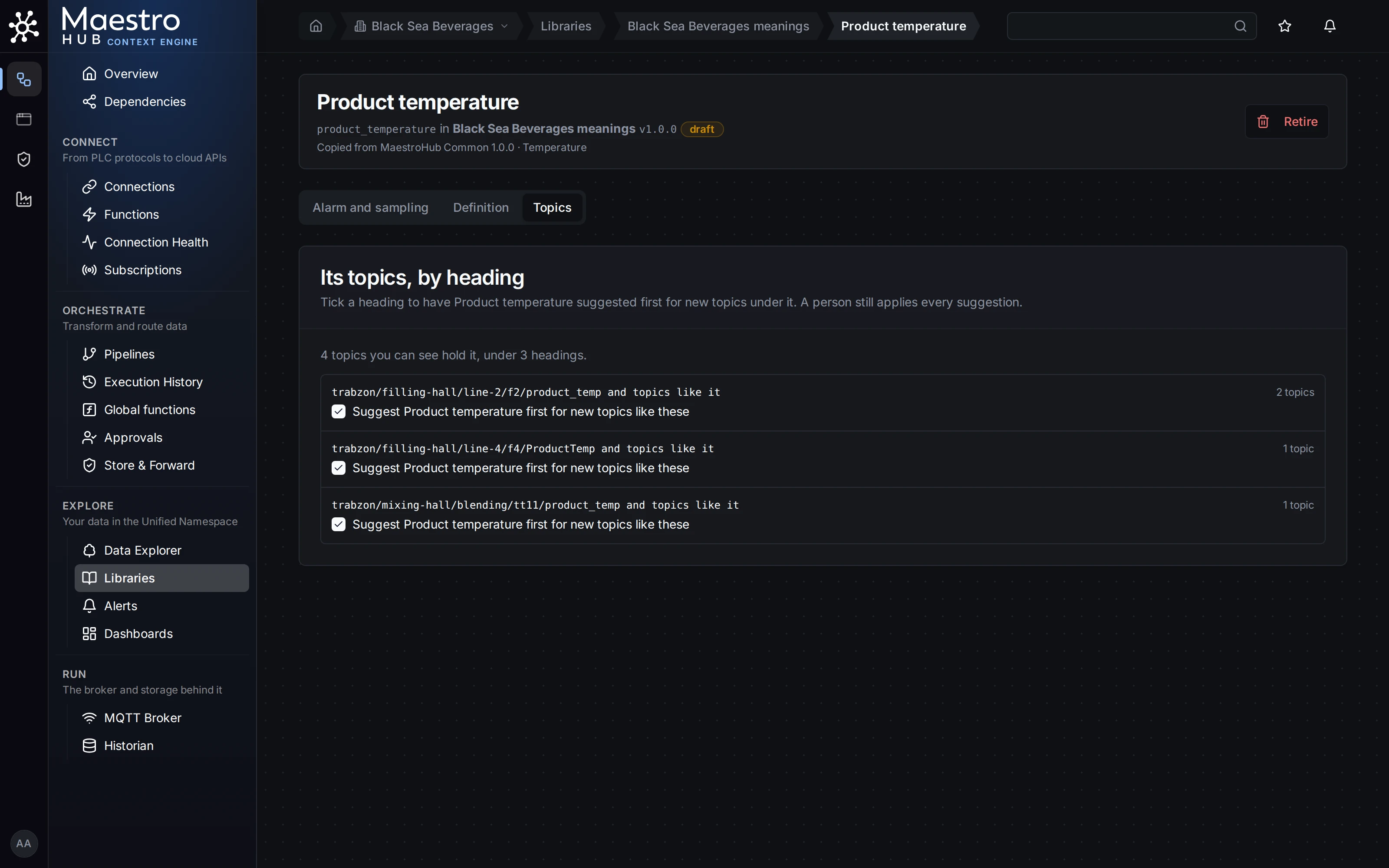
Every topic that holds the meaning, whatever its tag is called, grouped by how it is named.
Good to know
- The Topics tab is only on a meaning of your own made from a built-in one this way. Built-in meanings such as Temperature, and other properties of your library, have no Topics tab yet.
- Suggested, never given. New topics named like these are offered Product temperature first, on Start from your data and on their own topic page. Someone still applies it.
- The library starts as a draft. Its properties work at once; publishing it fixes the definitions for good (Who may change meanings).
- Ask for all of them at once. Find signals lists every topic that holds Product temperature, in °C, now or over a window, as a table, a CSV file or one call to
POST /api/v1/uns/data/by-meaning.
Related
- One alarm for every similar machine: an alarm on Product temperature reaches all four, and every topic given it later.
- Libraries: Review signal by signal