Catch stuck and silent sensors
A temperature transmitter after the pasteurizer freezes and keeps sending its last value, marked good, for two hours. An energy meter stops sending. Neither raises anything in the PLC or the MES. A meaning knows how a real signal behaves.
- Stuck
- Frozen after, set on a meaning of your own
- Silent
- Any topic with a meaning
- Stored values
- Never rewritten or refused
- Editions
- Foundation, Enterprise, free trial
The problem
A stuck sensor looks healthy: values arrive on time, inside the limits, with good quality. A silent one leaves a gap nobody notices until a report comes out empty. Both are found weeks later, by accident.
What you will get
- Stuck. A value that stays exactly the same longer than the meaning's Frozen after is stored as Uncertain · frozen, the topic page says so in plain words, and Data Explorer's header counts it ("1 value is frozen"). The first value that moves again is good again.
- Silent. A topic with a meaning that stays quiet well past its rhythm is reported as Not receiving data: nothing sent, and the topic reads Silent.
Before you start
- Role. Setting sampling on a property of your own library takes a Data Admin, a Workspace Admin or the library's owner. Reading the flags takes only reading the topic.
- Edition. Foundation, Enterprise, and the free trial.
- A meaning of your own for stuck detection: built-in meanings are read-only and set no frozen time. Make one with One measurement, many tag names.
Steps: catch a stuck sensor
1. Set Frozen after on the meaning
Open Explore › Libraries, your workspace's library, then the property (here Product temperature), and its Alarm and sampling tab. Under Sampling, fill in:
- Expected period (ms): how often a value should arrive, for example
5000. - Frozen after (ms): how long the value may stay exactly the same, for example
60000. It must be at least one minute and ten expected periods.
Click Save alarm and sampling. It applies to every topic with the meaning.
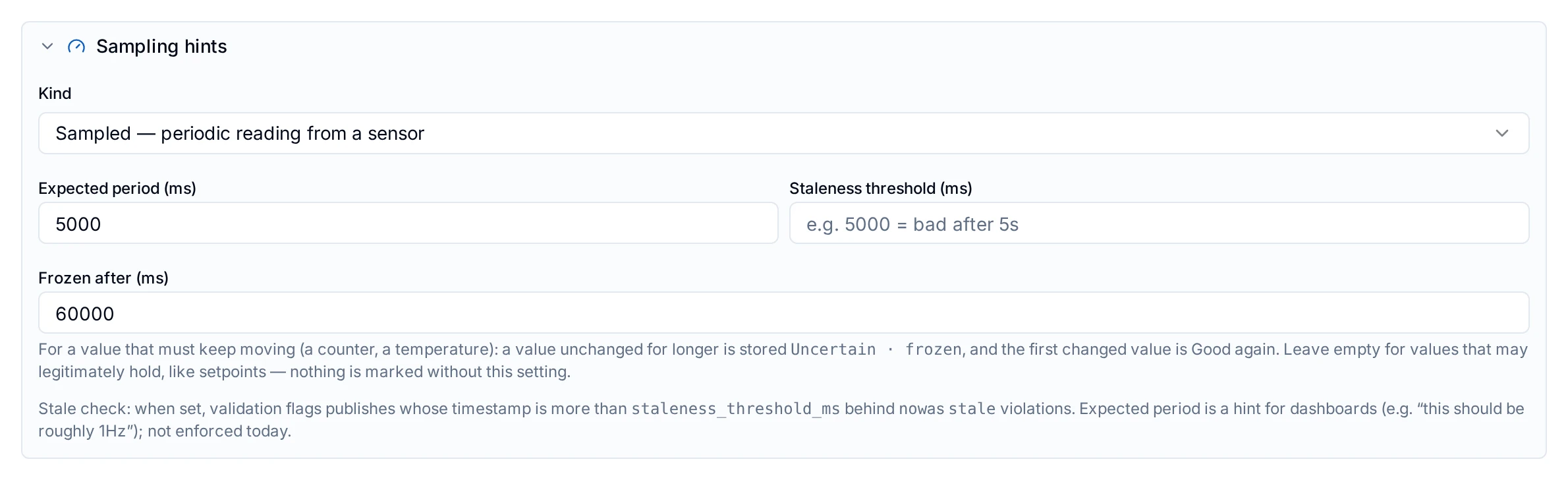
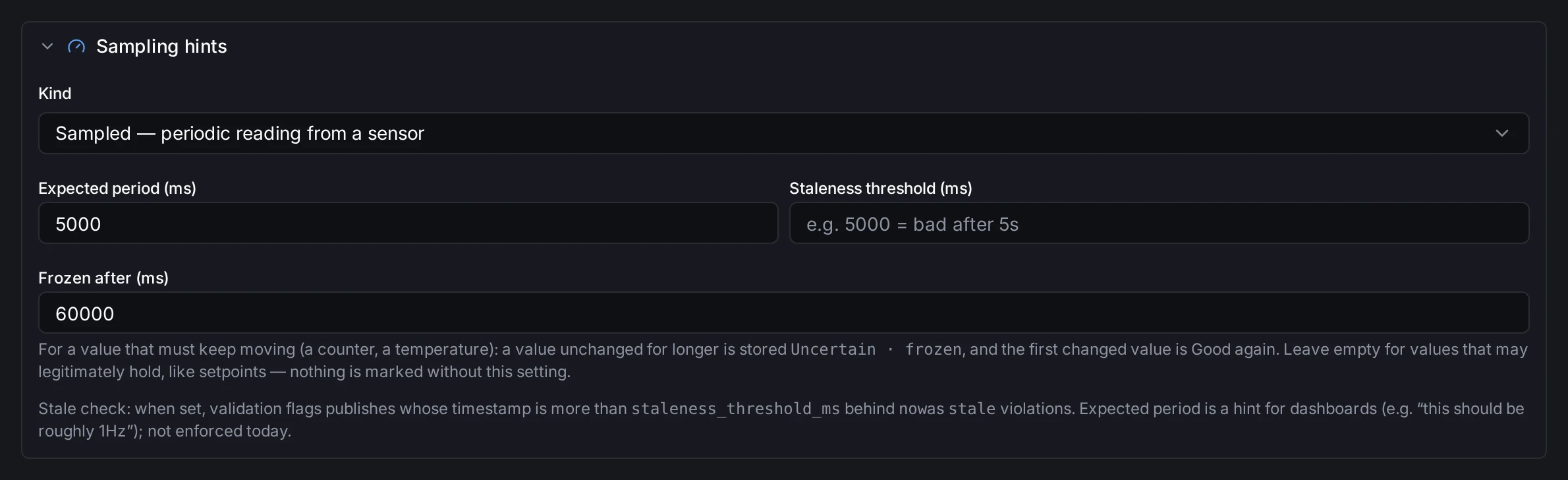
Set once on the meaning; every product temperature follows it.
2. See it flagged
When the pasteurizer's transmitter TT-11 sticks, its topic page says so.
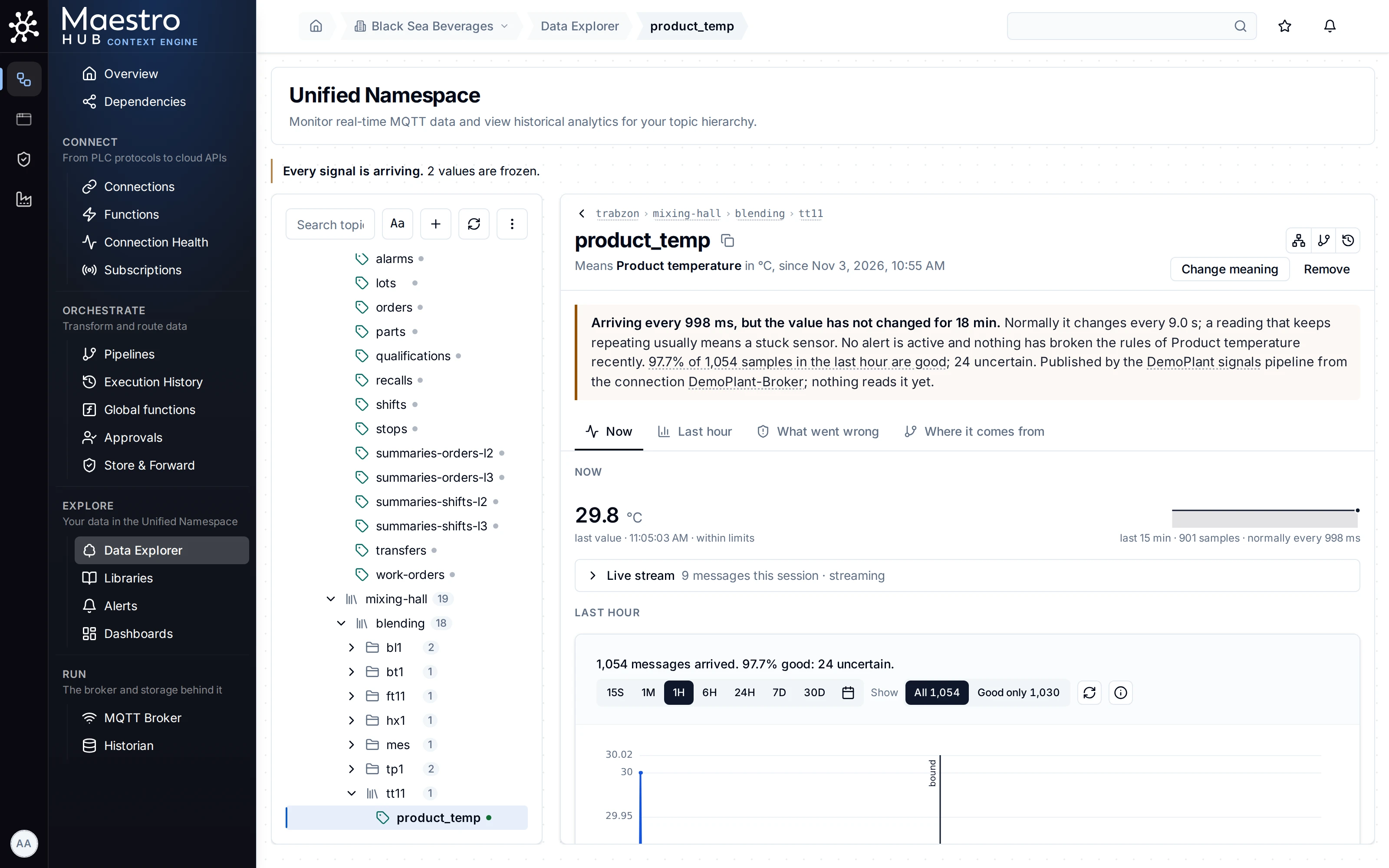
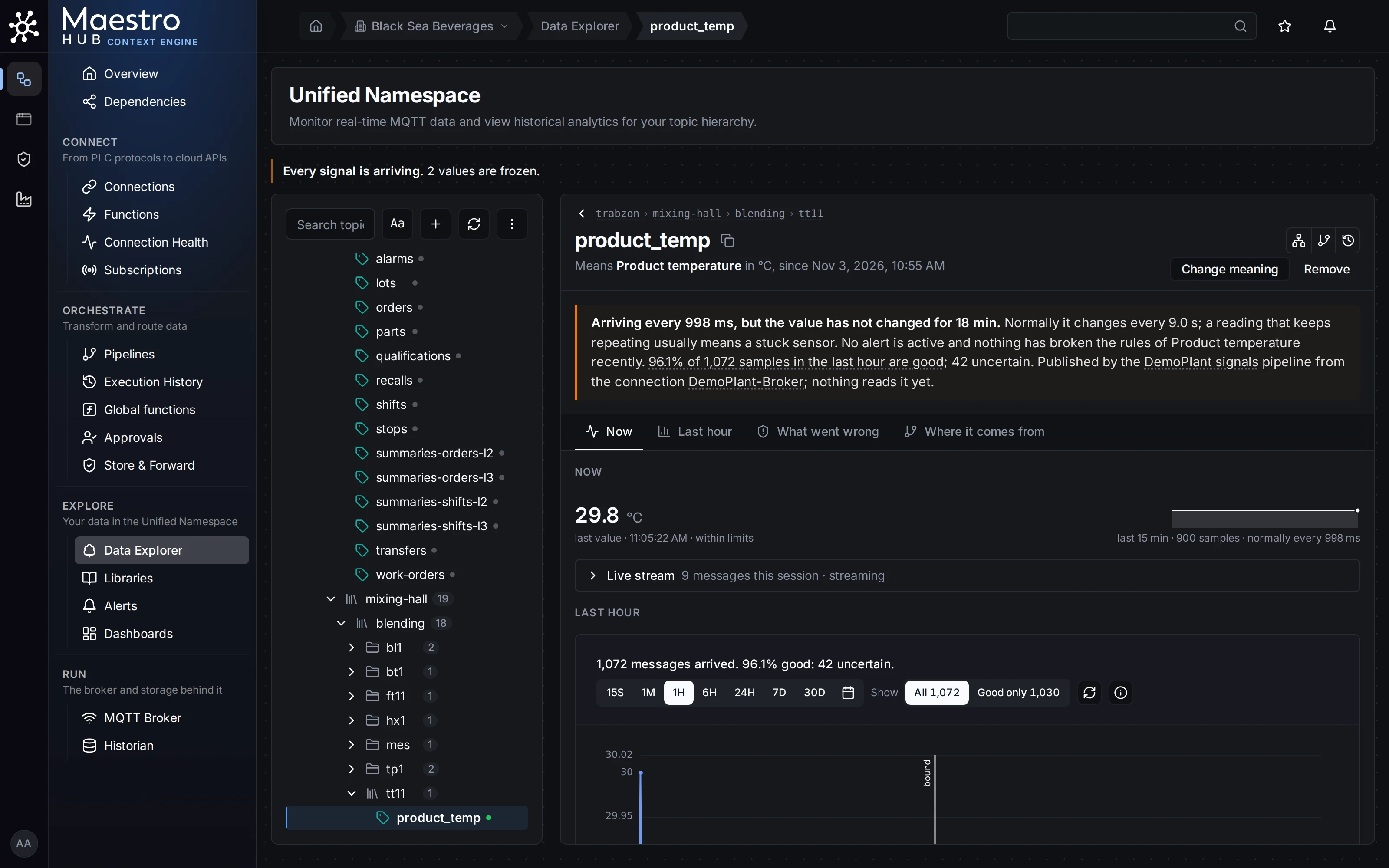
Values still arrive on time, so nothing looks wrong at first glance. The meaning knows a product temperature keeps moving.
Steps: catch a silent sensor
Nothing to set: every topic with a meaning is watched for silence. After Use this on Start from your data, the card Catch stuck or silent sensors lists the signals that have gone quiet.
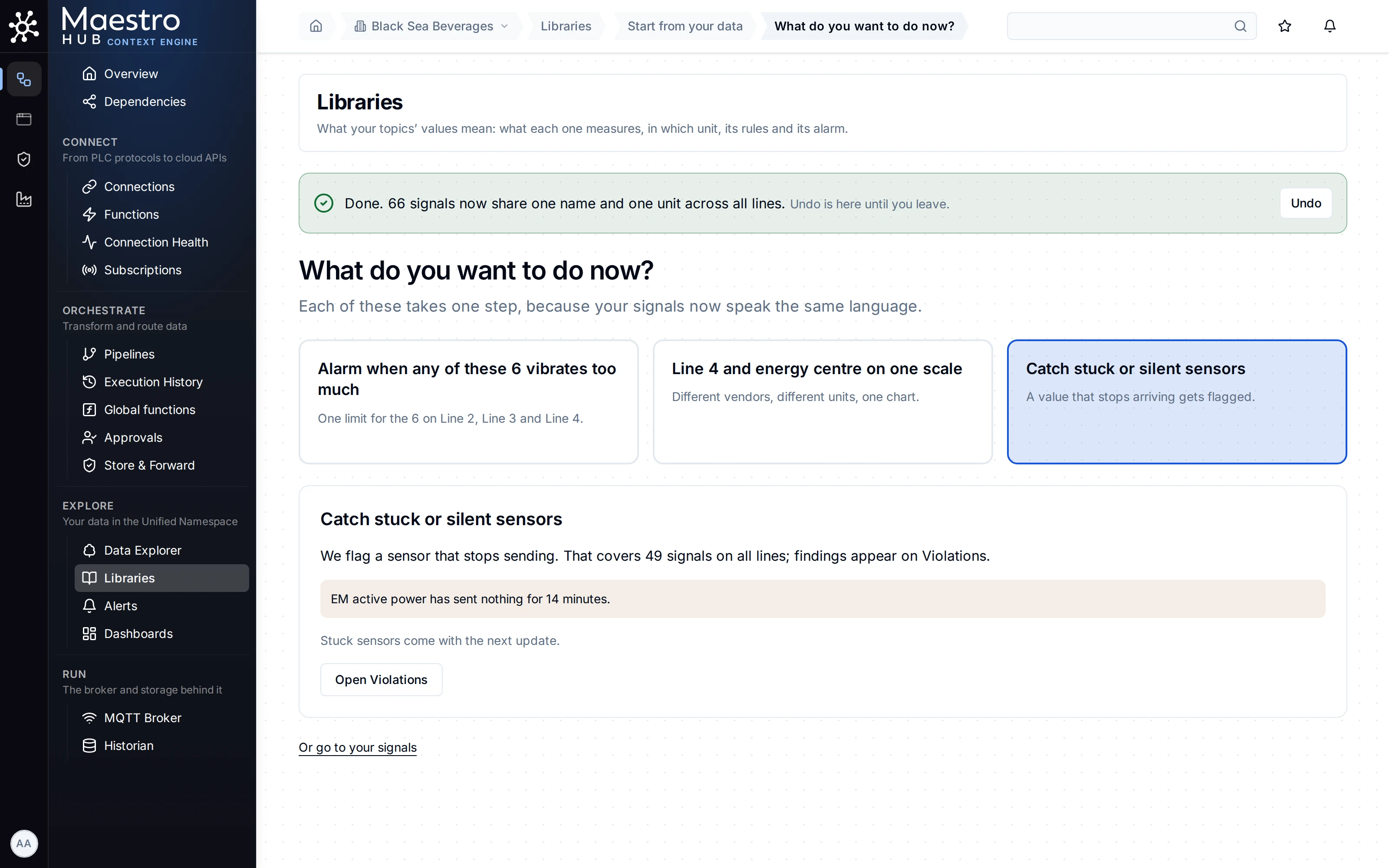
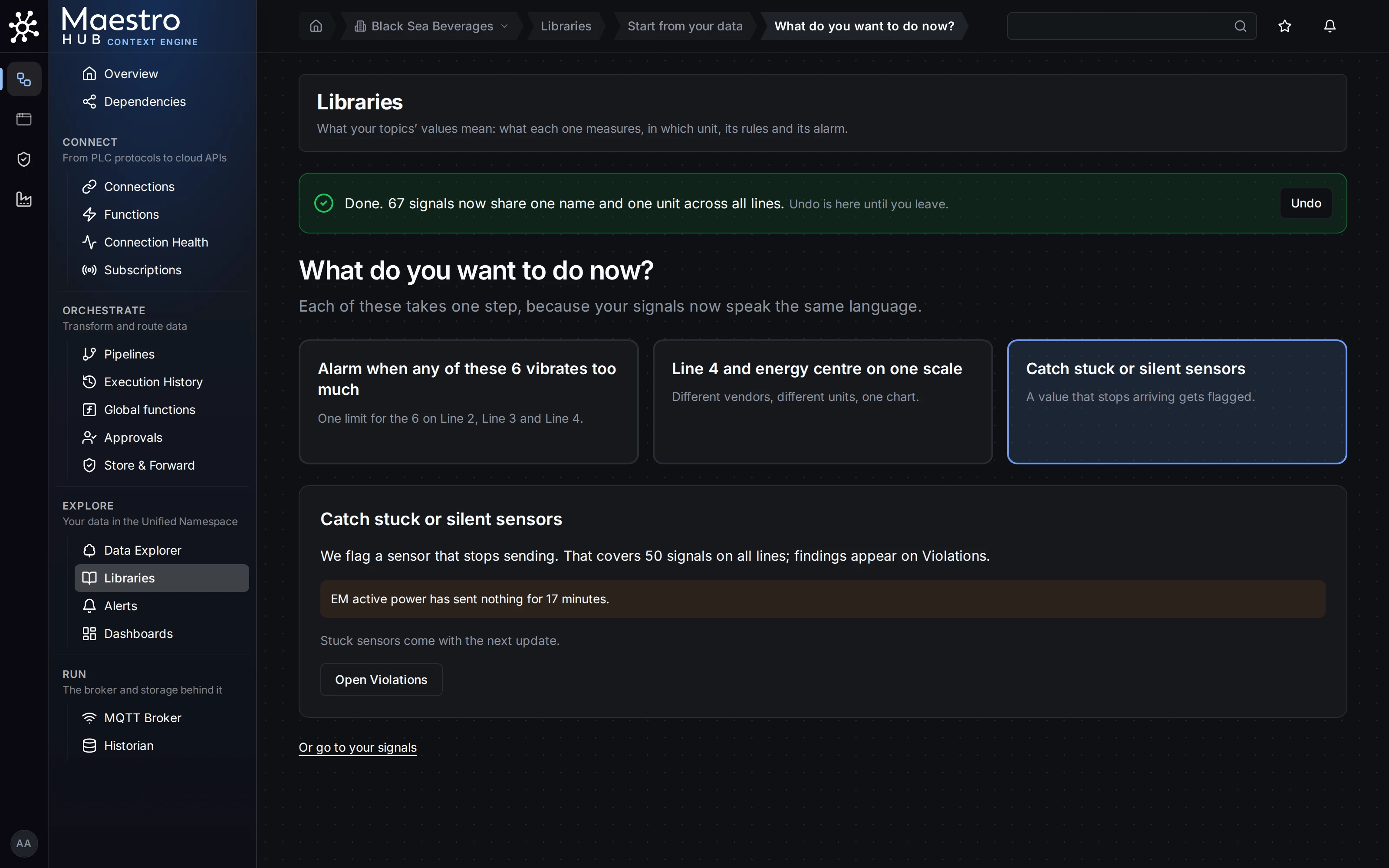
Line 3's energy meter went quiet. The card names the signal and how long it has sent nothing.
Check the result
- Explore › Alerts › Violations lists Not receiving data: nothing sent for a silent topic, once when it starts and again while it lasts.
- The topic page, the topic tree and Data Explorer's summary judge silence by the same rule, so a silent topic never reads Arriving normally beside its violation. When the cause is upstream, the topic page names it, for example a failing connection.
- Each flag clears by itself when data arrives or moves again.
Good to know
- Stuck detection needs Frozen after, so it works on a meaning of your own. The built-in meanings set no frozen time.
- The Start page lists silent sensors only: it says "Stuck sensors come with the next update." Stuck sensors are flagged on the topic page and in Data Explorer.
- The rhythm for silence is the longer of the property's expected period and how often the topic has been sending; without either, an hour. A property whose values arrive only on events is never reported for silence.
- Leave Frozen after empty on meanings whose values may legitimately hold still, such as a setpoint.
- Neither flag rewrites or refuses a value.