One alarm for every similar machine
Six pumps on three lines need a vibration alarm, and four fillers a product temperature alarm. Tag by tag that is ten alarms to keep in step, and the °F line needs its own numbers. Set the limits once instead.
- Set on
- The meaning, in its unit
- Preview
- What it would have raised in the last 24 hours
- Later topics
- Covered, on a meaning of your own
- Editions
- Foundation, Enterprise, free trial
The problem
Alarms configured tag by tag drift apart: someone changes the limit on Line 2's pump and forgets Line 3's. Line 4 sends °F, so its alarm needs other numbers. And nobody knows, before saving, whether a new limit will page the night shift every ten minutes.
What you will get
The limits are typed once, in the meaning's unit, and apply to every topic with that meaning, in whatever unit its device sends. Before you save, a preview says what the limits would have raised over the history that exists, and names any topic that would be in alarm all the time so it can get its own limits.
Before you start
- Role. Setting the alarm of a property of your own library takes a Data Admin, a Workspace Admin or the library's owner. Setting it on each topic of a built-in group takes
semantic_binding:update, or looking after that part of the topic tree. - Edition. Foundation, Enterprise, and the free trial.
- A meaning on the topics. See Start from your data or One measurement, many tag names.
- Some history. The preview reads the topics' recent values. Give the data a while to arrive first.
Steps: one alarm on a meaning of your own
1. Open Add the alarm
Right after you give a group a meaning on the review page, the result page offers One alarm for all. Click Add the alarm. (Later, the property's Alarm and sampling tab holds the same limits.)
2. Type the lines and read the preview
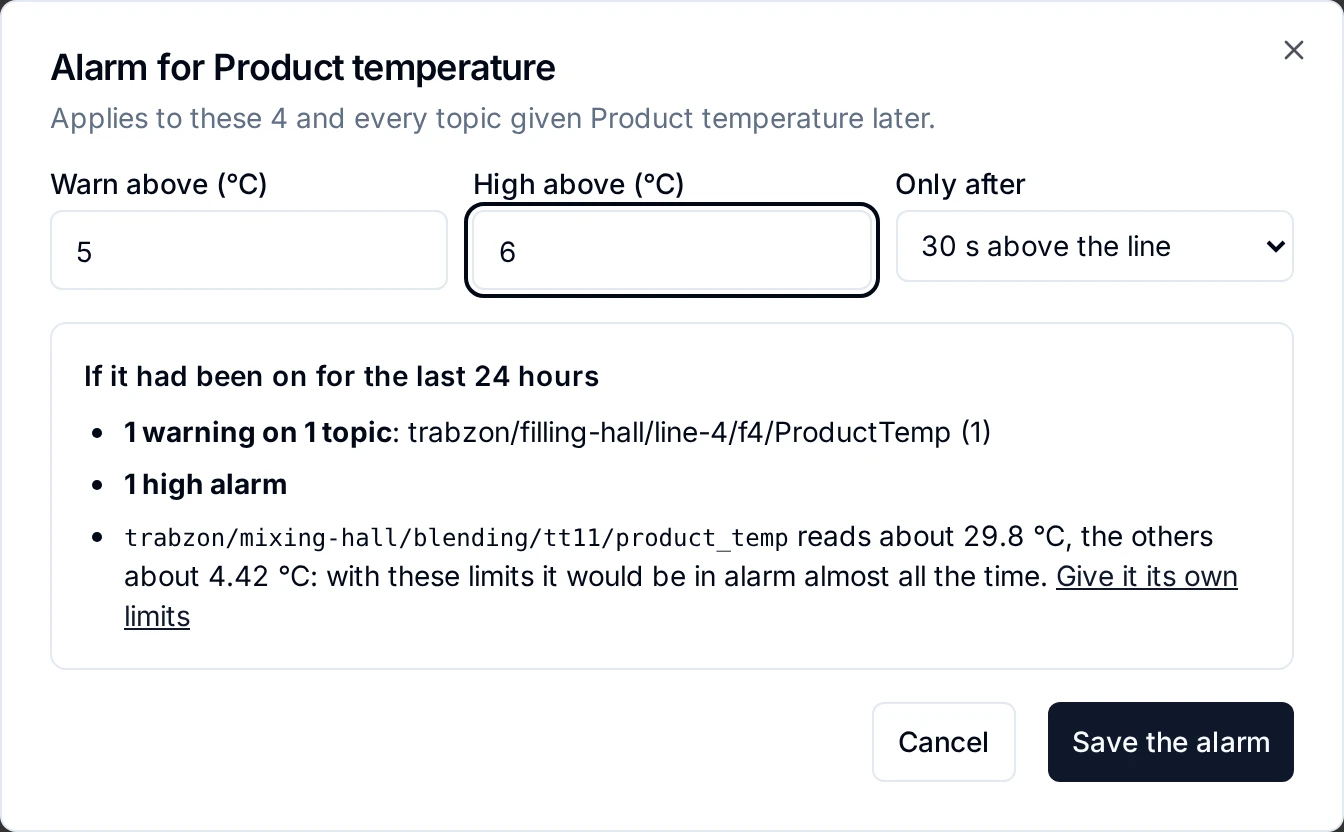
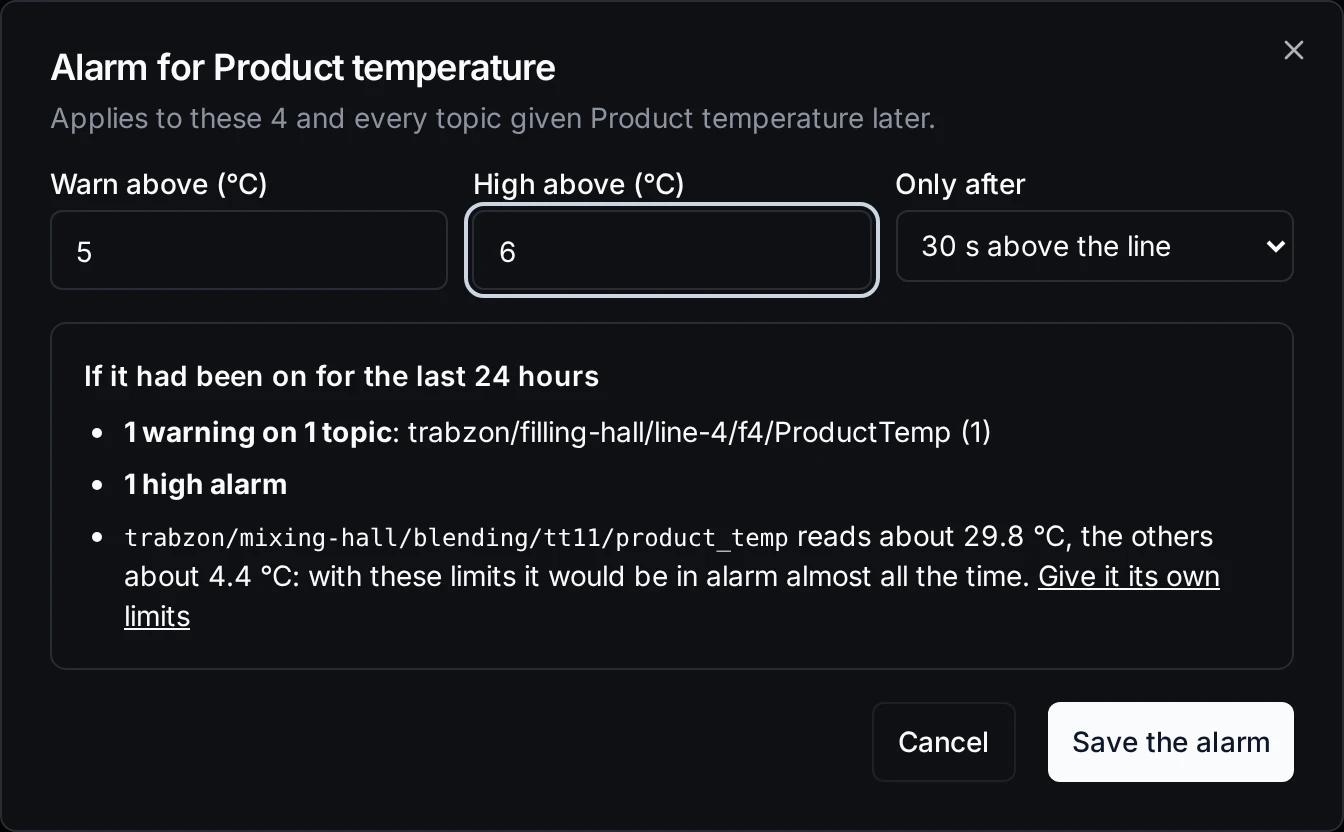
Typed once in °C, for the °C lines and the °F line alike. The preview is judged exactly as live alarms are.
- Warn above:
5. - High above:
6. - Only after: keep 30 s above the line, so a short blip raises nothing.
- Read If it had been on for the last 24 hours. Too noisy? Change a line and the preview follows.
- A topic whose values sit far from the rest (here the pasteurizer's transmitter, which reads about 30 °C) is named, with a link to give it its own limits, and left out of the alarm unless you tick it.
- Click Save the alarm.
Steps: one vibration alarm after Use this
After Use this on Start from your data, the next page offers Alarm when any of these vibrates too much when similar machines on several lines share a meaning.
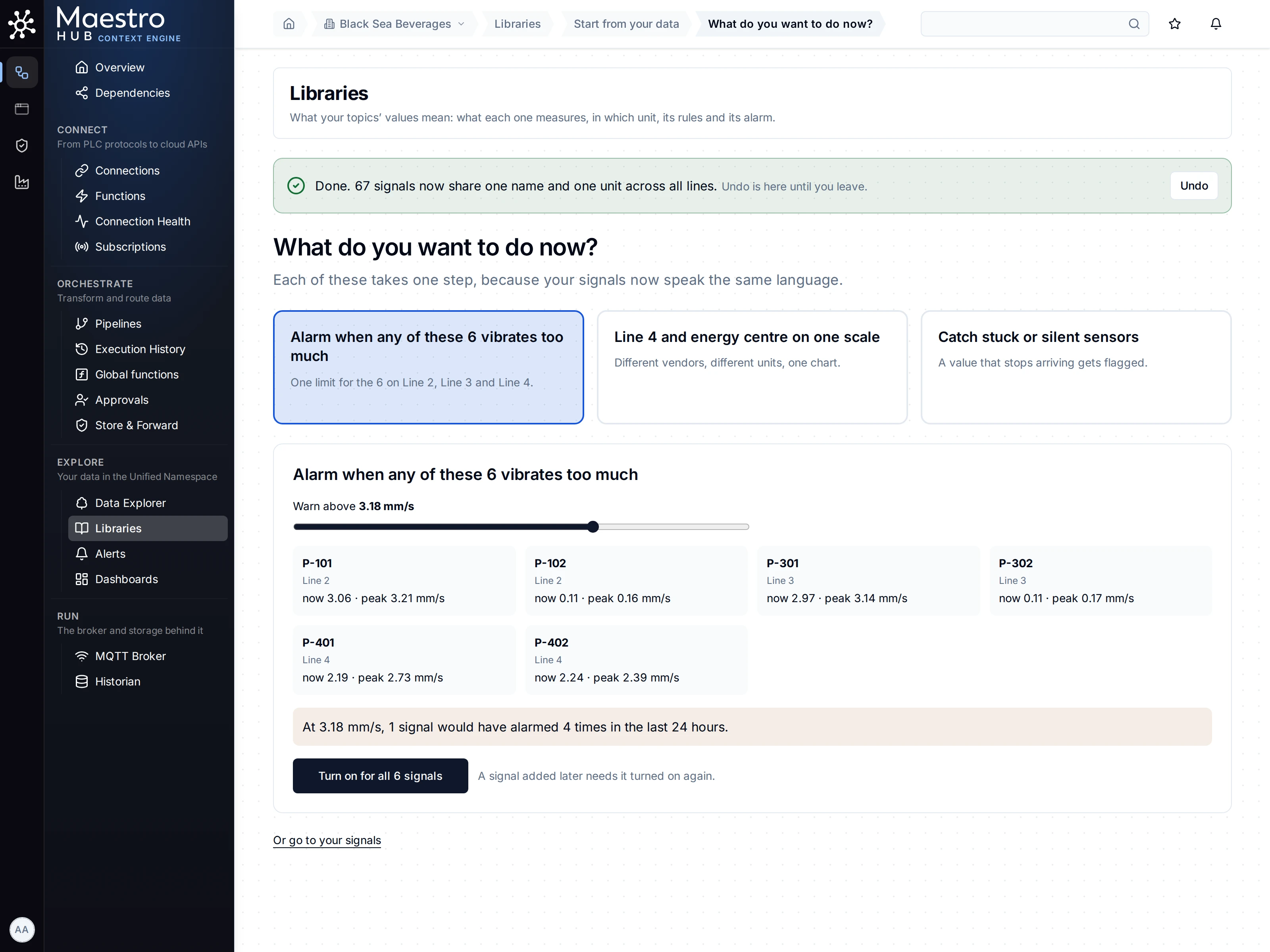
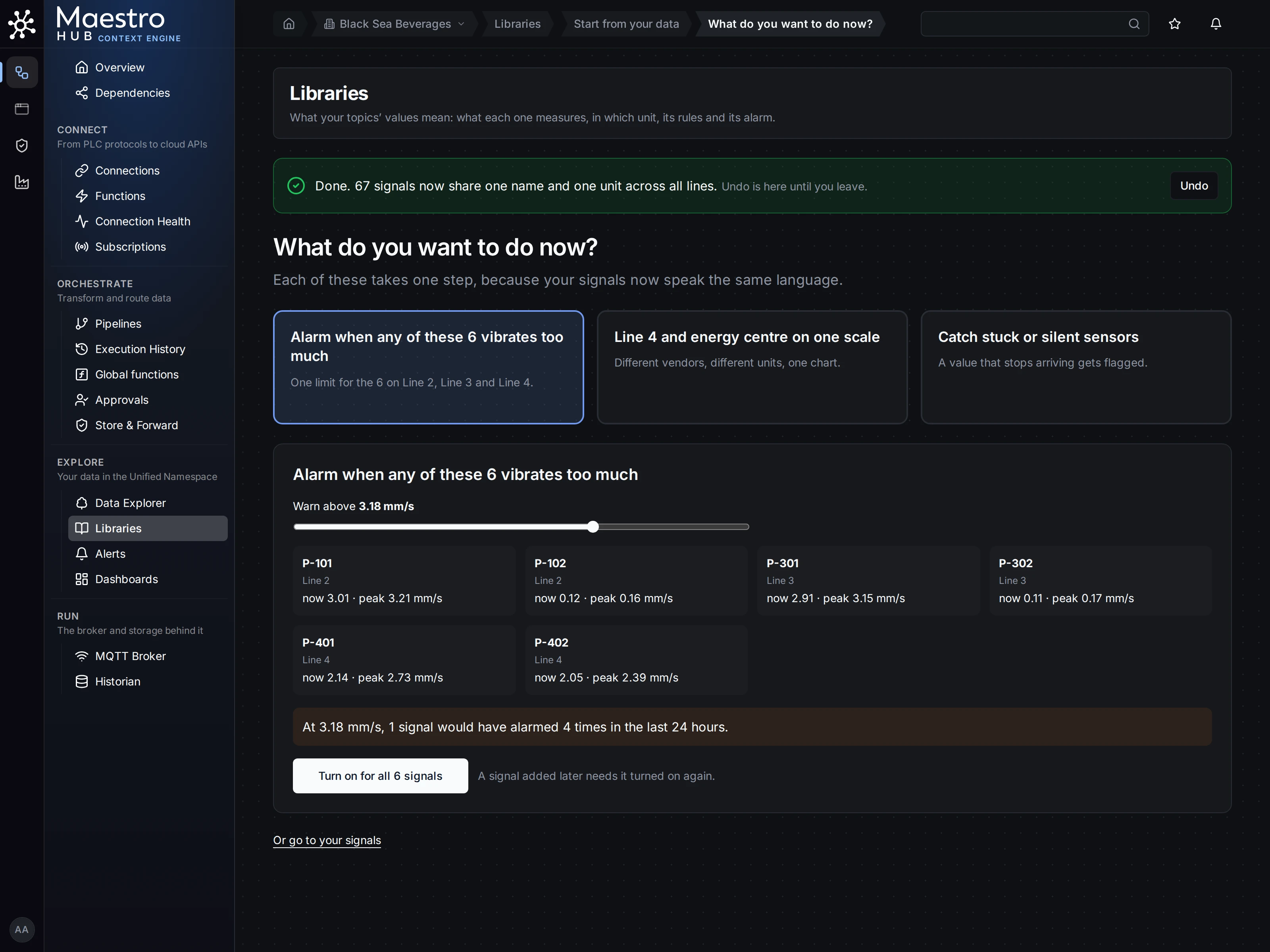
One slider for six pumps on three lines. A signal added later needs it turned on again.
- Move Warn above to the line you want. Each pump shows its value now and its peak.
- Read the sentence under it: what the line would have raised over the span the history really covers.
- Click Turn on for all.
Check the result
When a topic crosses a line for longer than the delay, it shows on Explore › Alerts, judged in the meaning's unit: Line 4's °F filler fires against the 5 °C line. On each topic page the chart draws the lines, labelled Warning and Critical.
Good to know
- Who it covers. An alarm on a property of your own library covers these topics and every topic given that meaning later. The vibration card after Use this works on built-in meanings, which cannot be changed, so it sets the limits on each of these signals: a signal added later needs it turned on again. For an alarm that follows every later topic, use a meaning of your own.
- The preview reads only the history that exists. On a fresh plant it may cover minutes, not a day, and it says the span it read. It reads the first 50 topics of a group and up to 2,000 values of each.
- One topic needs other limits? Open it, Change meaning, and fill in its own warning and critical limits. Empty fields inherit the meaning's.
- Acknowledging and shelving alerts need the
alert:ackpermission (Alerts).