Problems Maestro already looked at
Beta, early access on request: when a problem starts, Maestro can investigate it before anyone asks, and its finding waits on the problem's card. It only reads, and it never spends past the cap you set.
- Off by default
- A platform administrator turns it on, per workspace
- Looks at
- Each failing pipeline and connection · new platform problems
- Changes
- Nothing: it can only read
- Spends
- At most its monthly cap, its own slice of the budget
Proactive investigations are part of Maestro, which is in release 3.0 as Beta and is not turned on by default. To use them, ask MaestroHub for early access: you get a licence that carries Maestro. A system administrator then connects an AI provider under Second Brain → Providers, and turns proactive investigations on under Second Brain → Usage → Proactive.
Explain & fix asks Maestro about a problem when you click it. With proactive investigations on, Maestro has already looked by the time you open the Overview: the problem's card says what it found, and Explain & fix starts from that finding instead of from zero.
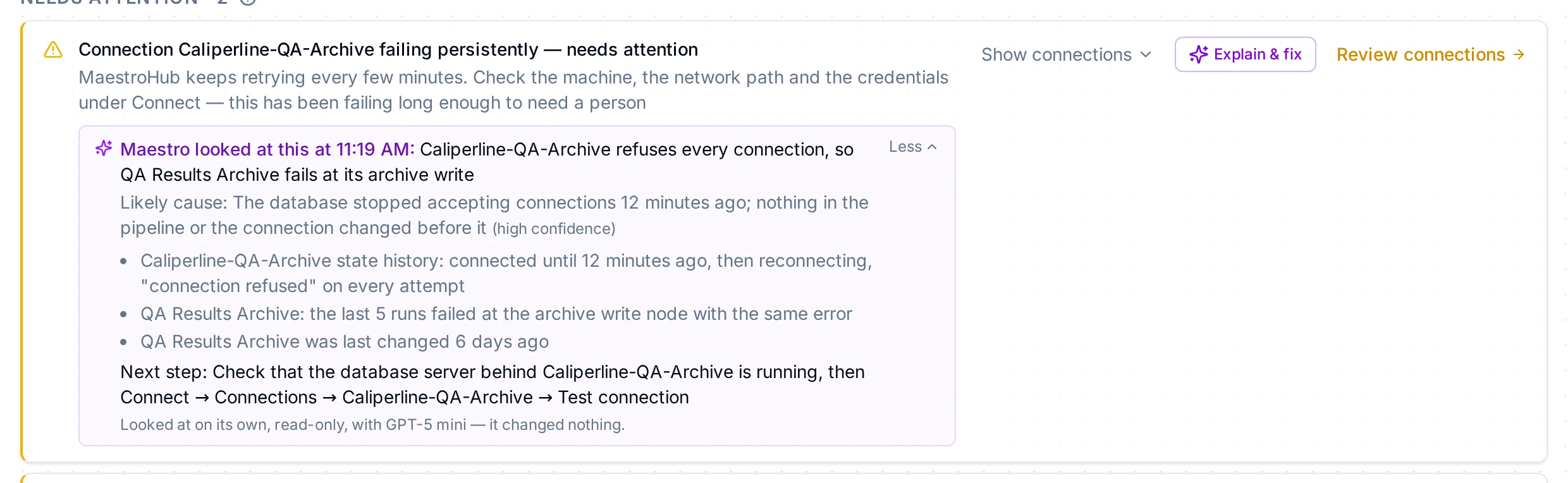
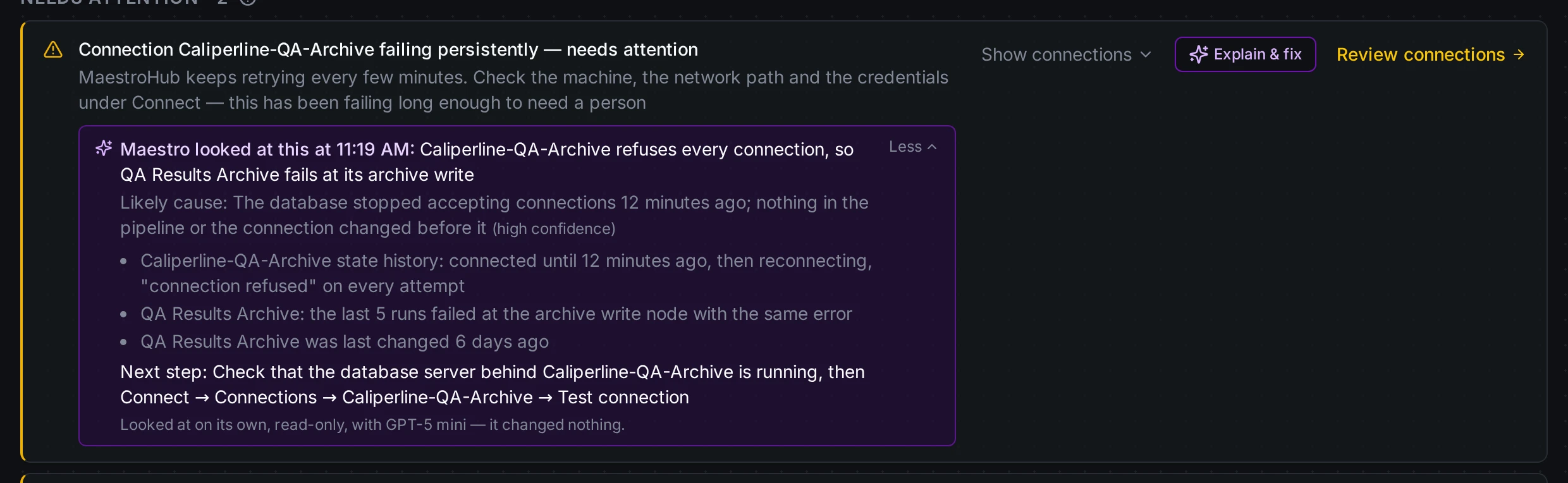
The card of a failing connection, with what Maestro found and the evidence opened
What Maestro looks at
Maestro looks at each thing that has one cause of its own:
- Each pipeline that keeps failing. On the pipelines failing (3+ failed runs in a row) card, every pipeline is looked at on its own, including one that starts failing after the card appeared. The same goes for pipelines that complete without sending any output.
- Each connection that keeps failing. The same failure that sends the Connection failing persistently notification.
- A new problem with the platform itself. The other warnings and critical problems under Needs attention, such as data lost in Store & Forward or a module that stopped.
Each one is looked at once. When it clears (the pipeline runs green, the connection reconnects), its finding goes away; when it comes back later, it is new and is looked at again.
Maestro doesn't look at:
- The count of failed runs in the last 15 minutes. It mixes many causes at once, so a single finding about it would soon be out of date. The pipelines behind it that keep failing are looked at one by one.
- Problems that were already open when you turned proactive investigations on. Only problems that start afterwards are looked at. Use Explain & fix for the others.
- Anything, when Maestro is turned off for the workspace.
What the card says
A card that lists several pipelines or connections starts with how many Maestro looked at, for example Maestro looked at 2 of 5 connections. Each finding sits under the name of its pipeline or connection, and the ones Maestro didn't look at are listed at the end, with the reason when there is one.
| You see | It means |
|---|---|
| Maestro looked at QA archive at 09:12: and a summary | The finding: the likely cause and how sure Maestro is. Evidence opens what it read, with where each fact came from, and the next step. The time says when Maestro looked. |
| Maestro is looking at QA archive… | The investigation is still running, usually under a minute. |
| Maestro did not look at QA archive: and a reason | A limit stopped it before it started: today's investigations were used up, or this month's cap was reached. |
| Maestro's look at QA archive ended without a finding: and a reason | It started and stopped, for example at its per-investigation ceiling. |
If Maestro's evidence doesn't show a cause, it says not found and names what a person should look at. It doesn't guess. The next step names the screen and the button to use, such as Connect → Connections → QA archive → Test connection.
It can only read
Investigations run as Maestro's own read-only identity, not as a person. That identity may read pipelines and their runs, and connections and their history. Maestro is only offered the reading half of its tools, and any change it asks for anyway is refused, so an investigation can never stop a connection, edit a pipeline or replay a run.
- No logs. Investigations don't read the system logs. A finding is shown to everyone who can see the problem, and only administrators may read logs.
- Fixing stays with you. To act on a finding, click Explain & fix. That chat runs with your permissions, and asks before it changes anything.
Who sees a finding
A finding says no more than you could read yourself. You see one when you can use Maestro and read what the investigation can read, pipelines and connections, and also see the problem:
- Overview problems: you can read the workspace's monitoring.
- Connection problems: you can read connections.
Turn it on and set the limits
Under Second Brain → Usage → Proactive, a platform administrator turns investigations on for the workspace selected in the header.
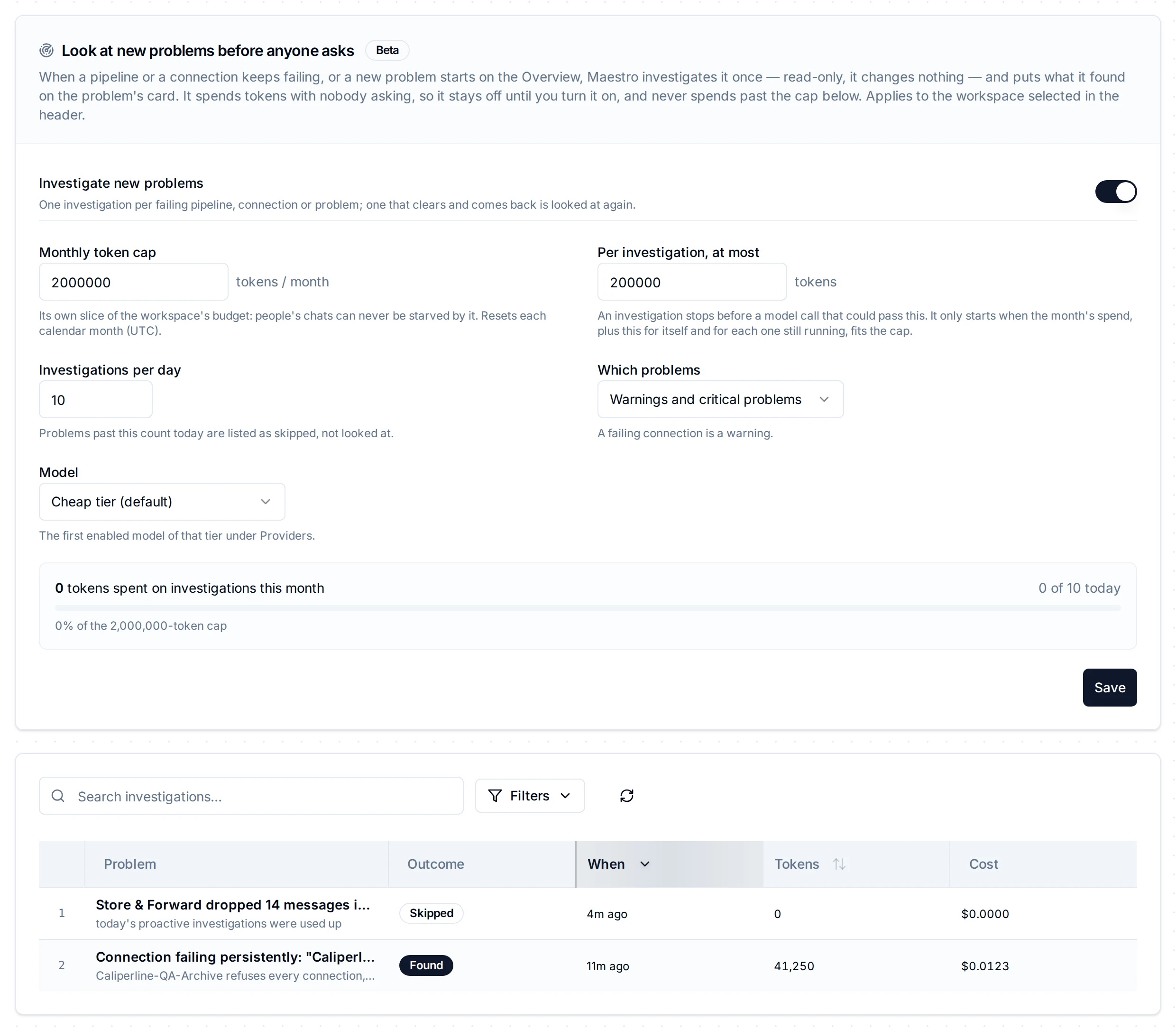
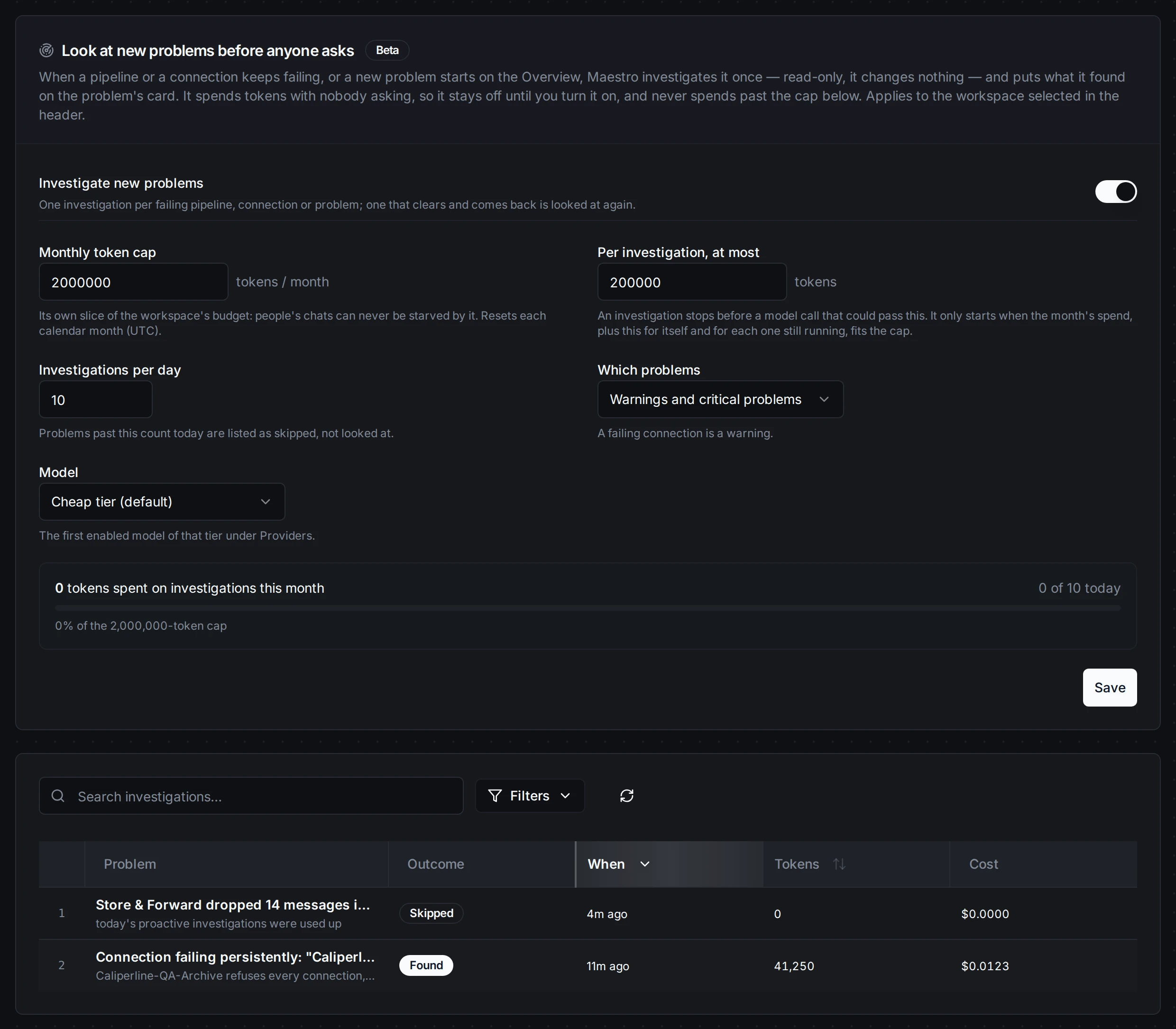
Second Brain → Usage → Proactive
| Setting | What it does | Default |
|---|---|---|
| Investigate new problems | The switch. It can't be turned on without a monthly cap. | Off |
| Monthly token cap | The most investigations may spend in a calendar month (UTC). It can't be larger than the workspace's monthly budget, and investigation spend counts against that budget too. | None: required |
| Per investigation, at most | One investigation stops at this size. | 200,000 tokens |
| Investigations per day | Problems past this count today are listed as skipped. | 10 |
| Which problems | Warnings and critical problems, or critical problems only. A failing connection is a warning. | Warnings and critical |
| Model | The first enabled model of this tier under Providers. | Cheap tier |
The cap holds. An investigation starts only while this month's spend, plus the per-investigation size of every investigation still running, plus its own, fits the cap. Inside an investigation, Maestro checks before every model call that the call, at its largest, still fits the investigation's size; if it might not, the investigation stops there. On the cheap tier (GPT-5 mini), an investigation measured 13,000 to 58,000 tokens: about half a cent to one cent. A connection is the cheaper end; a pipeline, which means reading its runs, the dearer one.
Below the settings, the tab shows this month's investigation spend against the cap, today's count, and every recent investigation: what it found, or why it was skipped or stopped. Workspace administrators who can read Usage see the list too. The settings say they are set by a platform administrator.