Ask about this page
Beta, early access on request: open Maestro on any page and it already knows where you are. Ask about “this connection” or “these runs” without copying a name or an id.
- Open it
- The Maestro button, or Ctrl+J (⌘J on a Mac)
- Sent
- The page, its address, and what it has in focus
- Not sent
- Data: Maestro reads it itself, as you
- Your call
- Remove the page from any message
Asking about the page is part of Maestro, which is in release 3.0 as Beta and is not turned on by default. To use it, ask MaestroHub for early access: you get a licence that carries Maestro. A system administrator then connects an AI provider under Second Brain → Providers.
When you open the Maestro drawer, a chip above the box you type in shows the page you are on. It is sent with your message, so Maestro knows what you mean by "this". The same chip stays under your message once it is sent, so a chat read later still says where each question was asked.
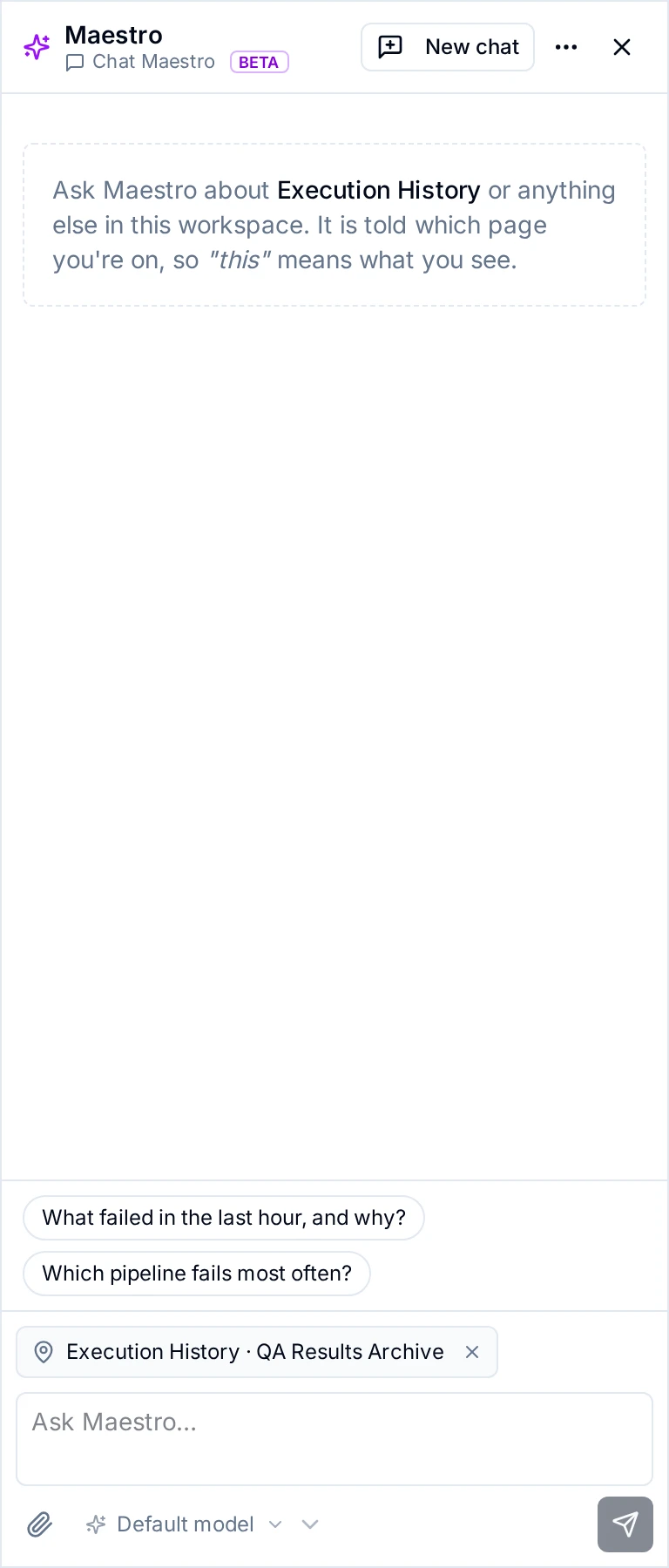
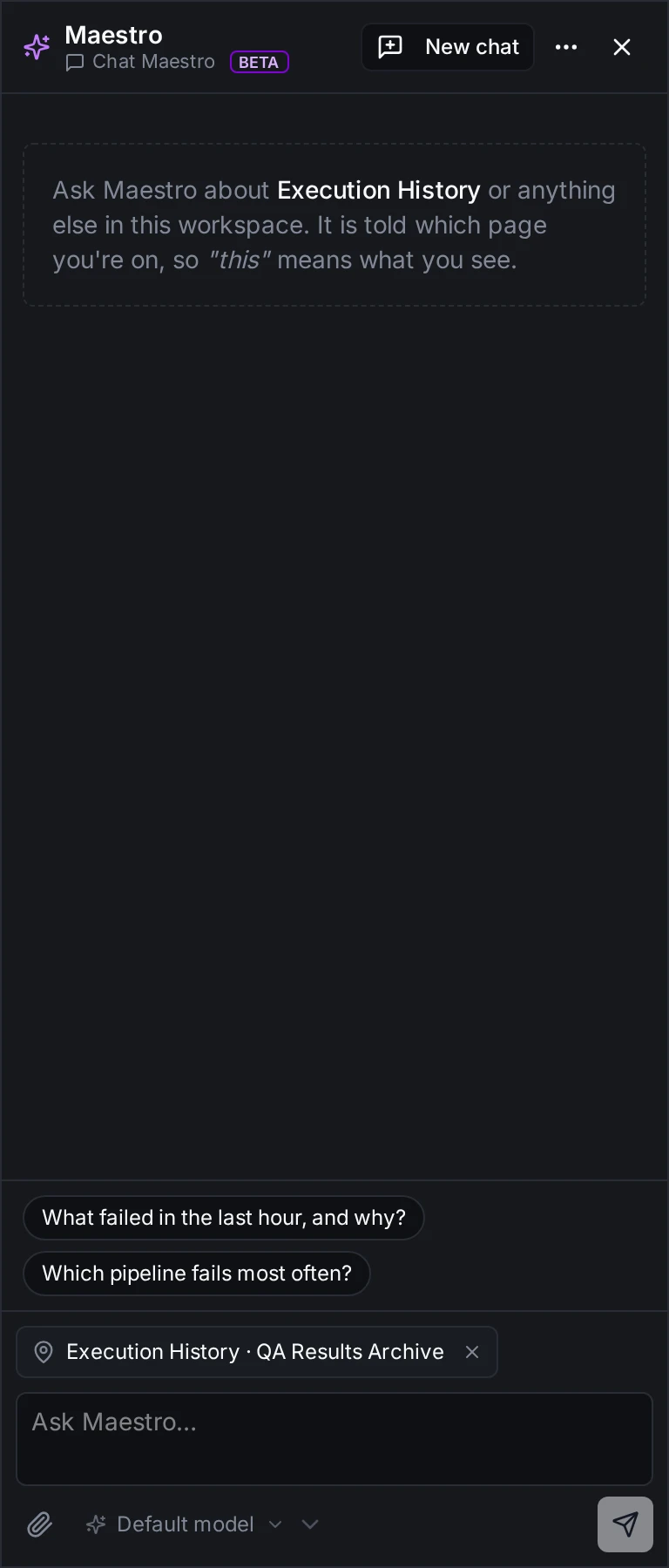
On Execution History filtered to one pipeline, the drawer names the page and the pipeline, and offers two starter questions
What Maestro is told
| What | Example |
|---|---|
| The page, as the menu names it (with its product where two products use the name, like Overview) | Execution History |
| Its address, with any filters in it | /orchestrate/executions?pipeline=…&status=failed |
| What the page has in focus, on pages that name it | The pipeline Execution History is filtered to; the topic open in the Data Explorer |
Hover over the chip to read every line that is sent.
- Names and ids only. The drawer never sends the page's data. When Maestro needs data, it reads it with its own tools, with your permissions, as in any other chat.
- Pages the menu doesn't name. On a page without a menu entry, such as your profile, nothing is sent about the page.
- Explain & fix. A chat started by Explain & fix shows no page chip. Its question already holds the facts of the problem; see Explain & fix.
Leave the page out
Click × on the chip. The message is then sent without the page, and the drawer says Maestro won't be told which page you're on. Click Include it to bring it back. When you move to another page, its chip comes back.
Starter questions
On most pages the drawer offers two questions to start with, such as Which connections are failing, and why? on Connections. Clicking one puts it in the box; you still press Send, and can change it first.
Starters show only where Maestro has tools to answer them. Pages with none, such as Store & Forward or the email settings, offer no starters; you can still ask anything there.
Chats by page in Second Brain
Every chat remembers the page it started on, whether you opened it from the drawer, from a page's own Chat with Maestro panel, or in Second Brain.
- Started on. In Second Brain → Ask, the list above your chats filters them by the page they started on. The menu shows how many chats each page has.
- Each chat's page. A chat started outside Second Brain names its page under its title.
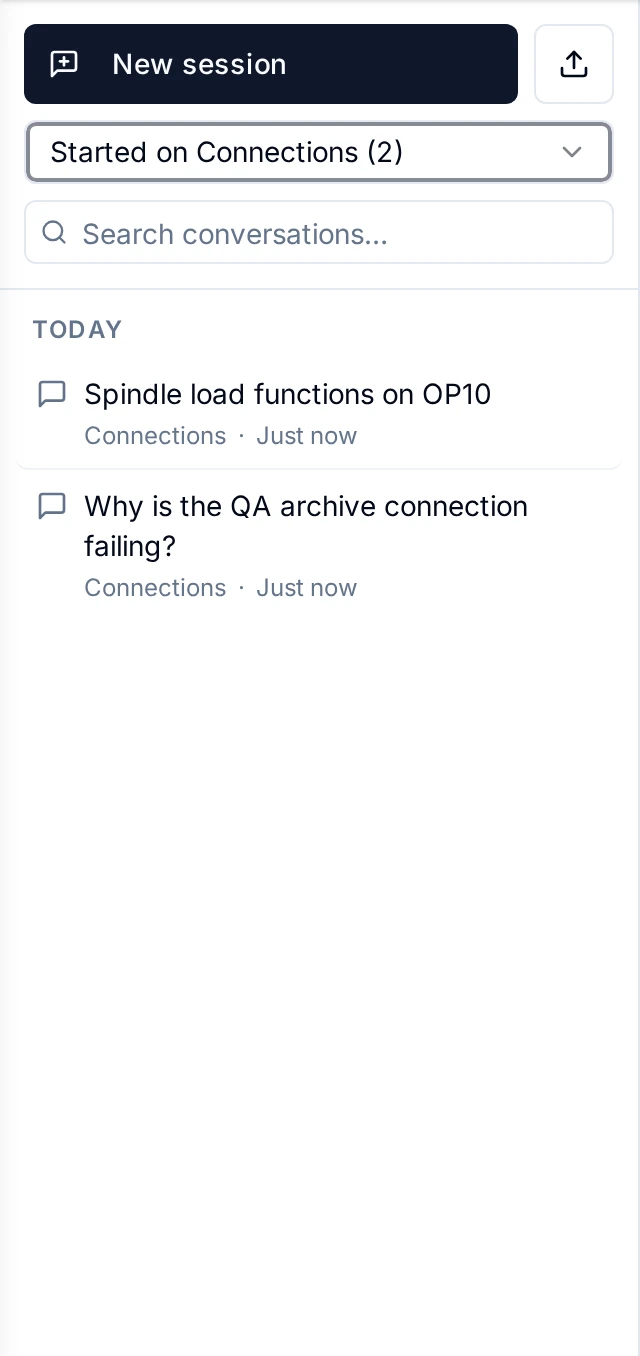
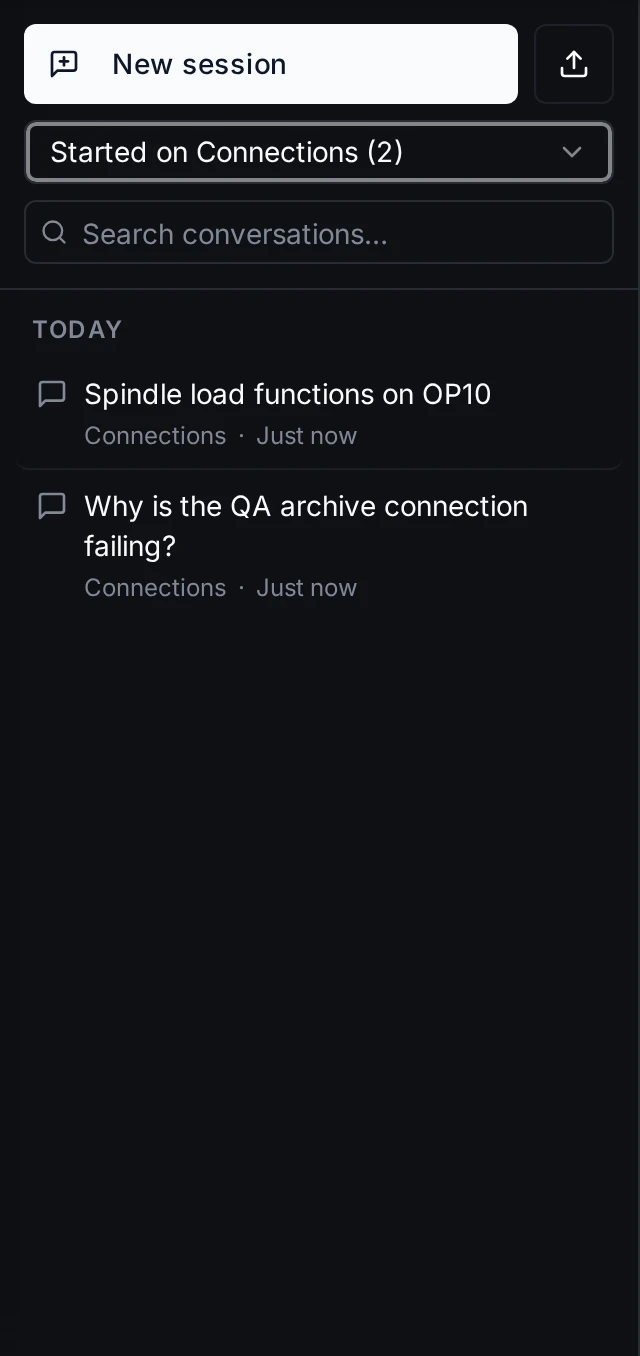
Second Brain → Ask, filtered to the chats started on Connections
Spend per page
Second Brain → Usage → Pages lists this month's chat spend by the page each chat started on: chats, tokens, cost, model calls and errors. It is for workspace administrators, like the rest of Usage.
- Not recorded. Chats from before pages were recorded share one Not recorded row.
- Rate not set. Where a model has no price set, the cost reads rate not set instead of $0.
- What is left out. Spend of pipelines' AI Agent nodes is on the Pipelines tab, not here.