Trino Nodes
Read from every catalog a Trino or Starburst cluster federates, and change data with any statement its connectors support.
- Operations
- Query · Execute
- Limits
- 50,000 rows or 40 MB per query
The Trino nodes run the functions of a Trino connection. Each node runs one function type.
Configuration Quick Reference
| Field | What you choose | Details |
|---|---|---|
| Parameters | Connection, Function, Function Parameters, Timeout Override | Select the connection profile, function, configure function parameters with expression support, and optionally override timeout. |
| Settings | Description, Timeout (seconds), Retry on Timeout, Retry on Fail, On Error | Node description, maximum execution time, retry behavior on timeout or failure, and error handling strategy. All execution settings default to pipeline-level values. |
Node Types
| Node | Purpose | Common Use Cases |
|---|---|---|
| Query | Run a query and return rows | Lake tables for dashboards, joins across catalogs, KPIs |
| Execute | Run DML or DDL, return rows affected | Summary tables, retention deletes, schema changes |
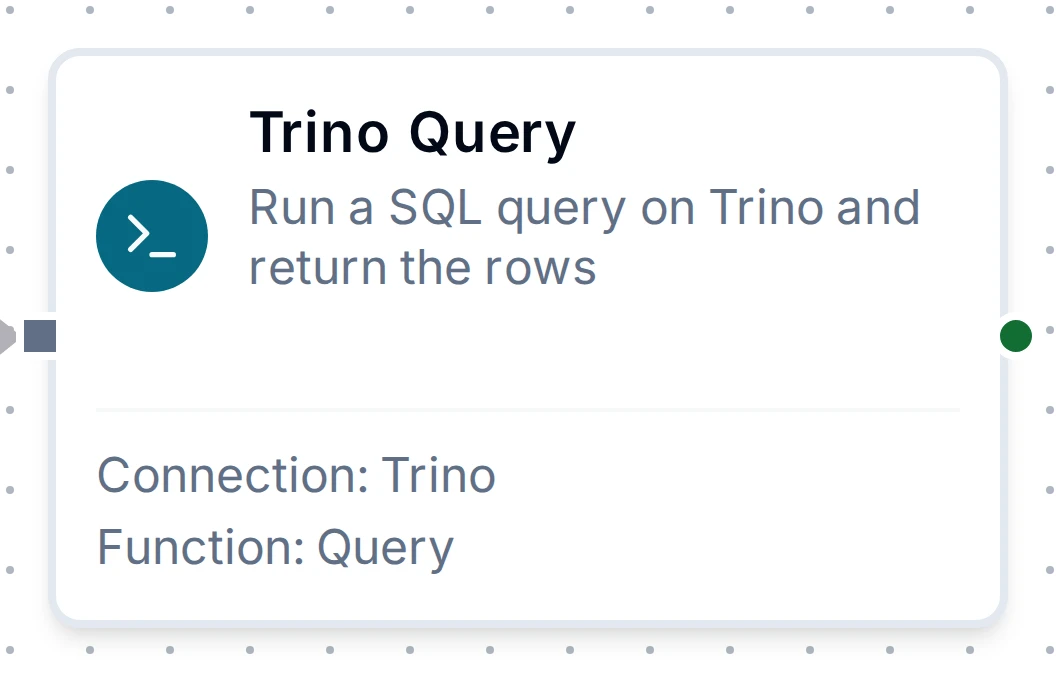
Trino Query Node
Trino Query Node
Run a query and return its rows as structured data. Rows stream in up to the result limits; when a limit is reached, the rest of the query is cancelled on the cluster.
Supported Function Types:
| Function Name | Purpose | Common Use Cases |
|---|---|---|
| Query | Run parameterized queries on Trino | Lakehouse reads, federated joins, reporting |
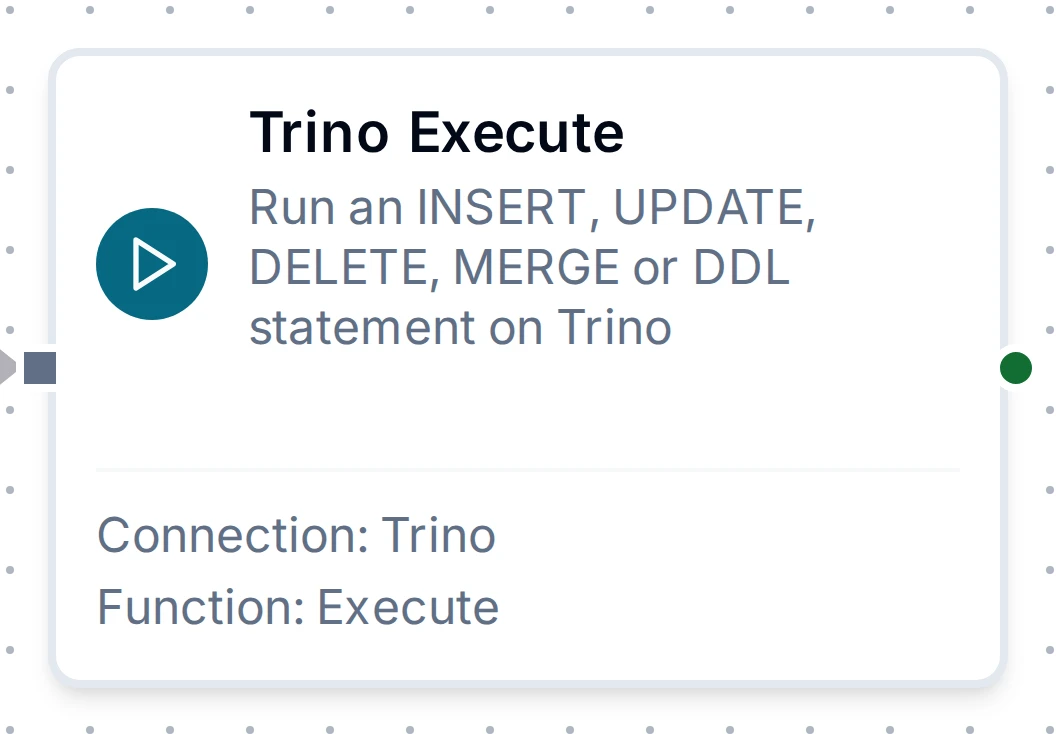
Trino Execute Node
Trino Execute Node
Run a statement that changes data or schema (INSERT, UPDATE, DELETE, MERGE, CREATE TABLE AS, CREATE, ALTER or DROP) and return rowsAffected. A statement whose outcome is unknown is not sent again automatically: a 502, 503 or 504 from the coordinator or a proxy in front of it, a failure after Trino accepted the statement, the timeout, or a dropped link. The box A statement is sent once under Execute Function in the connection guide lists every case.
Supported Function Types:
| Function Name | Purpose | Common Use Cases |
|---|---|---|
| Execute | Run any statement the catalog's connector supports | Daily summaries, retention, table maintenance |
Output
Every Trino node delivers its data under result, and execution facts (success, functionId, durationMs, timestamp) under _metadata:
| Node | Expression | Description |
|---|---|---|
| Query | $node["Name"].result.rows | The result rows, one object per row keyed by column name as Trino reports it (lower case unless quoted), up to the result limits: the 50,000-row cap and the 40 MB size budget by default. $node["Name"].result.rows[0].<column> reads a value |
$node["Name"]._metadata.truncated | true when the query hit a result limit and rows holds only what fit | |
$node["Name"]._metadata.truncatedBy | Which limit cut the result: rows or bytes. Present only when truncated is true | |
$node["Name"].result.rowCount | How many rows were delivered, the same as result.rows.length | |
| Execute | $node["Name"].result.rowsAffected | Rows the statement affected, as Trino reports it (0 for a statement that changes no rows, such as CREATE TABLE) |
A Query also delivers $node["Name"]._metadata.driver (trino), $node["Name"]._metadata.query (the SQL that ran), _metadata.truncated and, when a limit tripped, _metadata.truncatedBy. An Execute delivers _metadata.driver and _metadata.query.
truncated before you aggregateA query stopped at the row limit returns a shorter rows array that looks exactly like a complete result. Branch on _metadata.truncated, or narrow the query with WHERE and LIMIT, rather than assuming the read was complete.