Azure Data Explorer Nodes
Query and ingest into Azure Data Explorer and Microsoft Fabric Eventhouse KQL databases.
- Operations
- Query · Run Command · Stream Ingest
- Query
- KQL, row limit applied by the cluster
- Ingest
- Streaming (queryable on return)
MaestroHub provides three Azure Data Explorer nodes. Each uses an Azure Data Explorer connection and runs against its database.
Configuration Quick Reference
| Field | What you choose | Details |
|---|---|---|
| Parameters | Connection, Function, Function Parameters, Timeout Override | Select the connection profile, function, configure function parameters with expression support, and optionally override timeout. |
| Settings | Description, Timeout (seconds), Retry on Timeout, Retry on Fail, On Error | Node description, maximum execution time, retry behavior on timeout or failure, and error handling strategy. All execution settings default to pipeline-level values. |
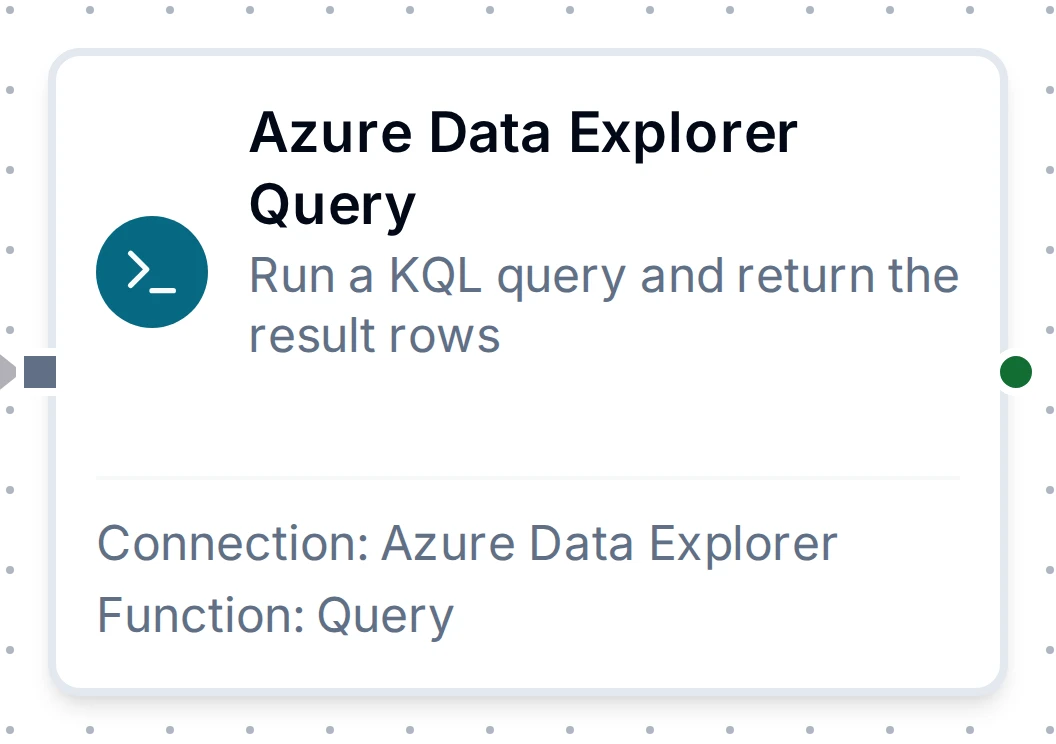
Azure Data Explorer Query Node
Azure Data Explorer Query Node
| Function Name | Purpose | Common Use Cases |
|---|---|---|
| Query | Run a KQL query and return the primary result's rows, up to the row limit | Recent averages per machine, the last alarms of a line, a lookup before a decision |
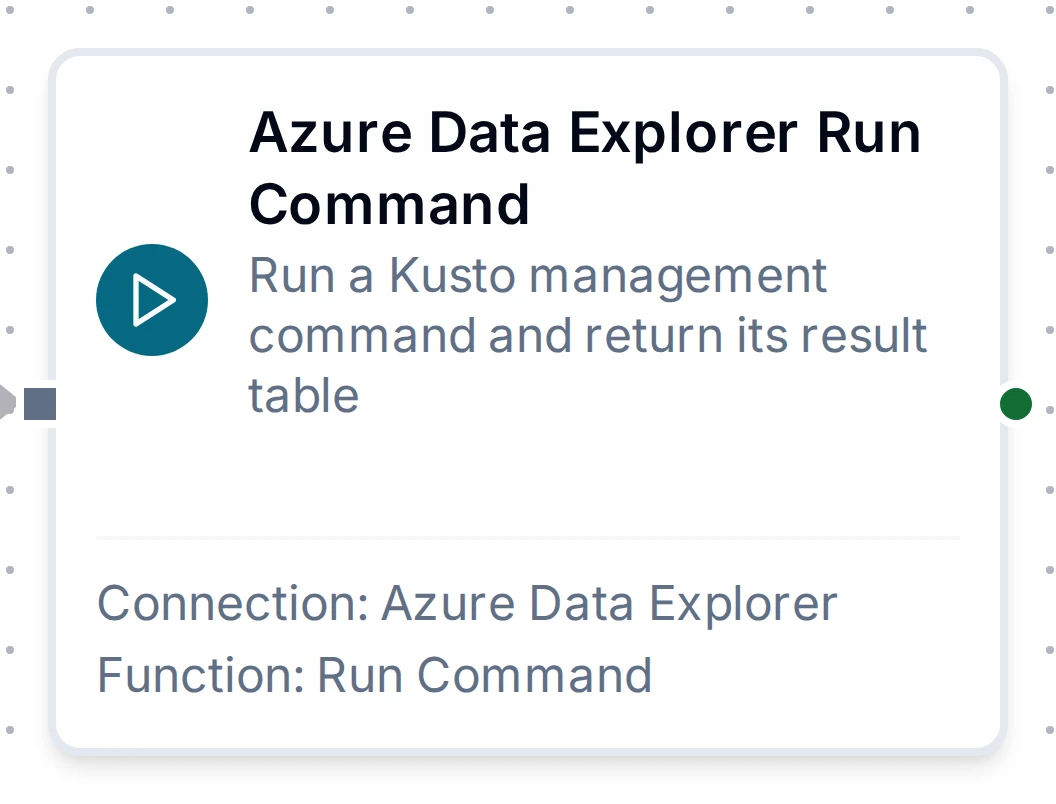
Azure Data Explorer Run Command Node
Azure Data Explorer Run Command Node
| Function Name | Purpose | Common Use Cases |
|---|---|---|
| Run Command | Run a management command (a statement that starts with a dot) and return its result table | Create a table and its ingestion mapping, enable streaming ingestion, read ingestion failures |
Azure Data Explorer Stream Ingest Node
Azure Data Explorer Stream Ingest Node
| Function Name | Purpose | Common Use Cases |
|---|---|---|
| Stream Ingest | Send records to a table and wait for the cluster to commit them | Live machine readings into an Eventhouse table for Real-Time Intelligence |
Stream Ingest is eligible for store-and-forward. A write whose answer was lost may be committed twice, because Kusto keeps every copy of a streaming request; set Write Key Column to find and drop the repeat.
Queued ingestion is not offered yet (#8533).
Output
Every Azure Data Explorer node delivers its data under result, and execution facts (success, functionId, durationMs, timestamp) under _metadata:
| Node | Expression | Description |
|---|---|---|
| Query, Run Command | $node["Name"].result.rows | The result rows, one object per row keyed by column name. $node["Name"].result.rows[0].Machine reads a column |
$node["Name"].result.rowCount | How many rows were delivered, the same as rows.length | |
| Stream Ingest | $node["Name"].result.recordsSent | Records the cluster committed in this call, queryable now |
$node["Name"].result.requests | Streaming requests the call sent, one per 4 MB of records | |
| Stream Ingest | $node["Name"].result.successCount, $node["Name"].result.failureCount | The platform's per-item report: how many records landed and how many did not, each one that did not named in the node's error |
The call's own facts ride along under _metadata next to the four every connected node carries: _metadata.method (the operation), _metadata.connectionId, _metadata.protocol (azuredataexplorer) and _metadata.database on every node; after Query and Run Command, _metadata.columns (each column's name and Kusto type), _metadata.rowCount, _metadata.truncated and, when the result was cut, _metadata.truncatedBy (rows or bytes); after an ingest, _metadata.table.