OpenTelemetry Nodes
Export machine values as OpenTelemetry gauge or sum data points, and alarms and events as log records, to a Collector or an observability backend.
- Operations
- Export Metrics · Export Logs
- Protocol
- OTLP/HTTP, one request per call
- Delivery
- At least once; store-and-forward eligible
MaestroHub provides two nodes on an OpenTelemetry connection: Export Metrics sends values as data points of a gauge or a sum, and Export Logs sends events as log records.
Configuration Quick Reference
| Field | What you choose | Details |
|---|---|---|
| Parameters | Connection, Function, Function Parameters, Timeout Override | Select the connection profile, function, configure function parameters with expression support, and optionally override timeout. |
| Settings | Description, Timeout (seconds), Retry on Timeout, Retry on Fail, On Error | Node description, maximum execution time, retry behavior on timeout or failure, and error handling strategy. All execution settings default to pipeline-level values. |
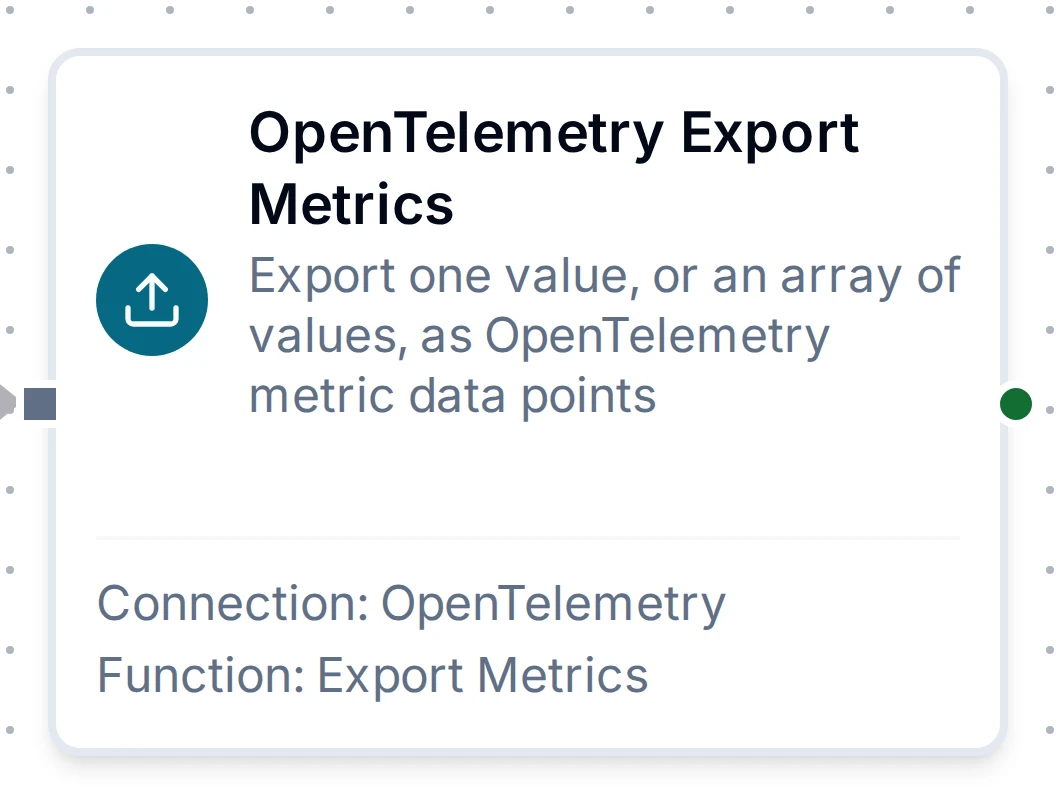
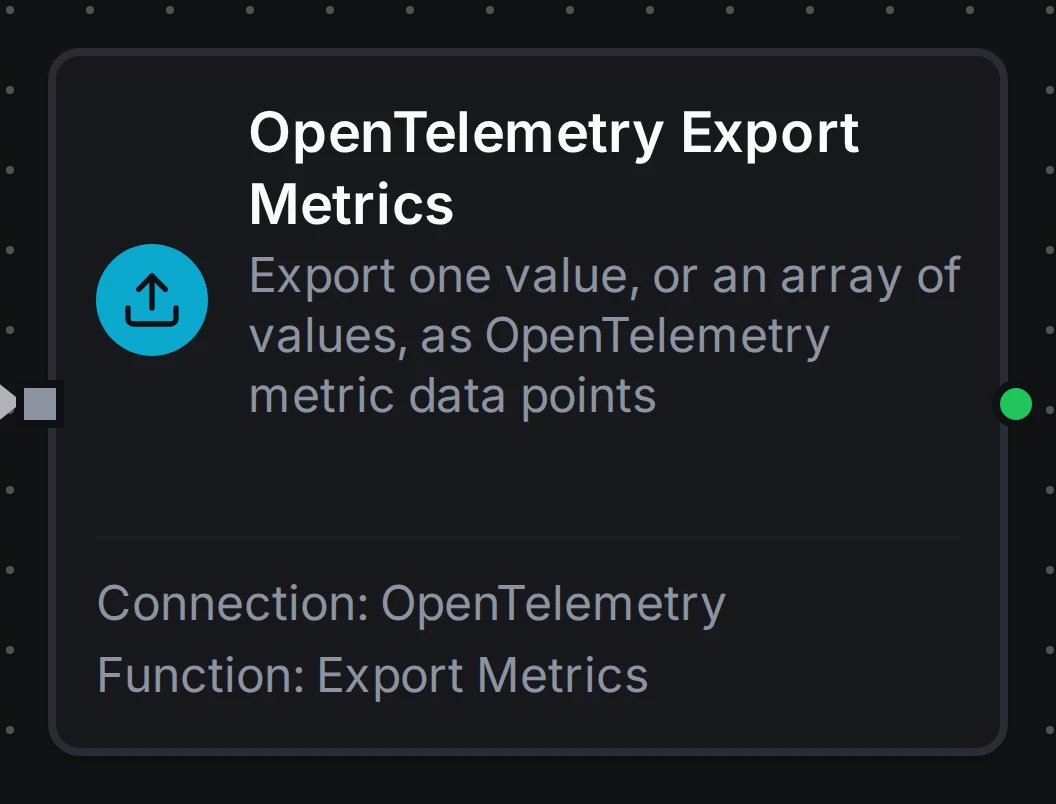
OpenTelemetry Export Metrics Node
OpenTelemetry Export Metrics Node
| Function Name | Purpose | Common Use Cases |
|---|---|---|
| Export Metrics | Export data as data points of the metric metricName, a gauge or a sum, with unit and attributes | A temperature from the UNS next to IT telemetry, a parts counter per press, a window of readings in one request |
A number is one data point; an object {"value", "quality", "timestamp", "attributes", "name"} is one point with its own time, quality, attributes and name; an array is one point per element. A point whose quality is bad is exported with no recorded value and no number, and counted in noValuePoints. A point without a time takes the moment the pipeline produced the write, which a store-and-forward replay keeps. So each item of a window of readings needs its own timestamp: two items with the same name and attributes at the same time are one series at one instant, and the node refuses them, sending nothing.
Attributes make series: keep their values to a small set such as the line or the machine. MaestroHub adds no attribute of its own to a data point.
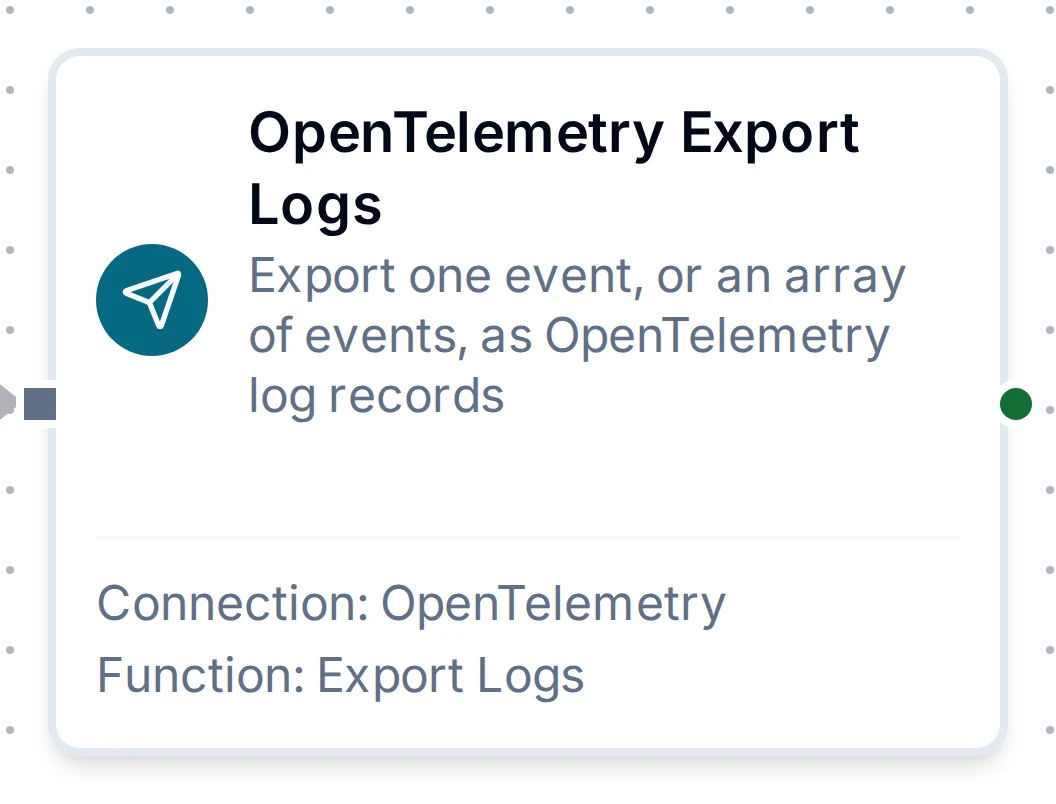
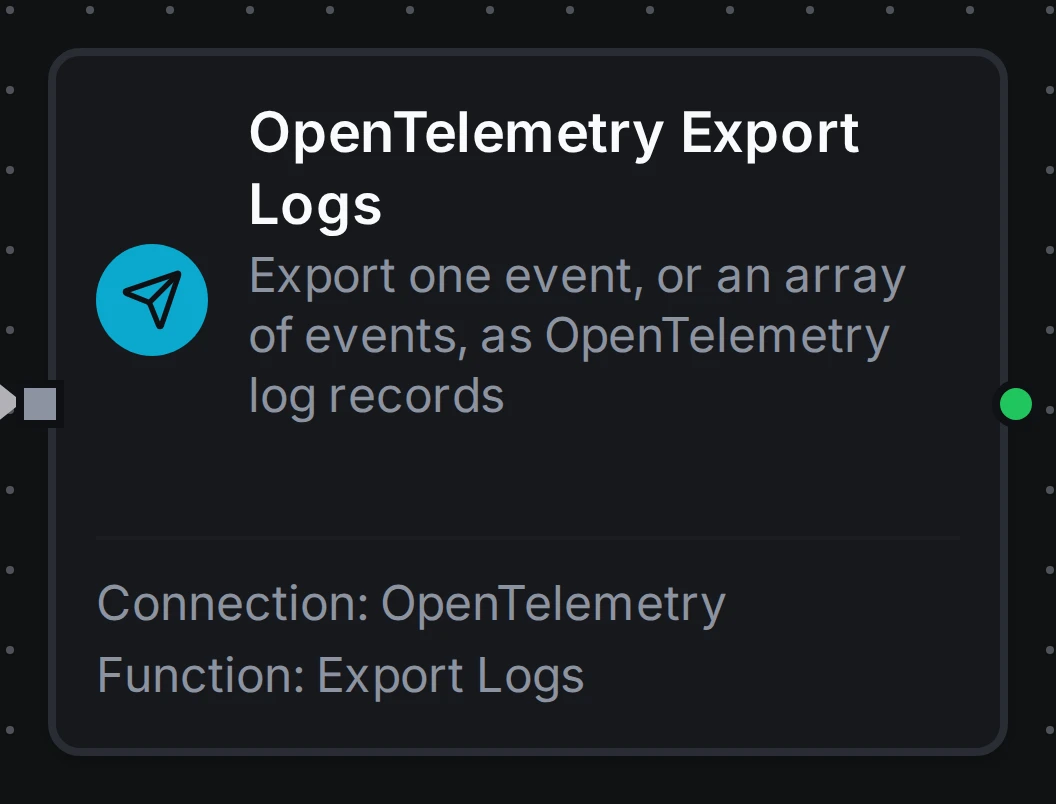
OpenTelemetry Export Logs Node
OpenTelemetry Export Logs Node
| Function Name | Purpose | Common Use Cases |
|---|---|---|
| Export Logs | Export body as log records with severity and attributes, stamped at time | Alarms per machine, quality records with their order number, a batch of events in one request |
Text is one record; a JSON object keeps its fields as a structured body; an array is one record per element. With store-and-forward, every record carries the write's key as the attribute maestrohub.write_key (<key>#<i> for element i).
At least once. OTLP backends do not drop a repeat. An export whose answer was lost may have landed, and sending it again can make a second copy. A partial success (the endpoint stored some and refused others) fails the node with the count and the reason, and is never sent again.
Output
Every OpenTelemetry node delivers its data under result, and execution facts (success, functionId, durationMs, timestamp) under _metadata:
| Node | Expression | Description |
|---|---|---|
| Export Metrics | $node["Name"].result.dataPoints | How many data points the endpoint accepted |
$node["Name"].result.noValuePoints | How many of them were exported with no recorded value because their quality was bad | |
| Export Logs | $node["Name"].result.logRecords | How many log records the endpoint accepted |
$node["Name"].result.timestamp | The time the records were stamped with, UTC RFC 3339 |
The call's own facts ride along under _metadata next to the four every connected node carries: _metadata.method (the operation), _metadata.connectionId and _metadata.protocol (otlp).