Azure Data Explorer Integration Guide
Run KQL queries and management commands, and ingest pipeline records by streaming ingestion, on Azure Data Explorer and Microsoft Fabric Eventhouse.
- Status
- Beta
- Transport
- HTTPS (443)
- Authentication
- Microsoft Entra ID
- Ingestion
- Streaming
Azure Data Explorer is Microsoft's engine for telemetry, logs and time series, queried with the Kusto Query Language (KQL). Microsoft Fabric Eventhouse runs the same Kusto engine. This guide covers the connection, authentication, the three functions, and how ingestion behaves when a link drops.
Queries, management commands, refusals and data types are checked against Microsoft's Kusto emulator. Streaming ingestion and Microsoft Entra ID sign-in are checked against an in-process Kusto endpoint only: the emulator offers neither, and they have not yet been run against a real cluster or a Fabric Eventhouse. The Fabric host names are accepted and use the same engine, but this connector has not been verified with Fabric yet.
Overview
One connection reaches one database on one cluster:
- Query runs a KQL query and returns the primary result as rows. The row limit is sent to the cluster with the query.
- Run Command runs a management command (
.create table,.create table … ingestion json mapping,.alter table … policy streamingingestion enable,.show ingestion failures) and returns its result table. - Stream Ingest sends records to a table and waits for the cluster to commit them: they are queryable when the call returns.
Queued ingestion (through the cluster's ingestion service) is not offered yet: the Kusto client's queued path cannot be held to a call's timeout, so it will be built on direct Azure Storage calls instead (#8533). Until then, use Stream Ingest, or a Run Command with .ingest for a one-off load.
Connection Configuration
Creating an Azure Data Explorer Connection
Navigate to Connections → New Connection → Azure Data Explorer.
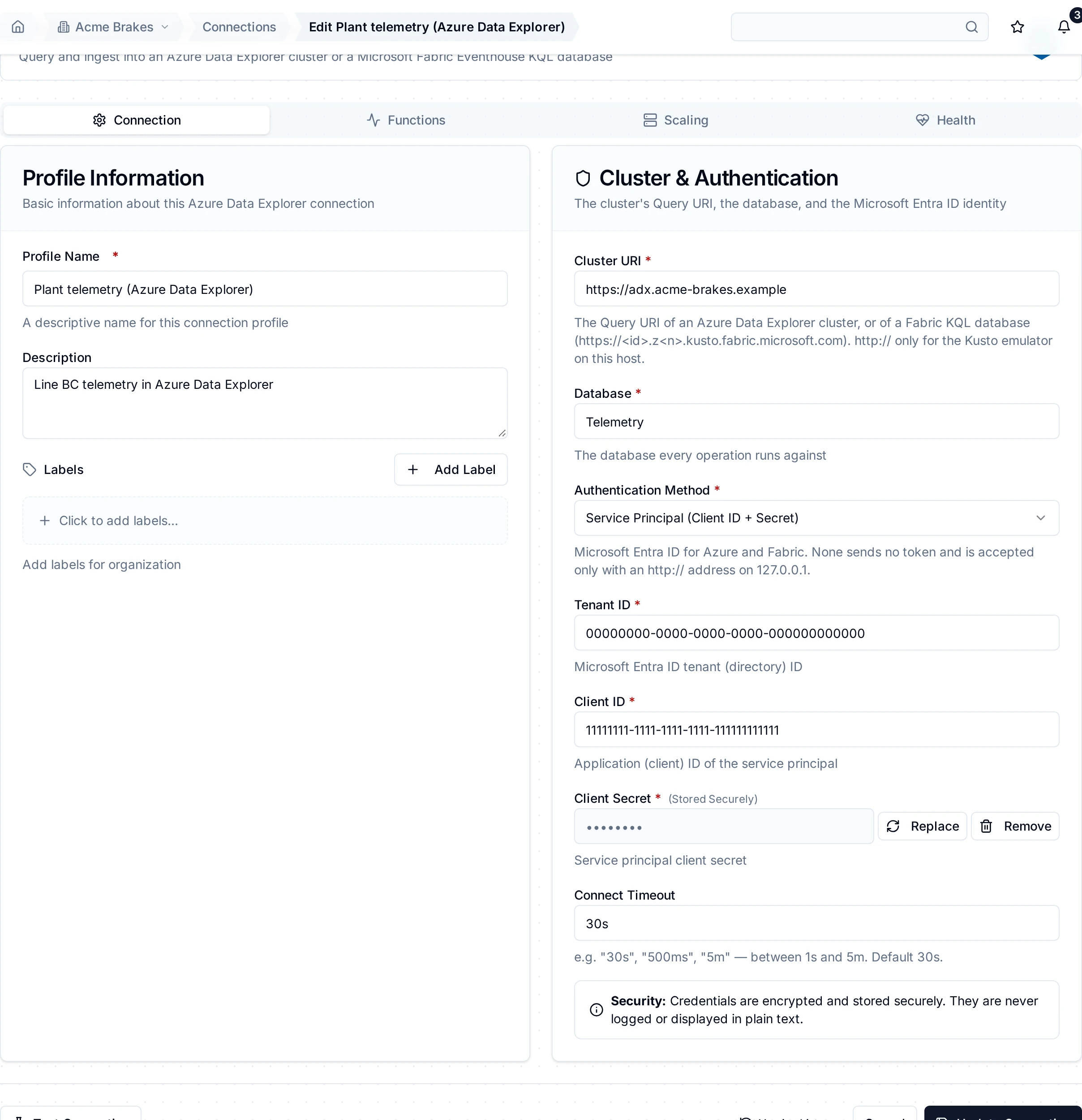
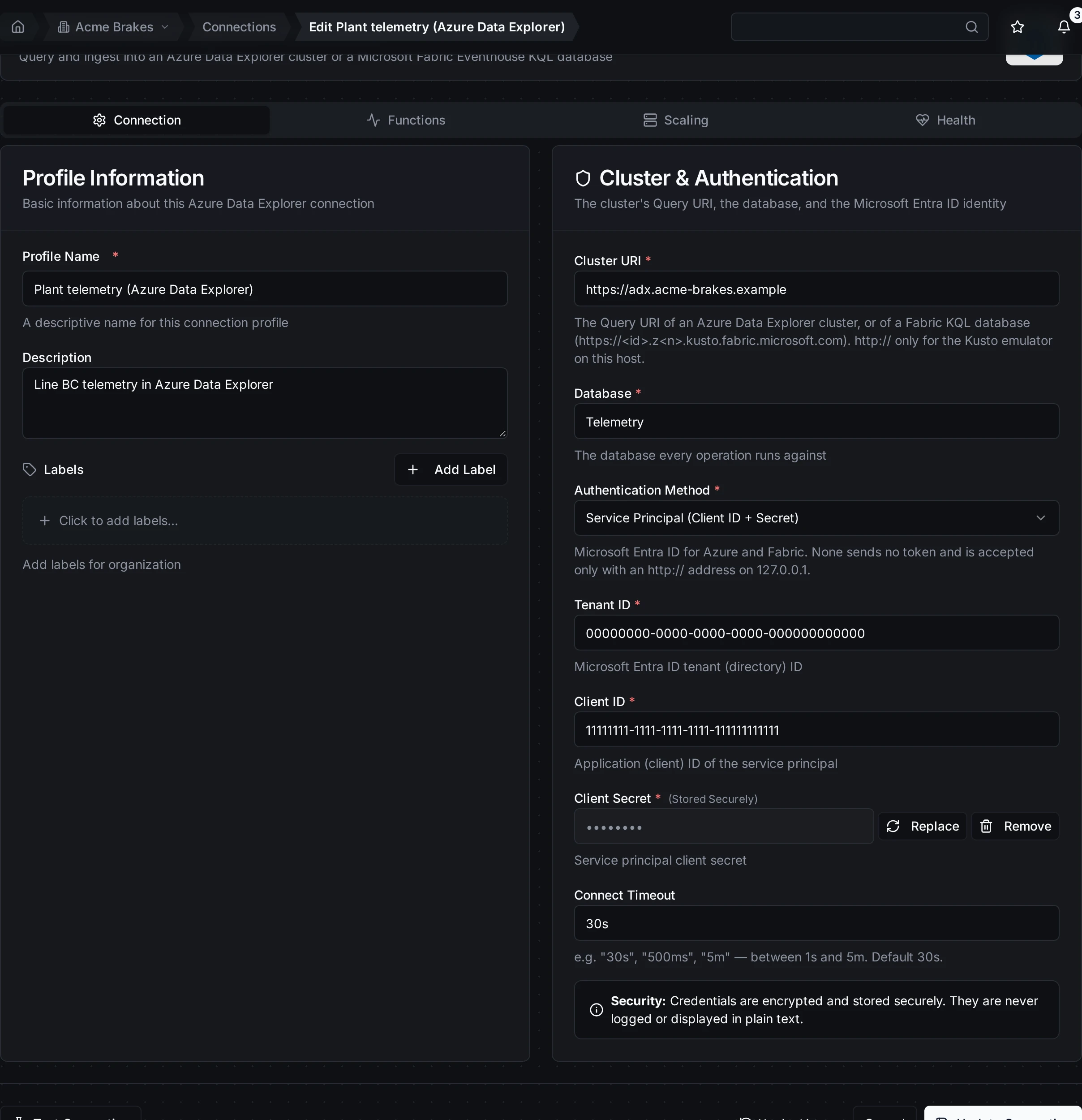
The cluster's Query URI, the database and the Microsoft Entra ID identity
| Field | What to enter |
|---|---|
| Cluster URI | The cluster's Query URI: https://<cluster>.<region>.kusto.windows.net for Azure Data Explorer, or a Fabric KQL database's Query URI, https://<id>.z<n>.kusto.fabric.microsoft.com (copy it from the database's Database details). |
| Database | The database every operation runs against. |
| Authentication | Service Principal (tenant ID, client ID and client secret of an app registration), Managed Identity (the host's identity; set Client ID for a user-assigned one) or Default Credential Chain (environment, workload identity, managed identity, Azure CLI). None is only for the Kusto emulator. |
| Connect Timeout | How long the connection check may take, including signing in and a suspended Fabric Eventhouse waking up. |
Permissions
Every connection needs Viewer on the database: the connection check runs a query (print alive=1), and a keyed Stream Ingest reads the table's schema and mapping first. Add roles on top for what the functions do:
| Function | Database role |
|---|---|
| Query | Viewer |
| Run Command | Viewer for .show commands; Admin for commands that change schema or policies |
| Stream Ingest | Viewer and Ingestor |
.add database Telemetry viewers ('aadapp=<client-id>;<tenant-id>')
.add database Telemetry ingestors ('aadapp=<client-id>;<tenant-id>')
On Fabric, give the service principal access to the workspace or the KQL database, and turn on the tenant setting that lets service principals use Fabric APIs.
Testing the Connection
Test Connection signs in and runs print alive=1 against the database. It proves the token, the address, the database name and Viewer access in one round trip. A refused credential, or a database the cluster says is not there, fails the connection at once and is not retried.
The Kusto emulator
For local development, run Microsoft's emulator (mcr.microsoft.com/azuredataexplorer/kustainer-linux, started with ACCEPT_EULA=Y) and connect to it with Cluster URI http://127.0.0.1:8080, Database NetDefaultDB and Authentication None. The emulator must be reached on this host's loopback address: the Kusto client sends nothing over plain http to any other host. It has no streaming ingestion; put data in with .set-or-append or .ingest inline through Run Command.
Function Builder
After saving the connection, open its Functions tab → New Function and choose one of the four operations.
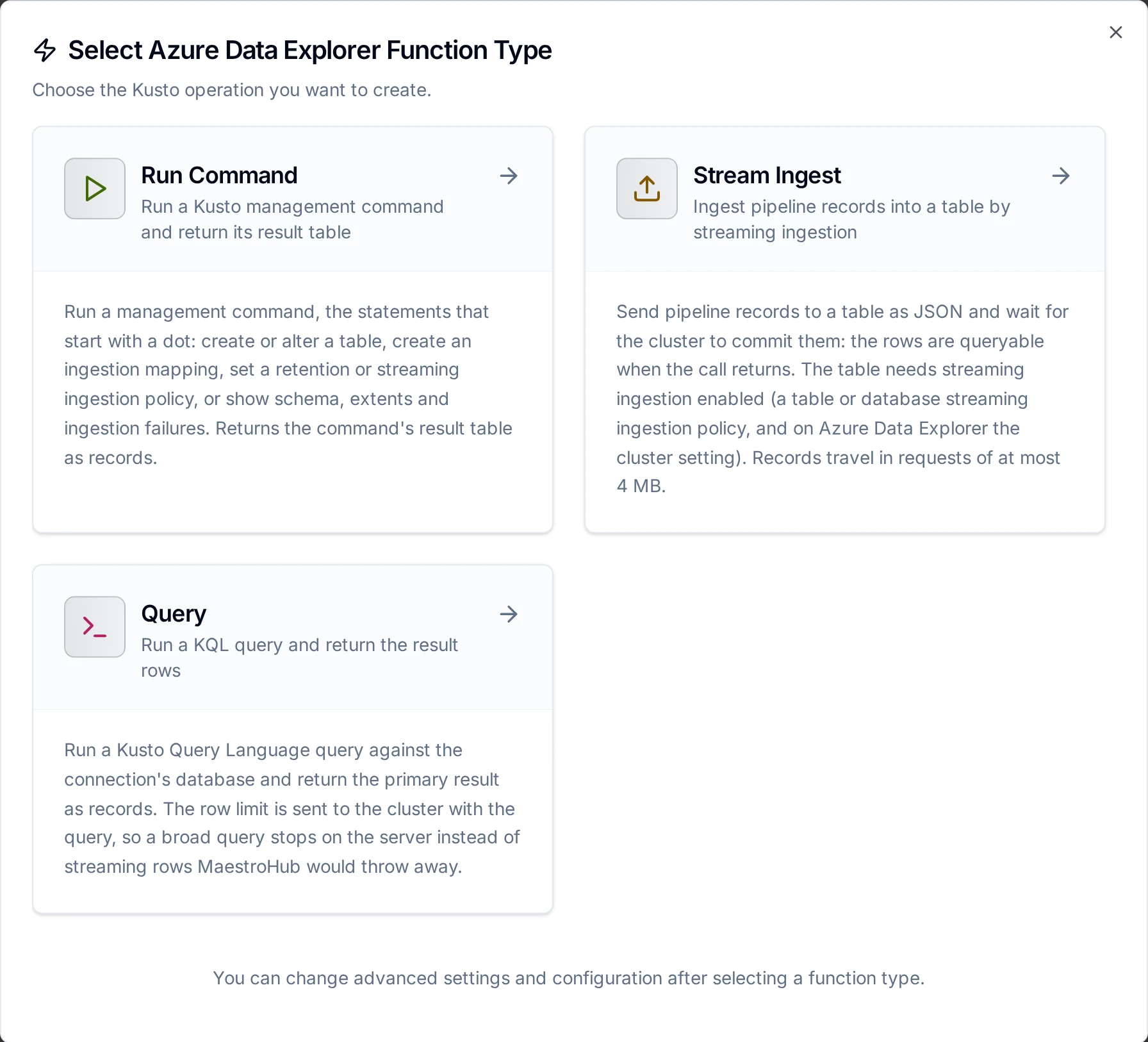
Query reads, Run Command runs management commands, Stream Ingest writes
Query (azuredataexplorer.query)
| Parameter | Description |
|---|---|
| KQL Query | The query to run. ((parameter)) placeholders are filled from the pipeline. |
| Max Rows | Most rows to return (1 to 100000). The platform's query result limits (50,000 rows and 40 MB by default) still apply. |
| Timeout | Bound on the query; it is also sent to the cluster as the query's server timeout. |
A ((parameter)) in the query becomes a function parameter, filled from the pipeline at run time:
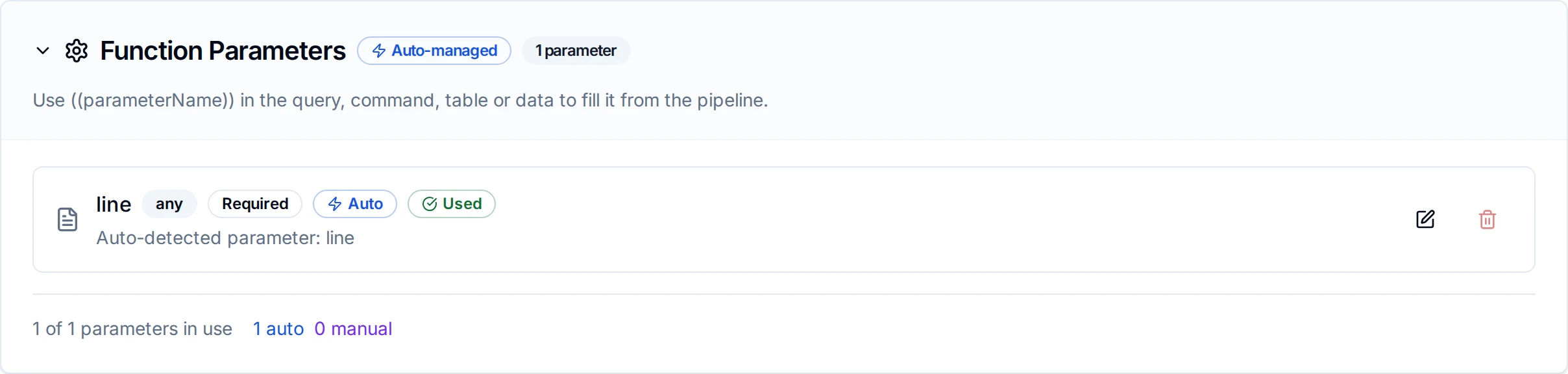
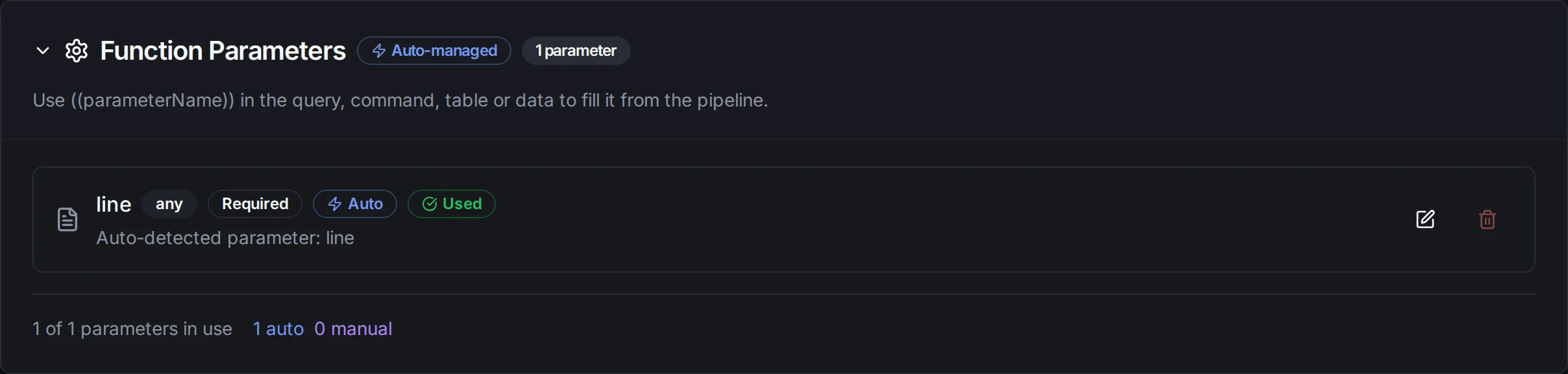
A Query whose KQL carries ((line))
The row limit travels to the cluster as query_take_max_records, so a broad query stops on the cluster. When the result is cut, _metadata.truncated is true and _metadata.truncatedBy names the limit. A failure the cluster reports after the rows (a partial query failure) fails the call: the rows read before it are not passed off as the whole result.
Values arrive as the pipeline reads them: long exactly, decimal as text with every digit, datetime as an RFC 3339 UTC timestamp, timespan as a duration such as 1h30m0s, dynamic as its JSON value, and a null as null. A real that is NaN or infinite arrives as null.
Run Command (azuredataexplorer.command)
| Parameter | Description |
|---|---|
| Command | A management command, starting with a dot. |
| Timeout | Bound on the command. |
A command's result may be at most a quarter of the platform's query byte limit, never more than 32 MB and never less than 1 MB (10 MB by default); a larger one fails and says so. Narrow it with | take or | where, or project fewer columns. The limit is small because the Kusto client decodes a command's whole result before returning a row, holding up to about ten times its size in memory: a 10 MB result can take about 100 MB while it is read, and a connection runs at most four calls at once.
Running a Run Command function needs the invoke permission on it, not write. The cluster then checks only the connection's identity: if that identity is a database Admin, anyone who may invoke a Run Command function on the connection can drop or alter its tables. Give the connection's identity Viewer (and Ingestor for ingest), and use a separate connection with an Admin identity only for the functions that must change the schema.
Run Command is how a pipeline prepares what Ingest needs, for example a table with a write key column, a mapping that fills every column including the key, and streaming ingestion (one command per function):
.create-merge table Telemetry (Timestamp: datetime, Machine: string, Temperature: real, WriteKey: string)
.create-or-alter table Telemetry ingestion json mapping 'TelemetryMapping' '[{"column":"Timestamp","Properties":{"Path":"$.Timestamp"}},{"column":"Machine","Properties":{"Path":"$.Machine"}},{"column":"Temperature","Properties":{"Path":"$.Temperature"}},{"column":"WriteKey","Properties":{"Path":"$.WriteKey"}}]'
.alter table Telemetry policy streamingingestion enable
Stream Ingest (azuredataexplorer.ingest.streaming)
| Parameter | Description |
|---|---|
| Table | The table to ingest into. It must exist. |
| Data | An array of records, or one record, as JSON: usually a ((parameter)) the pipeline fills. |
| Ingestion Mapping | A JSON ingestion mapping on the table. Empty maps record fields to columns by name. |
| Write Key Column | A string column that receives each record's write key, <key>#<row>, on a pipeline write. The key travels in the record's field of that name. With an Ingestion Mapping, the mapping must fill that column from that field ({"column":"WriteKey","Properties":{"Path":"$.WriteKey"}}). |
| Timeout | Bound on the call. |
Before a keyed write the connector checks that the key will land, because Kusto would otherwise drop it without a word: the table must have the Write Key Column, and a named Ingestion Mapping must fill it from the record's key field. A write that fails either check is refused before anything is sent, with the command that fixes it. A passed check is remembered for ten minutes, and forgotten at once when a write to the table fails permanently.
The table needs streaming ingestion: a streaming ingestion policy on the table or database, and on Azure Data Explorer the cluster's streaming ingestion setting. Without it the cluster refuses the request, and the node says so.
Records travel in requests of at most 4 MB. Each request is committed whole or not at all; the node reports every record, and a later request is not sent once an earlier one failed for a reason that may pass.
A resent write can add its rows twice. Stream Ingest is eligible for store-and-forward: while the cluster is unreachable, writes are buffered and sent when it returns. If a request's answer was lost, the cluster may already have committed it, and the resend adds the rows again: Kusto has no duplicate check for streaming ingestion. Set Write Key Column and keep one row per key in a materialized view, for example:
.create materialized-view TelemetryDeduped on table Telemetry
{ Telemetry | summarize take_any(*) by WriteKey }
Pipeline Integration
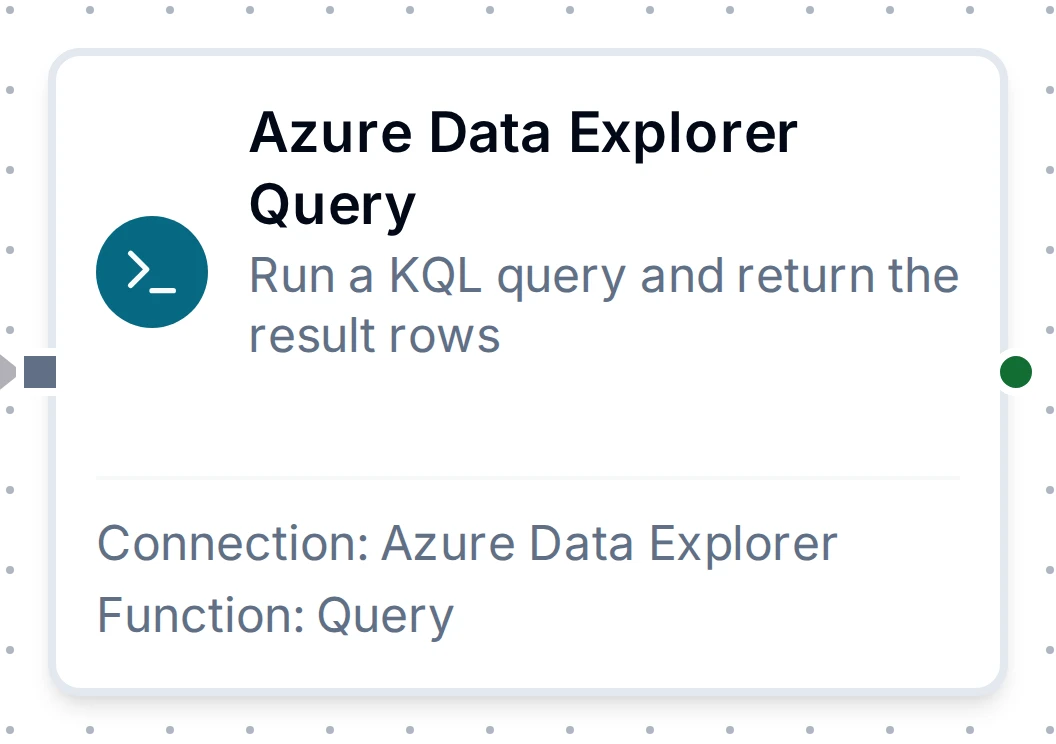
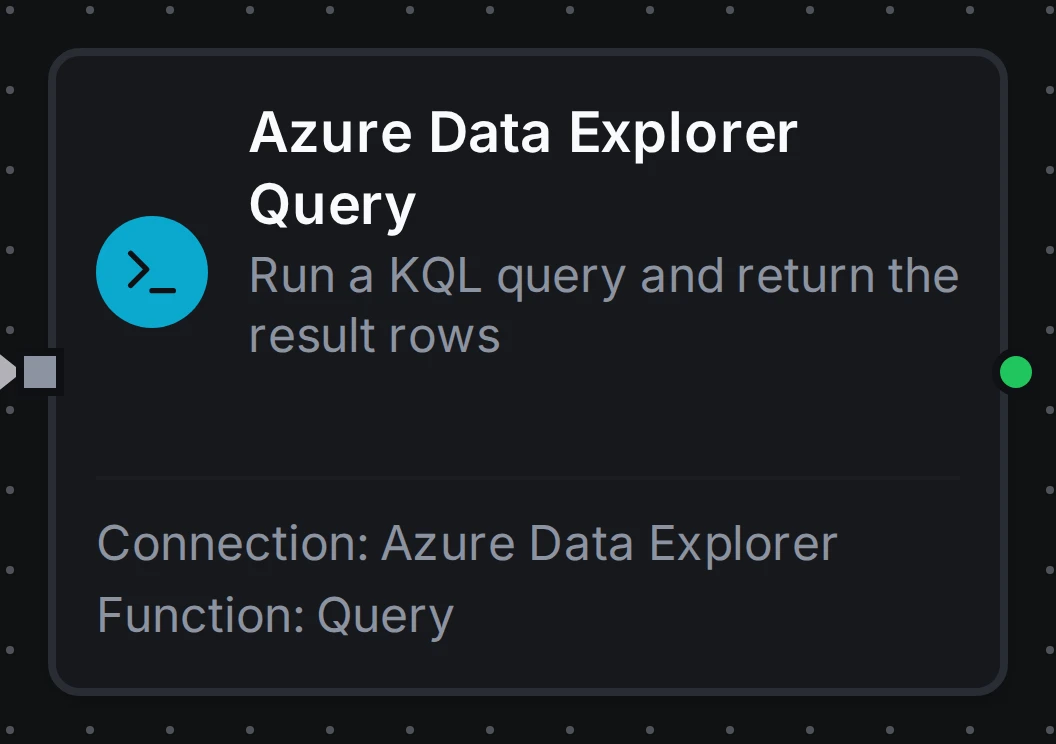
The Azure Data Explorer Query node with its connection and function
Each function becomes a node in the Pipeline Designer's Azure Data Explorer group: Query, Run Command and Stream Ingest. The Azure Data Explorer nodes page lists what each node delivers.
Common Use Cases
- Land machine readings in an Eventhouse table for Real-Time Intelligence dashboards, with Stream Ingest.
- Read the last hour's averages per machine with Query, and feed them to a decision node.
- Create a table and its ingestion mapping when a new line comes online, with Run Command.
Troubleshooting
| What you see | What to do |
|---|---|
Microsoft Entra ID did not issue a token: AADSTS… | The credential is wrong or expired: check the tenant ID, client ID and secret. |
Kusto answered 403 | The identity has no role on the database: add it as Viewer or Ingestor. |
Kusto answered 400 … Streaming ingestion policy is not enabled | Enable streaming ingestion on the table or database (and, on Azure Data Explorer, the cluster's streaming ingestion setting). |
Kusto answered 400 … table not found | Create the table with Run Command first. |
plain http is accepted only for the Kusto emulator on this host | Use the cluster's https:// Query URI; for the emulator, publish its port on 127.0.0.1. |