Security and IT approval
Questions an IT or security team asks before MaestroHub goes near a plant network. All questions
Can it run entirely on our own servers, with nothing sent to you, even with no internet at all?
Available
Yes. You install it on your servers, your edge devices or your own cloud account; we run no hosted copy. The licence is a signed key checked offline. A new installation sends nothing to us until an administrator agrees, and air-gapped sites can switch the report off for good.
- Where it runs. A single binary on Windows, macOS or Linux, Docker, or Kubernetes for Enterprise. See Install and run and System requirements.
- The licence. A signed licence key, verified inside the product against a key built into it. There is no licence server to reach. See Licensing and trial.
- Telemetry. Nothing is sent until an administrator agrees at setup, with neither answer preselected. The report holds counts and versions, never hostnames, IP addresses, names, topics, data values or pipeline contents. A setting in the configuration makes sure it can never be turned on from the UI. See Telemetry.
- Language models. MaestroHub calls no language model unless you configure one. See AI agents.
Try it: Admin › Privacy & Telemetry shows the exact report the installation would send, before anyone agrees. Opening it sends nothing.
Will it pass our IT security review? Single sign-on, roles, encryption, MFA, TLS?
Partly
Single sign-on over OIDC, SAML and LDAP, built-in roles in every workspace, permissions per topic, stored credentials encrypted with a key per module, and TLS 1.2 or later. MFA comes from your identity provider: there is no built-in MFA.
- Single sign-on. OIDC, SAML 2.0 and LDAP. Your identity provider's own policies apply, MFA included. See Single sign-on.
- Roles. Built-in roles separate who administers, who connects machines, who builds pipelines and who only reads. See Users and roles.
- Topic permissions. Reading and publishing topics are permissions, checked for people, API clients and agents on every read, write and MQTT delivery. A branch can be closed to all but a list of writers. With Advanced Access Control, access is shared or denied per topic or branch. See Data Explorer: Topic access.
- Machine and API access. OAuth2 clients and personal access tokens, scoped to a workspace. See API authentication.
- Secrets at rest. Connector passwords, identity provider secrets and signing keys are encrypted, each module with its own key. A new installation makes its own keys. See Upgrade safety: Secrets are encrypted at rest.
- TLS. TLS 1.2 is the minimum on MaestroHub's own listeners and its connectors; TLS 1.3 is used whenever the other side offers it. See Install and run.
- Audit. Changes and sign-ins are recorded in a hash-chained audit trail you can verify. See Audit trail.
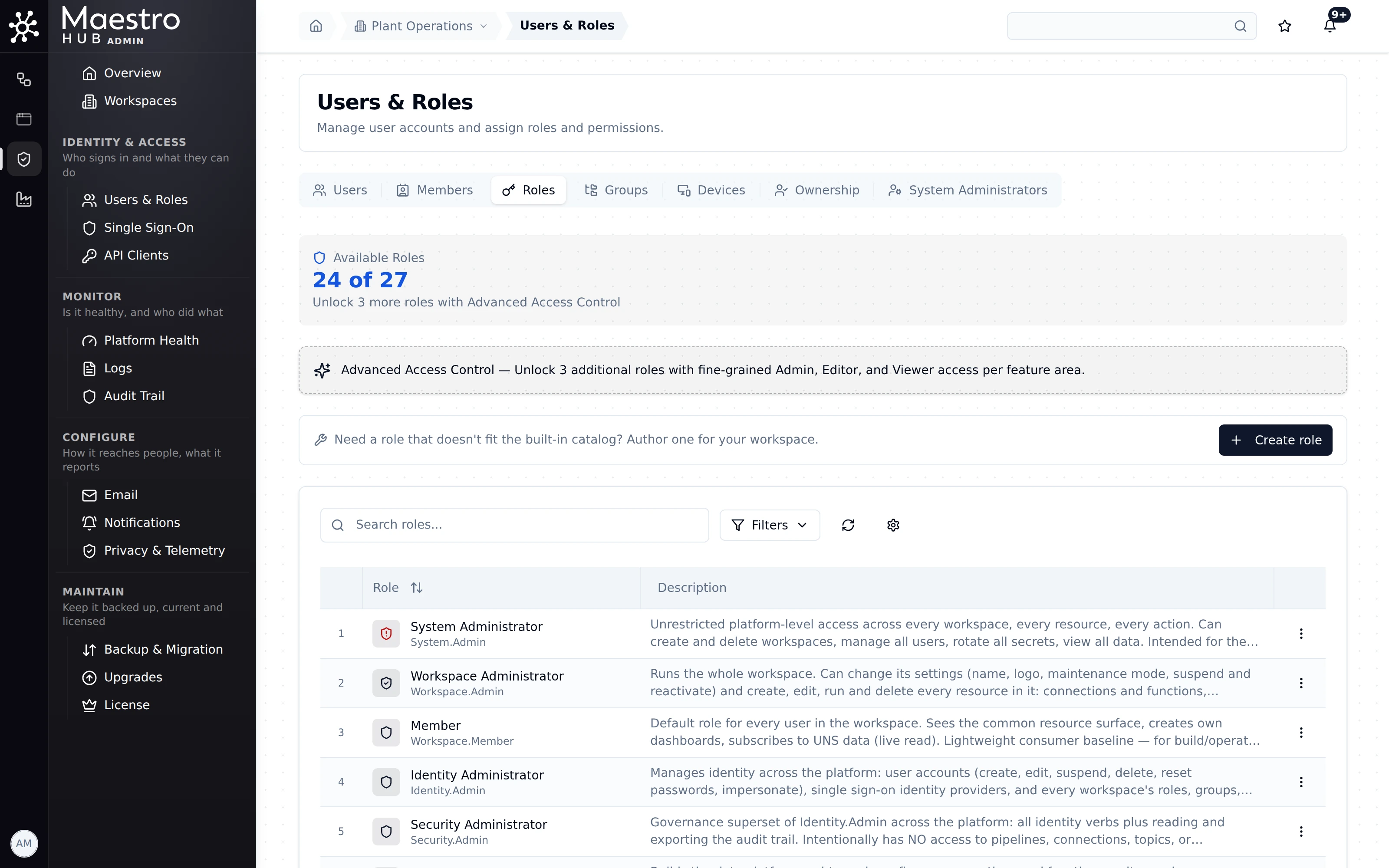
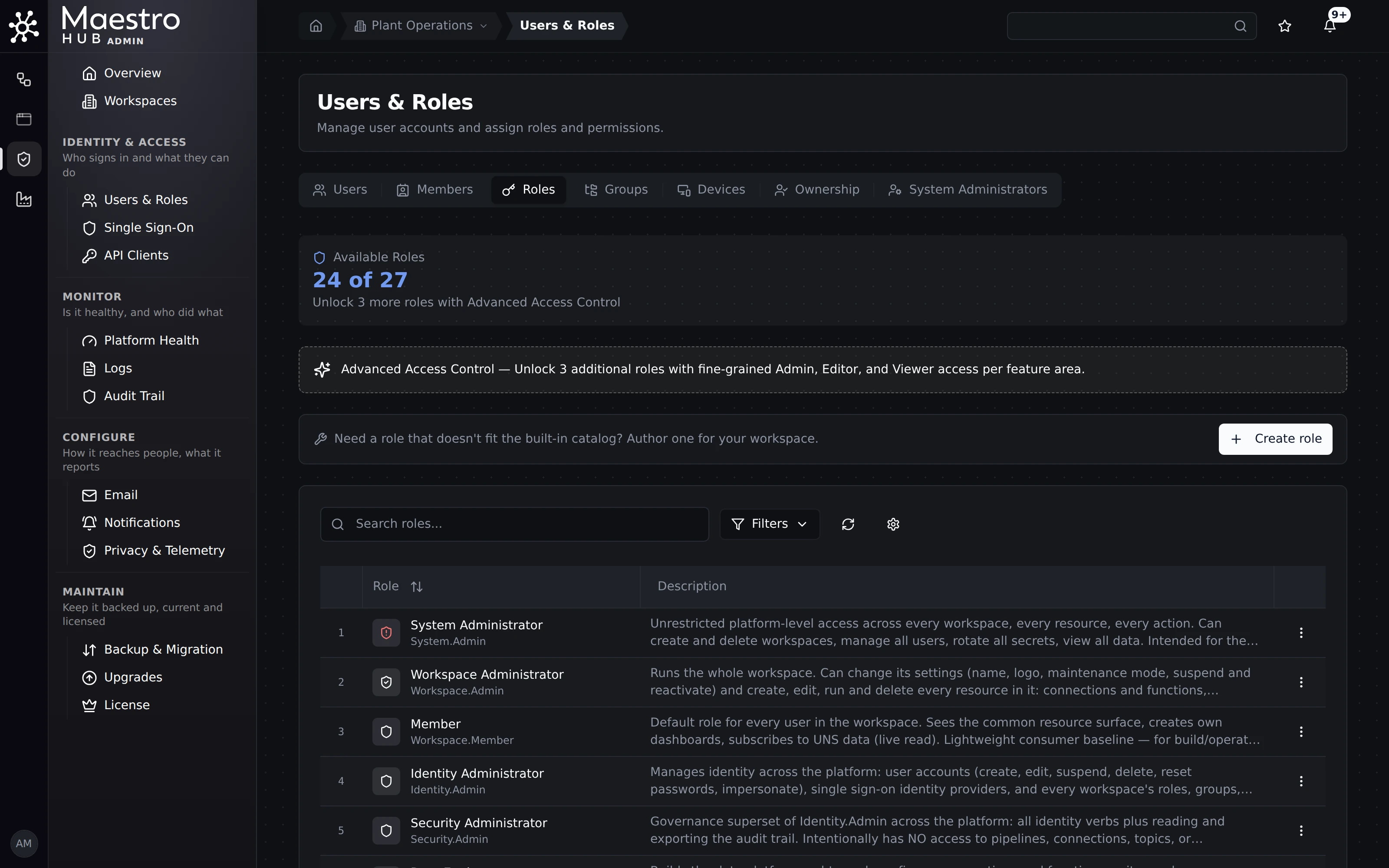
Admin › Users & Roles › Roles: the built-in roles and what each may do.
Built-in multi-factor authentication (use your identity provider's MFA through single sign-on), and a setting that refuses TLS 1.2 so that only TLS 1.3 is accepted.
Which certifications do you hold? ISO 27001, IEC 62443, SOC 2?
Available
The company holds ISO/IEC 27001:2022, which you can check yourself. It covers how we build and support the software; it is not a product certification. We do not hold SOC 2 or IEC 62443, and no independent penetration test is on record yet.
- ISO/IEC 27001:2022, certificate number 2470042, issued by Naviga (accredited by TÜRKAK), valid to 20 February 2027. Its scope is the company's software development for industrial data governance technologies and the support activities around it.
- Check it yourself on the TÜRKAK database, tbds.turkak.org.tr, with the certificate number.
- Not held: SOC 2, IEC 62443 and GxP. No independent penetration test of the product is on record yet.
Can it write back to our machines safely?
Partly
Yes, with permissions and rules. Running a write function is a permission, and a custom role can allow reads without writes. Writes to machines are never replayed late from a buffer, and an Approval node can hold a step until a person decides. It is a data path, not a control loop, and it is not safety-rated.
- Which connectors write. Industrial connectors such as OPC UA, Siemens S7, Modbus, EtherNet/IP and MELSEC have write functions; each connector's page lists its operations.
- Who may write. Running functions on a connection is the
function:executepermission. A custom role narrows it to chosen effects, for example read only, so a person can read a PLC without writing to it. See Custom roles (Advanced Access Control: Enterprise and the free trial). - No late writes. A write to a machine is a control command that is only useful now: it is never put in a Store & Forward buffer to be delivered after an outage. See Store & Forward.
- A person in the loop. An Approval node pauses a pipeline until someone approves or rejects. Approvals is a licence add-on.
- A record. Changes to connections, functions and pipelines are in the audit trail, and each pipeline run is in its execution history.
MaestroHub is not a control system and is not safety-rated: interlocks and safety functions stay in the PLC and the safety system. A governed command layer (who may send which command to which machine, with limits) is not in this release.
Can we limit each person to their own plant or line?
Available
Yes. Workspaces separate sites or business units in one installation. With Advanced Access Control, access is shared or denied on a branch of the topic tree, for example one line, and can be time-bound.
- Workspaces (Enterprise) keep connections, pipelines, topics, dashboards and people apart. Nothing is shared between workspaces. See Workspaces.
- A branch of the namespace. With Advanced Access Control, a topic or a whole branch (one line, for example) is shared with a person, a group or a client, or denied to them. Without it, a branch can still be closed to all but a list of writers. See Data Explorer: Topic access.
- Advanced Access Control (Enterprise and the free trial) adds groups, sharing, deny rules, stewards, access requests and time-bound access. See Advanced Access Control and its use cases.
There is no rule of the form "this supplier sees only the parts they supplied": access follows workspaces, topic branches and the resources shared.
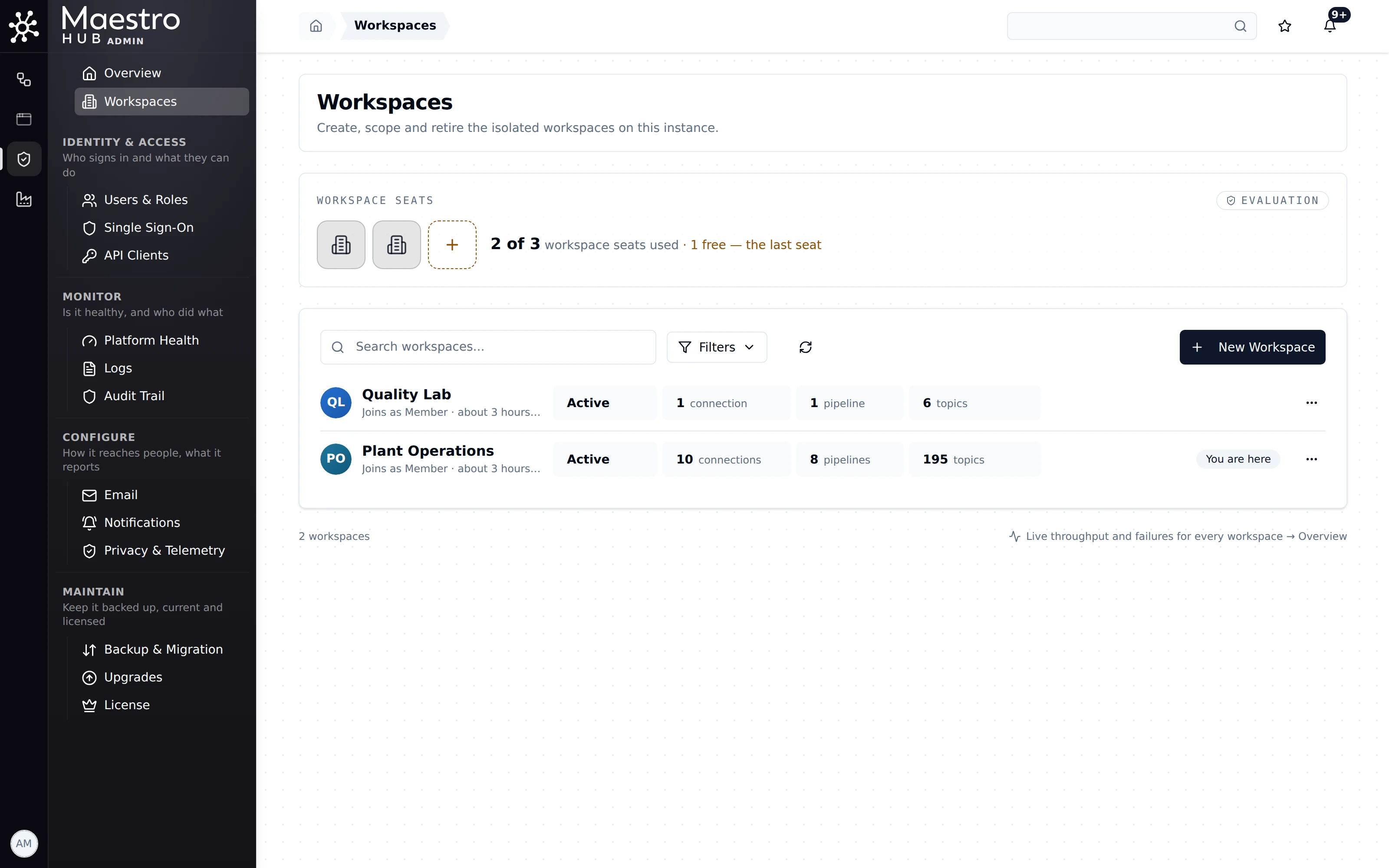
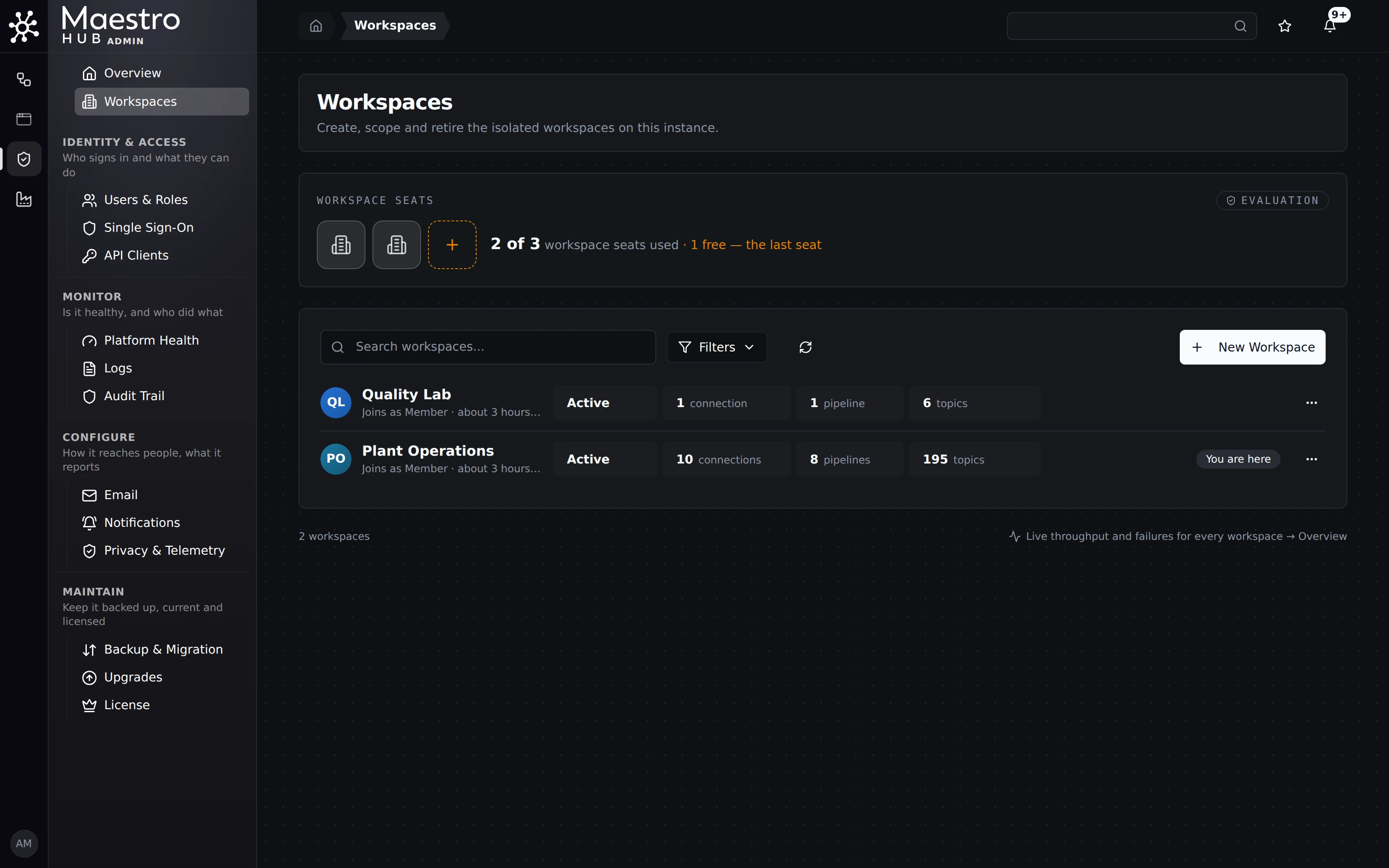
Two workspaces on one installation: a quality lab and plant operations, each with its own connections, pipelines and topics.