AI agents
Governed agent access: an assistant reaches plant data through the same permissions, audit trail and lineage as a person. All questions
Can our AI assistants use this data safely?
Available
An assistant connects over MCP with a personal access token of the person who set it up, narrowed to what you pick and never more than that person's role. It sees only what those permissions allow, its changes are recorded in the audit trail under that person, with the token named, and every value it writes records who wrote it.
- One token per assistant. Create a personal access token for each assistant, name it, and give it the permissions for one area of work (pipelines, connections, the namespace, dashboards). It is refused in workspaces it does not name. See MCP server.
- Recorded under the person. A change an assistant makes is recorded under the person whose token it uses (
user:), and the audit record names the token, so you can tell the assistant's changes from that person's own. Only an agent token is recorded as an agent (agent:<id>). - Only the tools it can use. An assistant receives only the tools its token can call, and a refusal names the missing permission.
- The same checks as people. Topic permissions, validation rules and the audit trail apply to a tool call exactly as to a click. With Advanced Access Control, deny rules and shares apply to agents too. See Pipelines and agents.
- Who wrote it. A value an assistant publishes records its writer, so lineage tells a value from a person, a pipeline or an agent apart. See Can we trace a value back?
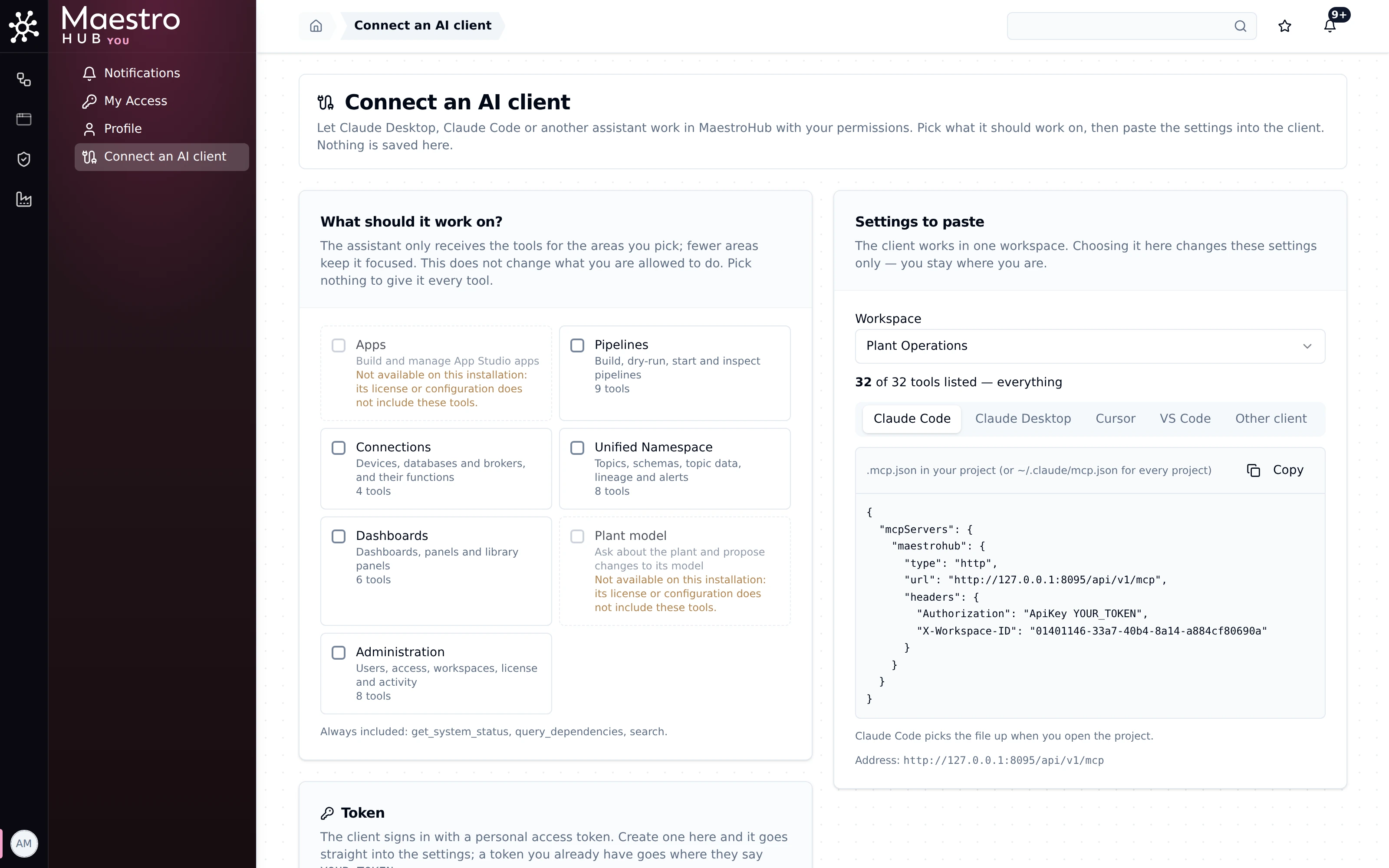
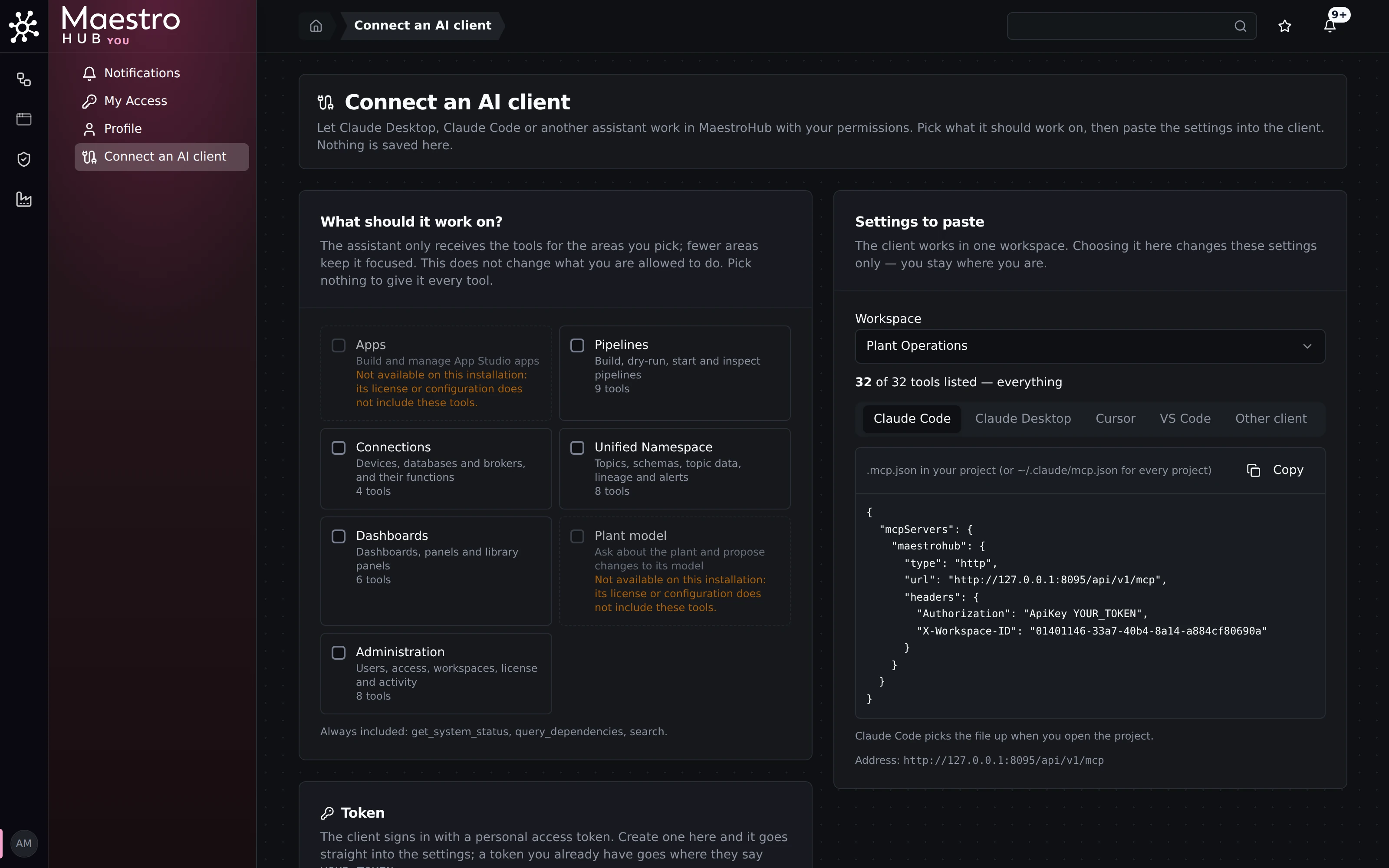
Profile menu › Connect an AI client: pick the areas of work, then paste the settings into the assistant.
Try it: Connect a client, then follow the walkthrough.
Can they use our own private, on-premises model, or our Copilot?
Partly
Any MCP client works, including one driven by a model you host on your own servers. MaestroHub calls no language model unless you configure one. Microsoft Copilot Studio has its own setup guide.
- Your own model. MaestroHub is the MCP server; the client and its model are yours. An assistant running against a model in your network reaches MaestroHub like any other client, with no traffic to us.
- Copilot Studio. See Microsoft Copilot Studio.
- Other clients. Claude Code, Claude Desktop, Cursor, VS Code, Codex and Antigravity each have a guide under MCP server.
We have not validated a specific self-hosted model ourselves. How well an assistant uses the tools depends on the model behind it.