![Syslog]() Syslog Integration Guide
Start a pipeline from every syslog message your plant equipment sends, filtered before it runs, or forward pipeline events to a collector or SIEM.
- Formats
- RFC 5424 · RFC 3164
- Transports
- UDP · TCP · TLS (RFC 5425)
- Default ports
- 1514 (UDP, TCP) · 6514 (TLS)
- Modes
- Receive (trigger) · Send
Syslog is how network and plant equipment reports what happens to it: a firewall blocking a connection into the OT network, a switch port going down, an HMI login, a PLC changing mode. The Syslog connector has two modes, chosen per connection:
- Receive: MaestroHub listens on a UDP, TCP or TLS port. Every message that passes a trigger's filter starts a pipeline.
- Send: MaestroHub formats a pipeline event as a syslog message and sends it to a collector or SIEM.
Overview
The Syslog connector provides:
- RFC 5424 and RFC 3164 parsing, detected per message, including Cisco IOS, VMware ESXi, pfSense and priority-less variants
- UDP (RFC 5426), TCP (RFC 6587) and TLS (RFC 5425); over TCP and TLS, octet-counting and newline framing are recognised per message
- Filters before the pipeline: minimum severity, facilities, host and app name patterns, per trigger function
- A guarded port: source allowlist, message-size, connection and idle limits, and mutual TLS
- Send in RFC 5424 (with structured data) or RFC 3164, over UDP, TCP or TLS
Receive mode is an open port
A receive connection is the first kind of MaestroHub connection that listens. Syslog over UDP and TCP has no authentication and no integrity: anyone who can reach the port can start pipelines with text they choose. Before you drive anything from these events:
- Bind the Listen Address to the interface on the OT network, not
0.0.0.0. - Set Allowed Sources to the devices' addresses. A UDP source address can be spoofed, so the allowlist narrows exposure but does not prove who sent a message.
- For proof, use TLS with a CA Certificate: every device then presents a client certificate that chains to it, and each event carries
authenticated: "true"and the device's certificate name intlsPeer. - Do not drive device writes or control commands from an unauthenticated trigger.
Ports, Docker and privileges
- The defaults are 1514 for UDP and TCP and 6514 for TLS (RFC 5425's port).
- Ports below 1024, such as the traditional 514: on Linux outside a container a process needs
CAP_NET_BIND_SERVICEto bind them, and the connection says so if it is refused. Inside Docker (20.10 and later) unprivileged processes may bind them, so MaestroHub's container can listen on 514 itself. - Devices that can only send to 514: either set the connection's port to 514 (in Docker), or keep 1514 and map 514 to it on the host or in Docker (
"514:1514/udp"). - MaestroHub in Docker: a port is reachable only once it is published. The shipped
deployment/context-platform/standalone/compose/docker-compose.yamlcarries the lines commented out under themaestrohubservice'sports:. Uncomment the one for your transport and recreate the container:
    ports:
      # - "1514:1514/udp"               # Syslog over UDP
      # - "1514:1514/tcp"               # Syslog over TCP
      # - "6514:6514/tcp"               # Syslog over TLS
- UDP and TCP on the same port number are different sockets. One connection has one transport. A device that sends both needs two connections, for example UDP 1514 and TCP 1514.
- Two connections cannot share a port. The second is refused with the name of the connection that holds it.
Enterprise with several connectors replicas
A receive connection listens only on the connectors replica that owns it. In this version, run receive connections on Lite, or on Enterprise with one connectors replica. With connection ownership on, the connection logs a warning once at connect naming the replica your devices must reach: a Service that spreads syslog over every replica sends most messages where nothing listens. A per-connection Service that follows the owner is tracked in #7844.
How a message becomes an event
| Syslog field | In the event |
|---|---|
| PRI | result.severity (0 to 7) and result.facility (0 to 23), with severityName (emerg … debug) and facilityName (kern … local7). A message without PRI has neither: 0 would mean emerg. |
| TIMESTAMP | _metadata.sourceTimestamp in UTC. Absent when the message had none or it did not parse; MaestroHub never invents a device time. |
| Arrival | _metadata.serverTimestamp, always. |
| HOSTNAME, APP-NAME, PROCID, MSGID | result.hostname, appName, procId, msgId. An RFC 5424 - (no value) is an absent key, not the string -. |
| STRUCTURED-DATA | result.structuredData: each SD-ID to its parameters, values as text. |
| MSG | result.message, without a leading byte-order mark. |
- RFC 3164 times carry no year and no zone. The year comes from the time of receipt (a December message received on 1 January gets last year), the zone from Legacy Time Zone, and the event says so with
result.timestampCompleted: true. - Invalid UTF-8 is replaced with U+FFFD;
result.messageRepaired: trueis set andresult.rawholds the message as received (base64). - Messages that are neither RFC 5424 nor RFC 3164 are still delivered, as
result.format: "unparsed"with the text inresult.messageand the reason inresult.parseError. A trigger function can drop them instead. - No quality. A log line is not a measurement, so events carry no quality key.
Connection Configuration
Creating a Syslog Connection
Open Connect → Connections, choose New Connection and pick Syslog.
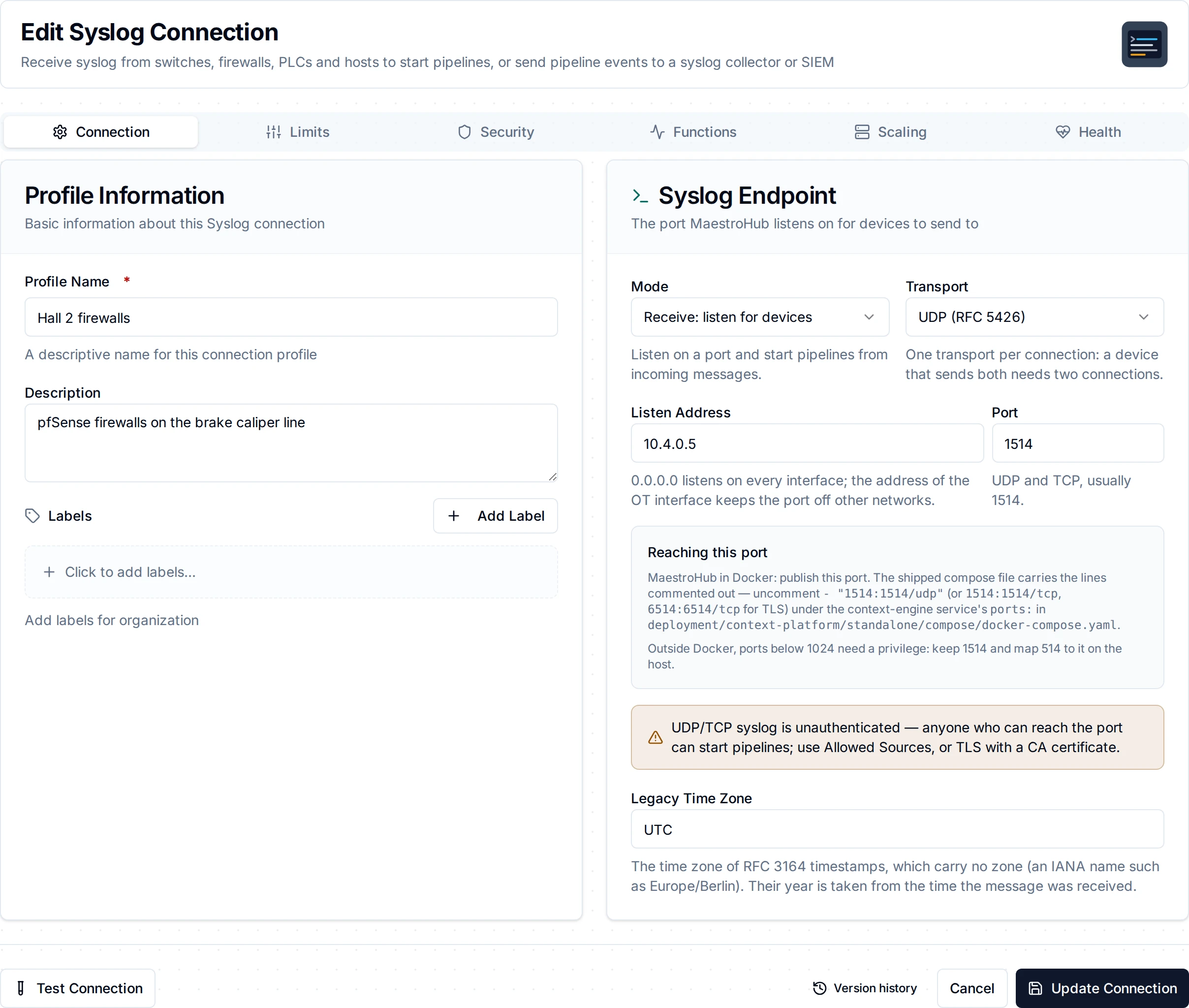
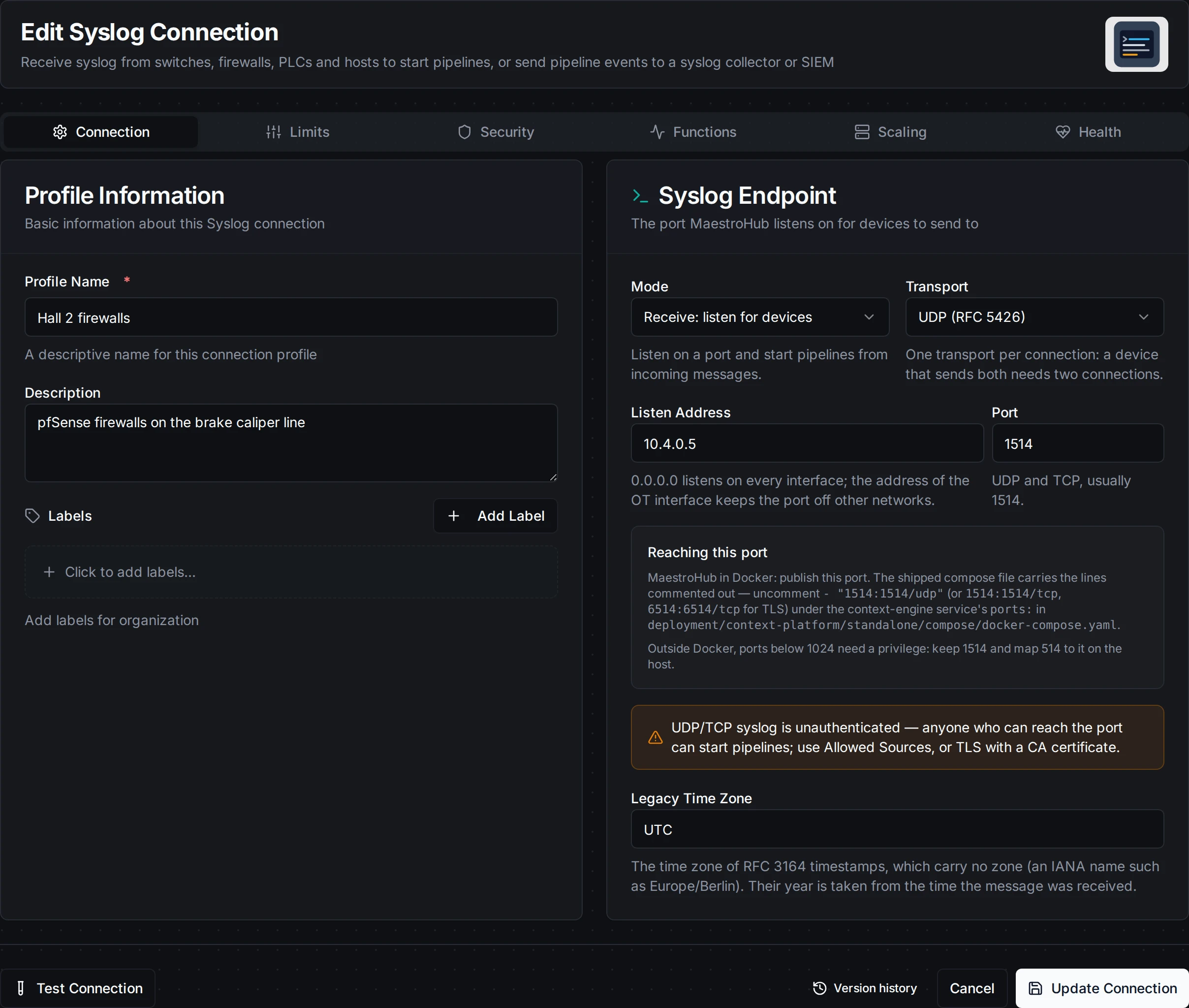
A receive connection: the listen address, port and transport, with the note naming the compose line to uncomment
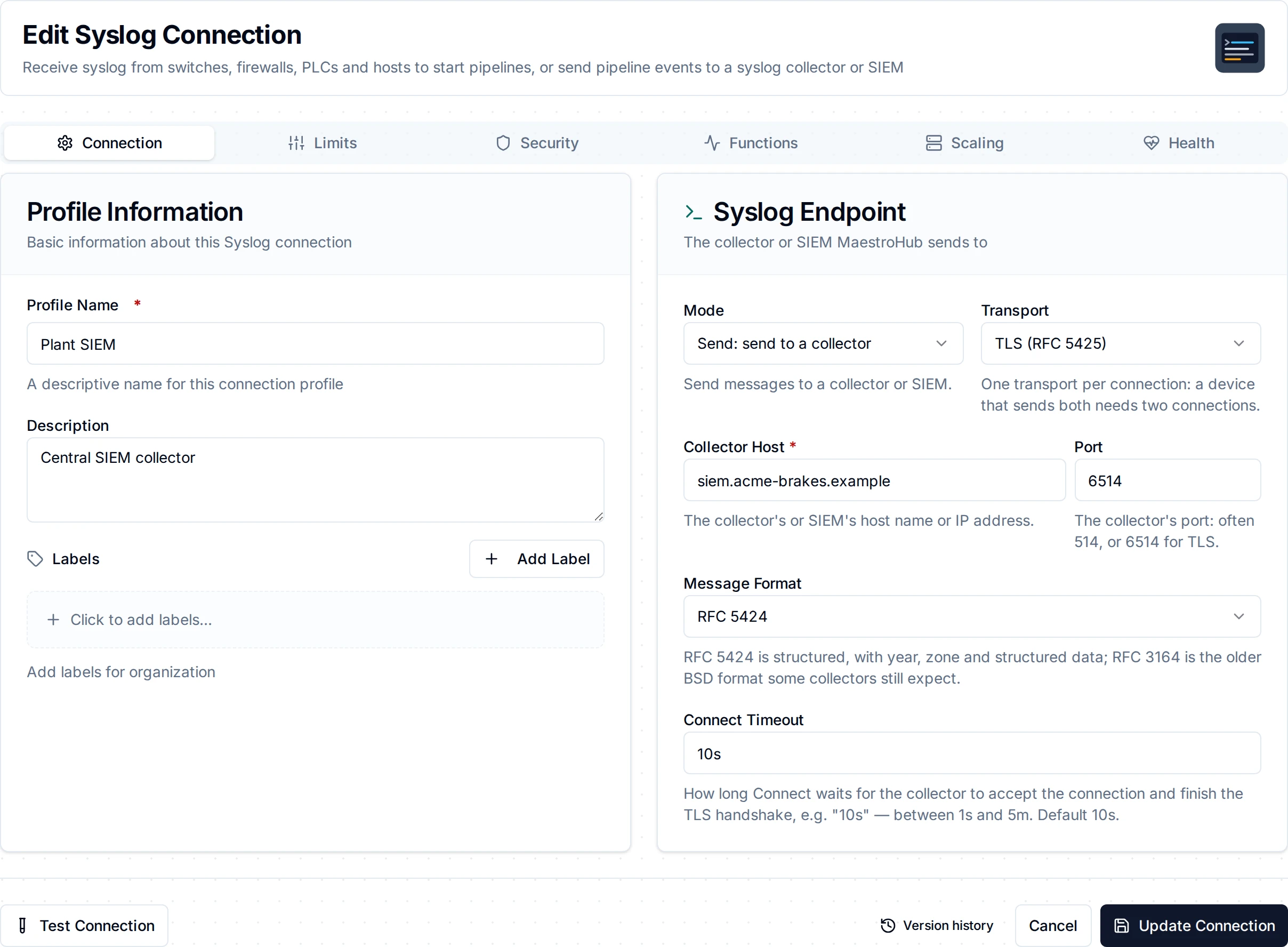
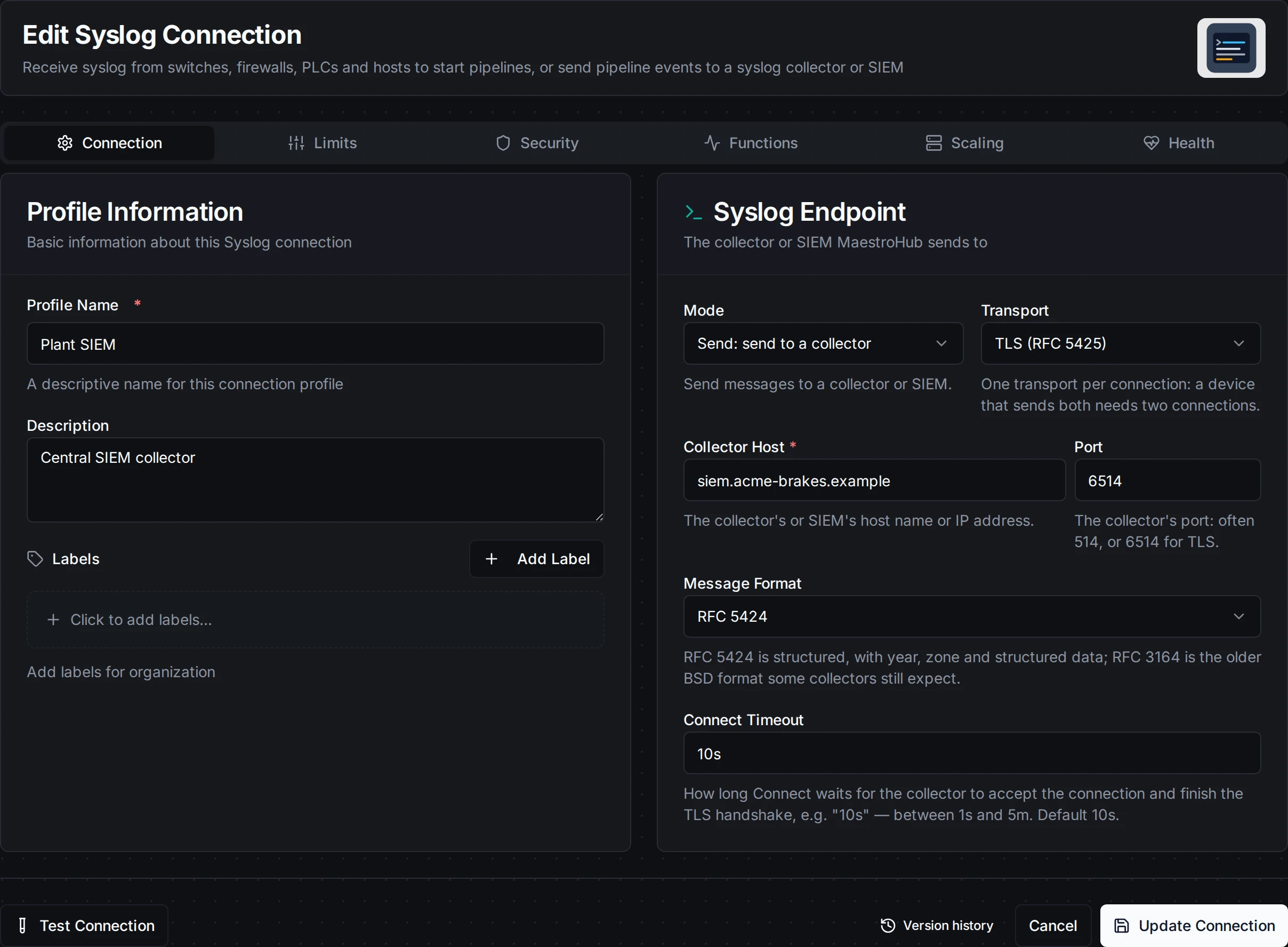
A send connection: the collector host and port, over TLS
1. Profile Information
| Field | What to enter |
|---|---|
| Name | A name that says what sends here, such as Hall 2 firewalls |
| Description | Optional notes |
2. Connection
| Field | Default | Mode | Description |
|---|---|---|---|
| Mode | receive | both | receive listens and starts pipelines; send sends to a collector. |
| Transport | udp | both | udp, tcp or tls. |
| Listen Address | 0.0.0.0 | receive | The local address to listen on. The OT interface's address keeps the port off other networks. |
| Collector Host | none | send | The collector's or SIEM's host name or IP address. Required in send mode. |
| Port | 1514 | both | Receive: the port to listen on (6514 for TLS). Send: the collector's port, often 514, or 6514 for TLS. |
| Legacy Time Zone | UTC | receive | The IANA zone of RFC 3164 timestamps, such as Europe/Berlin. |
| Message Format | rfc5424 | send | rfc5424, or rfc3164 for collectors that expect the older BSD format. |
| Connect Timeout | 10s | send, TCP and TLS | How long Connect waits for the collector to accept and finish the TLS handshake. |
3. Limits
| Field | Default | Description |
|---|---|---|
| Max Message Bytes | 8192 | Receive: a longer message is refused and counted; over TCP and TLS the connection is closed. Send: a longer formatted message is refused, never cut. 8192 is RFC 5425's recommendation. |
| Max Connections | 256 | Receive over TCP or TLS: connections beyond it are closed and counted. |
| Idle Timeout | 10m | Receive over TCP or TLS: a connection that sends nothing for this long is closed. |
4. Security
| Field | Mode | Description |
|---|---|---|
| Allowed Sources | receive | CIDR ranges or addresses, separated by commas or new lines, e.g. 10.20.0.0/16, 10.4.9.2. Empty allows every source. Everything else is dropped and counted. |
| Server Certificate, Server Private Key | receive, TLS | The certificate (PEM) MaestroHub presents to devices, and its key. Required to receive over TLS. TLS 1.2 or newer; RFC 9662's mandatory cipher suite is supported. |
| CA Certificate | both, TLS | Receive: when set, every device must present a client certificate chaining to this CA (mutual TLS). Send: the CA that verifies the collector; empty uses the system roots. |
| Client Certificate, Client Private Key | send, TLS | For a collector that requires mutual TLS. Set both or neither. |
| TLS Server Name | send, TLS | The name to verify the collector's certificate against; defaults to the host. |
| Skip Certificate Verification | send, TLS | Testing only: anyone on the path can then read and change the messages. |
| Allow Loopback / Cloud-Metadata Destinations | send | Off by default: the egress guard refuses 127.0.0.0/8, ::1 and cloud-metadata endpoints. |
Testing the Connection
Receive: Test Connection sends a probe to the listener's own port and waits for its reader to see it, so a pass means the port is bound and its reader is alive. On a saved connection that is already running, the test probes the running listener instead of binding the port a second time. MaestroHub cannot see whether your devices send here; the Health tab shows the last message received.
Send: over TCP and TLS a pass means the collector accepted the connection (and the TLS handshake). Over UDP nothing comes back, so the test can only say the socket opened. Syslog has no acknowledgement on any transport: confirm at the collector that it stores what is sent.
Function Builder
Creating Syslog Functions
Open the connection's Functions tab and choose New Function. A receive connection runs Receive Messages functions; a send connection runs Send Message functions. A function on the other mode's connection is refused with the fix.
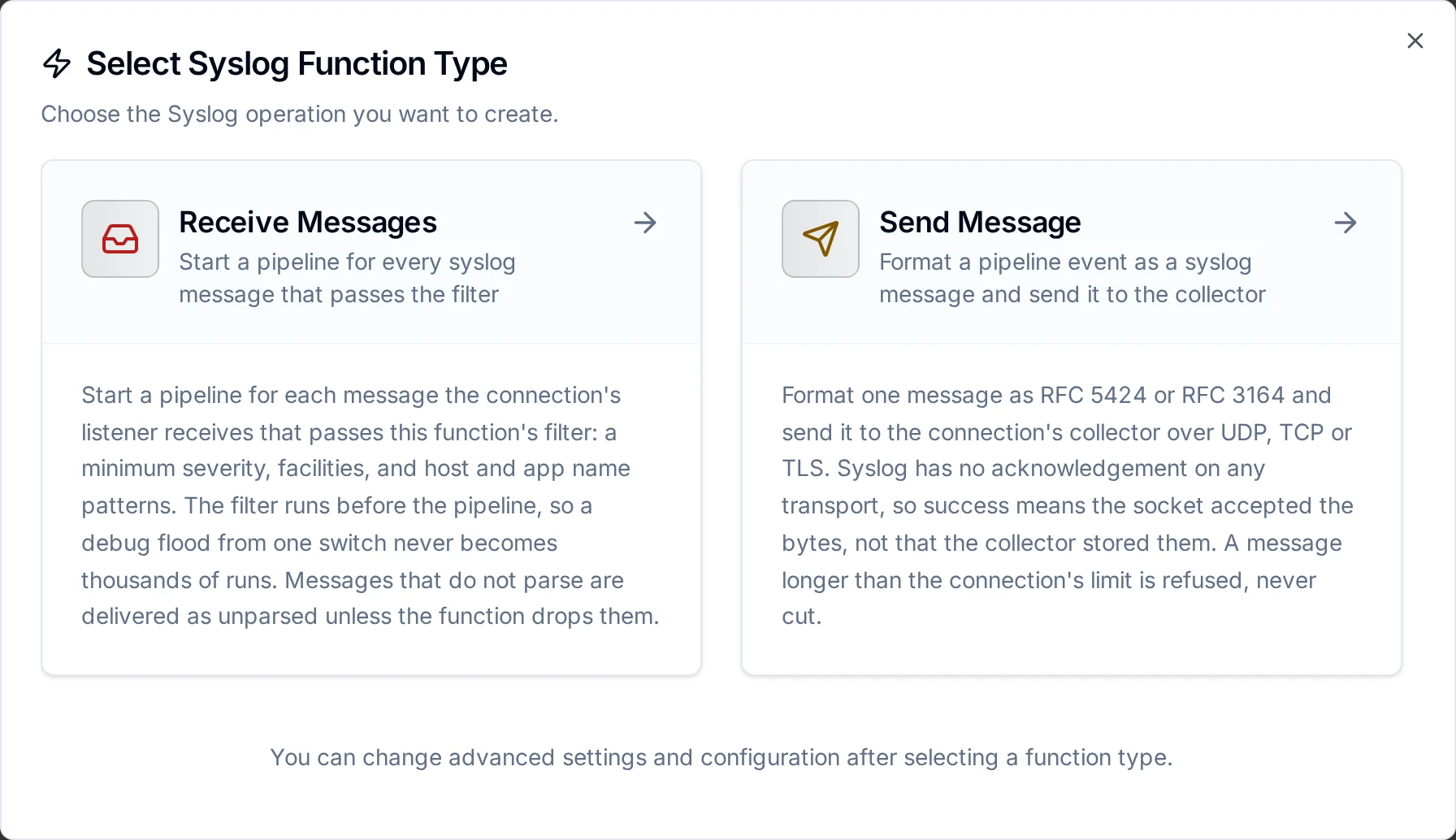
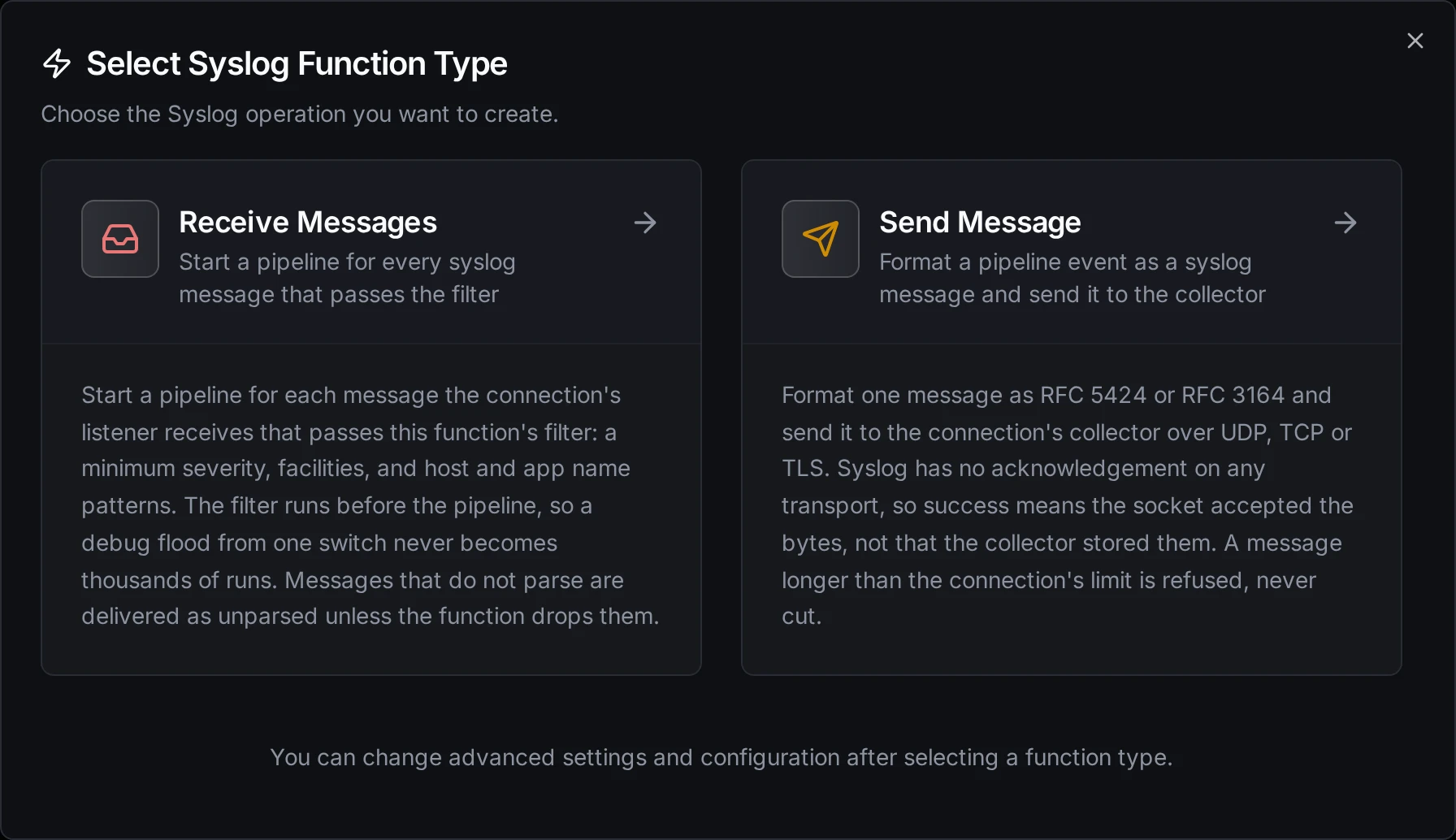
Two function types: Receive Messages starts a pipeline per message, Send Message forwards to a collector
Receive Messages (syslog.receive)
A trigger function: one pipeline run per message that passes its filter. The filter runs in the connector, before the pipeline, so a debug flood from one switch never becomes thousands of runs. Several functions on one connection each see every message and apply their own filter.
| Parameter | Default | Description |
|---|---|---|
| Minimum Severity | debug | Only messages at least this severe. debug passes every message; err passes err, crit, alert and emerg. A message without PRI has no severity and passes this part. |
| Facilities | all | Facility names or numbers, separated by commas: local7, auth, 4. |
| Host Name | all | A HOSTNAME pattern, case-insensitive, with * and ?: fw-*. A message without a hostname does not match a pattern. |
| App Name | all | An APP-NAME (RFC 3164 tag) pattern, as above. |
| Drop Unparsed Messages | off | Drop messages that are neither RFC 5424 nor RFC 3164 instead of delivering them as unparsed. |
Send Message (syslog.send)
Formats one message and writes it to the connection's collector: one datagram over UDP, one octet-counted frame over TCP and TLS (RFC 6587, the only framing RFC 5425 allows).
| Parameter | Default | Description |
|---|---|---|
| Message | required | The message text. Templatable: Line 3 stopped: ((reason)). |
| Severity | 6 (info) | 0 emerg … 7 debug. Templatable. |
| Facility | 1 (user) | 0 kern, 1 user, 3 daemon, 4 auth, 10 authpriv, 16 to 23 local0 to local7. Templatable. |
| Host Name | this host | Printable ASCII, no spaces, up to 255 characters. |
| App Name | maestrohub | Up to 48 printable ASCII characters (the RFC 3164 tag). |
| Process ID, Message ID | none | Up to 128 and 32 characters; Message ID is RFC 5424 only. |
| Structured Data | none | RFC 5424 only. A JSON object: {"line@32473": {"id": "3"}}. An SD-ID without @ must be IANA-registered (timeQuality, origin, meta). |
| Timestamp | time of sending | An RFC 3339 time. |
| Timeout | 30s | Bound on writing this message. |
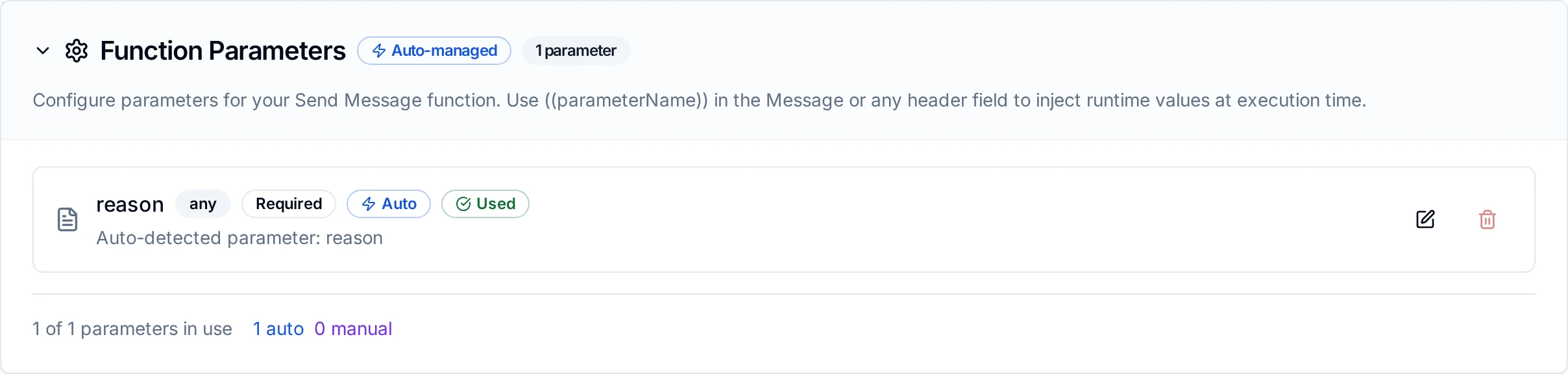
Parameters detected from ((placeholders)) in the message
What each answer means:
| What happens | Result | Retried by the platform? |
|---|---|---|
| A parameter fails validation, or the formatted message is over Max Message Bytes | Refused, nothing sent | No |
| The egress guard blocks the collector, or its certificate is rejected | Refused | No: a configuration change is needed |
| No session is open (the collector is down or reconnecting) | Transient, nothing sent | Yes |
| The write failed | Transient; the collector may hold the line | Yes, accepting a possible duplicate line |
| The socket took the bytes | Success: accepted: true | n/a |
A log line sent twice is a duplicate line, not a second machine action, so Send Message is buffered by Store & Forward through a collector outage.
Pipeline Integration
- Syslog Receive Messages Trigger (
trigger.syslog): starts a pipeline for each message that passes asyslog.receivefunction's filter. - Syslog Send Message (
connected.syslog.send): executes asyslog.sendfunction.
For node-level details, see the Syslog Send Message node and the Syslog Receive Messages Trigger pages.
Common Use Cases
Firewall blocks into the OT network
A receive connection on the OT interface, a function with Minimum Severity warning and App Name filterlog: every block starts a pipeline that records the source and destination from $trigger.result.message and raises an alarm when a PLC port is the target.
Switch port flaps
Cisco and SCALANCE switches report link changes as syslog. A function with Host Name sw-* and the trigger's on-change mode (deduplicated per hostname) turns a flapping port into one event per change rather than a run per repeated line.
Forward plant events to the SIEM
A send connection over TLS to the SIEM; a pipeline maps a machine alarm into Message, its severity into Severity, and its line and station into Structured Data.
Device configuration examples
- Linux (rsyslog):
*.* @@maestrohub.plant.example:1514(TCP; one@for UDP). - pfSense / OPNsense: Status → System Logs → Settings → Remote Logging: server
maestrohub.plant.example:1514, IPv4, the log contents you need. - Cisco IOS:
logging host 10.4.0.5 transport udp port 1514andlogging trap warnings. - Siemens SCALANCE: System → Syslog Client: server address, port 1514, and the severities to send.
Troubleshooting
| Symptom | Cause and fix |
|---|---|
| Connect fails: "already used by the syslog connection …" | Another connection holds the port. Give this one another port or stop that one. |
| Connect fails: "already in use by another program" | Another process on the host listens there (often the host's own rsyslog on 514 or 1514). Stop it or pick another port. |
| Connect fails: "ports below 1024 need a privilege" | Use 1514 (6514 for TLS) and map 514 to it on the host or in Docker. |
| Test passes but no events arrive | In Docker, the port is not published (see Ports, Docker and privileges); a firewall drops it; the device sends to another port or transport; the source is not in Allowed Sources (drops are counted and logged with the sender's address); or the trigger's filter rejects the messages. |
Events show format: "unparsed" | The device sends something neither RFC 5424 nor RFC 3164. result.parseError names the problem; result.message keeps the text. |
| RFC 3164 times are hours off | Set Legacy Time Zone to the device's zone. |
| A TLS device cannot connect | Its certificate does not chain to the CA Certificate, or it trusts another CA for MaestroHub's Server Certificate. Refused handshakes are counted and logged. |
| Send reports success but the SIEM shows nothing | Syslog has no acknowledgement: check the collector's own input, port and framing. Over TCP, MaestroHub uses octet-counting framing. |
Not in this version
Binding port 514 inside MaestroHub; RFC 3195 (BEEP) and RELP; DTLS (RFC 6012); batching messages into time windows; sending many messages per call; per-source rate limits; counting kernel UDP drops; forwarding MaestroHub's own audit log over syslog.