OpenAI-Compatible Nodes
Call a language model from a pipeline on any server that speaks OpenAI's API: OpenAI, Azure OpenAI, or Ollama, vLLM and LocalAI on your own hardware.
- Category
- AI
- Nodes
- Chat Completion · Create Embeddings
- Servers
- OpenAI · Azure OpenAI · Ollama · vLLM · LocalAI
- Output
- result.text · result.json · result.embedding
The OpenAI-Compatible nodes make one direct call to a language model through a connection you own. One node sends a conversation and returns the answer, as text or as parsed JSON; the other turns text into an embedding vector. They sit in the AI group of the node library.
Configuration Quick Reference
| Field | What you choose | Details |
|---|---|---|
| Parameters | Connection, Function, Function Parameters, Timeout Override | Select the connection profile, function, configure function parameters with expression support, and optionally shorten the per-call timeout. |
| Settings | Description, Timeout (seconds), Retry on Timeout, Retry on Fail, On Error | Node description, maximum execution time, retry behavior on timeout or failure, and error handling strategy. All execution settings default to pipeline-level values. |
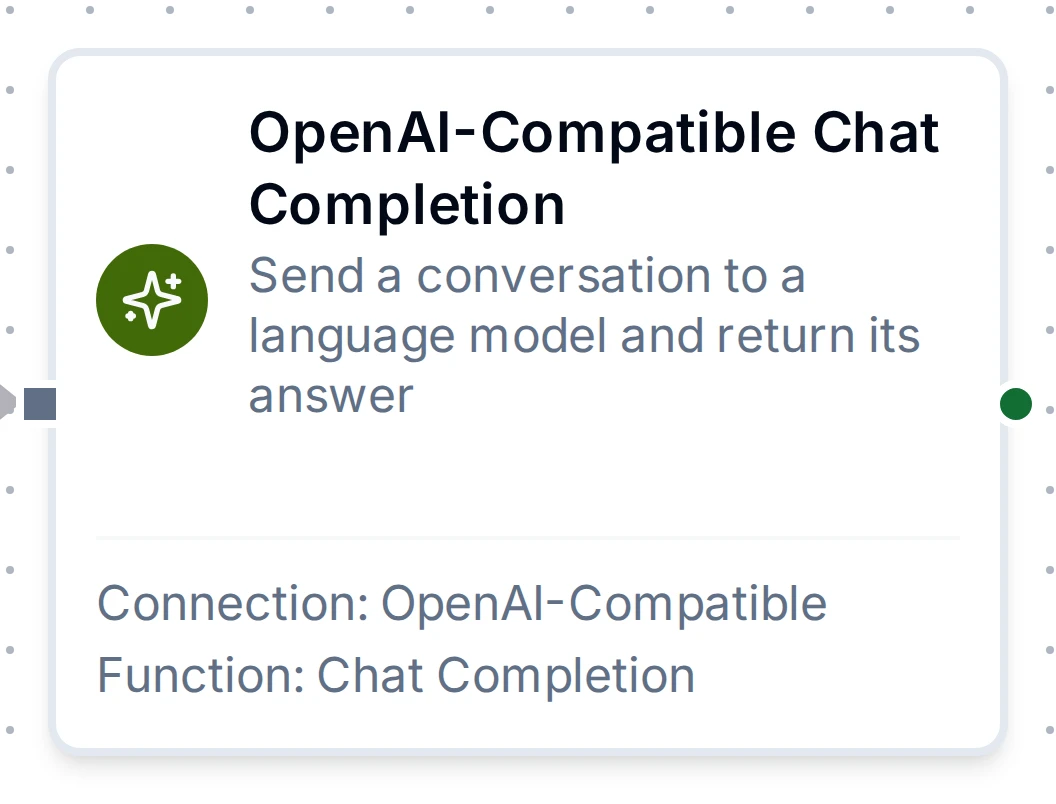
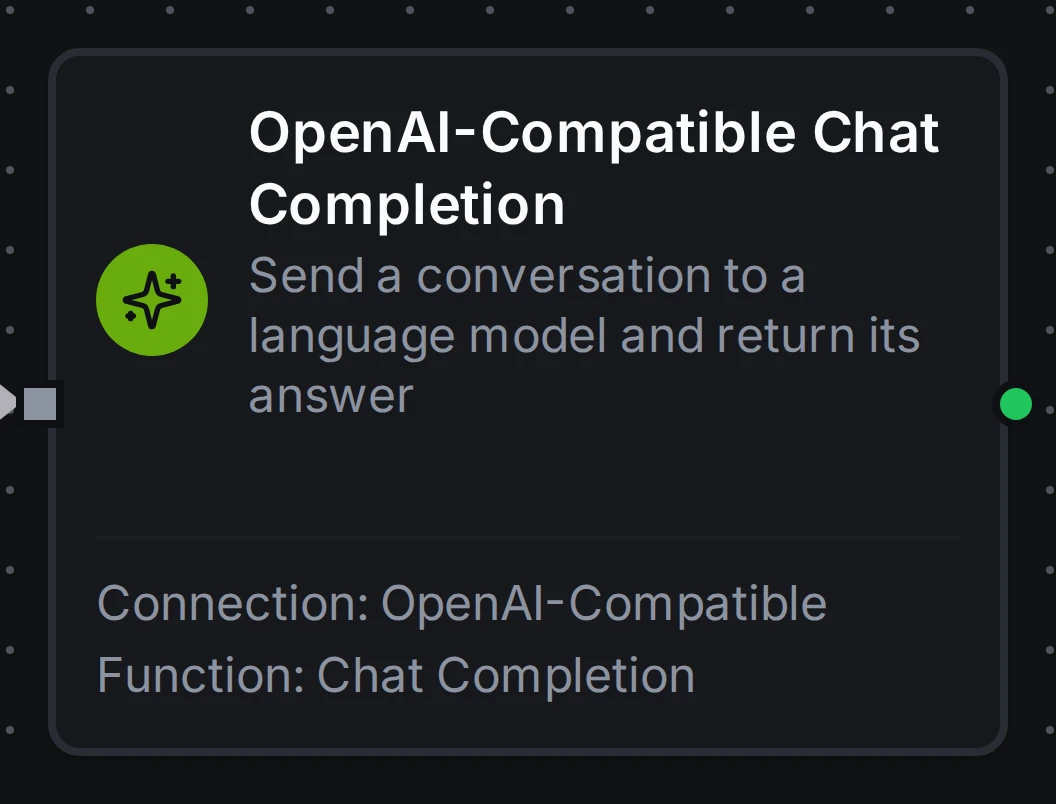
OpenAI-Compatible Chat Completion Node
OpenAI-Compatible Chat Completion Node
Send a conversation to a chat model and deliver its answer to the next step, as text or as JSON that arrives parsed.
Supported Function Types:
| Function Name | Purpose | Common Use Cases |
|---|---|---|
| Chat Completion | Send messages and return the model's answer | Explaining anomalies, classifying free-text notes into codes, extracting structured fields from reports |
How It Works
When the pipeline executes, the Chat Completion node:
- Resolves the connection profile, its key and its TLS settings
- Renders the templated fields (Model and the message text) against the current pipeline context, and fails without calling the model when the conversation has no user message with text, or holds more than 1 MB of text
- Sends the messages with only the settings the function sets, so an empty Temperature or Max Tokens leaves the server's own default in place
- Asks for JSON (
response_format) when the function's Response Format isjson_objectorjson_schema - Sends the request once. It is never resent by the connector, whatever the answer
- Reads the answer: it fails the node when the model refused, the server withheld the answer, or, when JSON was asked for, the answer is not valid JSON, is JSON but not an object, or (with
json_schema) does not match the Response Schema or would take more than 2,000,000 steps to check. The error names the path, the rule that failed and the value found there (a string cut at 64 characters), and the answer as written stays onresult.text. If the call's deadline passes while the answer is being checked, the node fails as Unknown: the answer was generated and may be billed
Configuration
| Field | What you choose | Details |
|---|---|---|
| Connection | OpenAI-Compatible connection profile | Select a pre-configured connection from your connection library |
| Function | Chat Completion function | Choose a Chat Completion function that defines the model, messages and response format |
| Function Parameters | Message values | Configure dynamic values for the messages' placeholders using expressions or constants |
| Timeout Override | Per-call timeout | Optional. It can only shorten this node's call: it never extends past the node's Timeout, the pipeline's timeout, or the connection's and function's timeouts. Leave empty to use those. |
For detailed function configuration options see the Chat Completion Function documentation.
With a JSON Response Format, the parsed answer is result.json. A node named Classify Note whose answer has a reasonCode field is read downstream as {{ $node["Classify Note"].result.json.reasonCode }}. The same answer as written is on result.text.
A completion has no side effect outside the model server: sending it again changes nothing in your plant, but it costs tokens again and may give a different answer. The connector never resends one. When the call runs out of time after the request reached the server, the node fails with the outcome unknown: the server may still finish and bill it. Retry on Fail on this node does send it again; turn it on when a second answer and a second bill are acceptable.
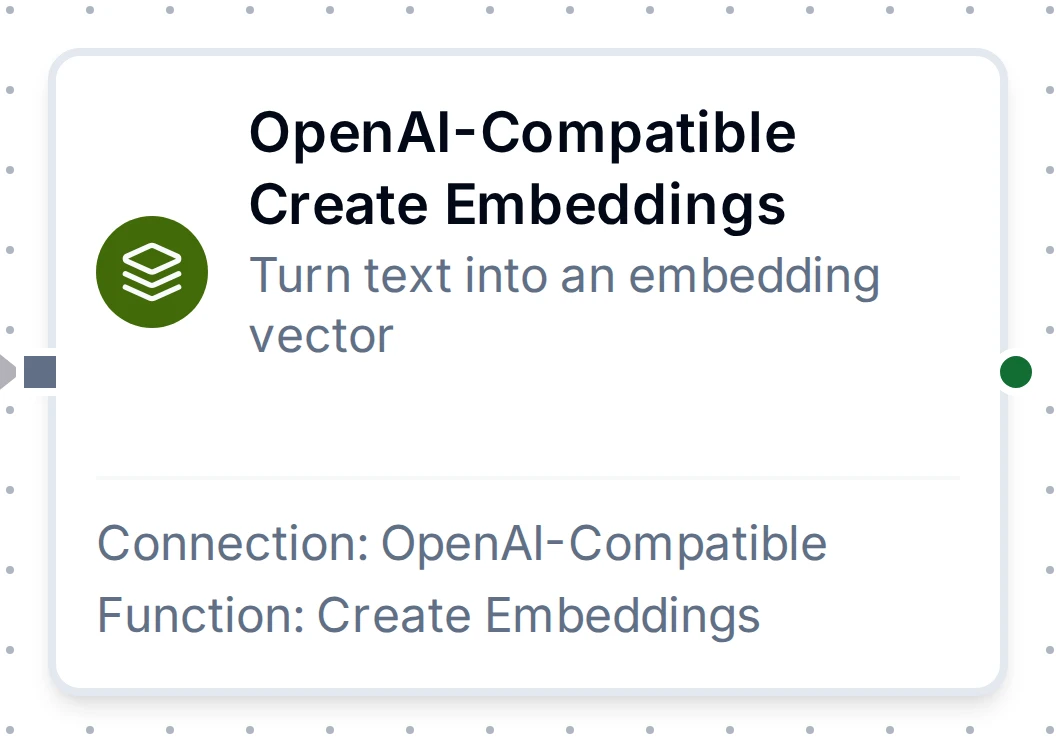
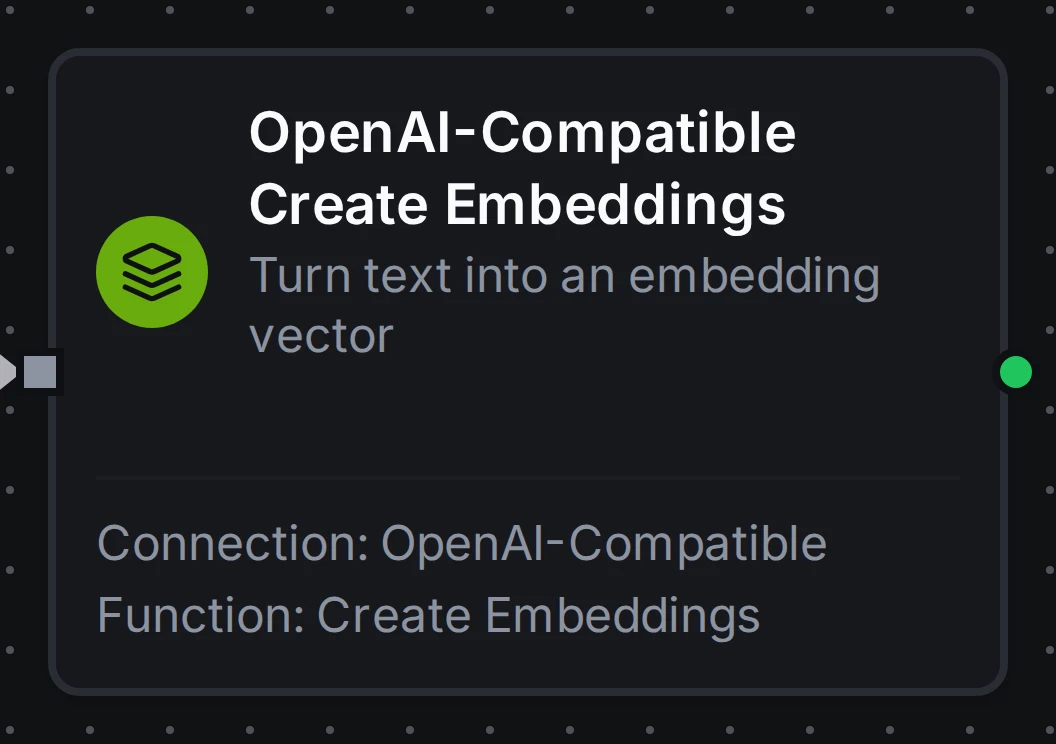
OpenAI-Compatible Create Embeddings Node
OpenAI-Compatible Create Embeddings Node
Turn a piece of text into an embedding vector, for similarity search, clustering or classification.
Supported Function Types:
| Function Name | Purpose | Common Use Cases |
|---|---|---|
| Create Embeddings | Convert text into an embedding vector | Finding similar past failures, vectorising alarm text for a vector store such as Qdrant |
How It Works
When the pipeline executes, the Create Embeddings node:
- Resolves the connection and renders the templated Model and Text against the current pipeline context
- Sends the text once, asking for the vector as floats
- Returns the vector with its dimension count, the model that answered and the tokens it used
Configuration
| Field | What you choose | Details |
|---|---|---|
| Connection | OpenAI-Compatible connection profile | Select a pre-configured connection from your connection library |
| Function | Create Embeddings function | Choose a Create Embeddings function that defines the model and text |
| Function Parameters | Text values | Configure dynamic values for the text's placeholders using expressions or constants |
| Timeout Override | Per-call timeout | Optional. It can only shorten this node's call. Leave empty to use the connection's timeout. |
For detailed function configuration options see the Create Embeddings Function documentation.
Vectors from different models cannot be compared. Store the model next to each vector (result.model), and embed search text with the same model.
Output
Every OpenAI-Compatible node delivers its data under result, and execution facts (success, functionId, durationMs, timestamp) under _metadata:
| Node | Expression | Description |
|---|---|---|
| Chat Completion | $node["Name"].result.text | The model's answer as written |
$node["Name"].result.json | The answer parsed as JSON; present only when the function's Response Format is json_object or json_schema. Read a field with $node["Name"].result.json.<field> | |
$node["Name"].result.finishReason | Why the model stopped: stop for a complete answer, length when it was cut at Max Tokens, content_filter when the server withheld it | |
$node["Name"].result.model | The model that answered, as the server names it | |
$node["Name"].result.usage | Token accounting the call is billed on: promptTokens, completionTokens and totalTokens | |
| Create Embeddings | $node["Name"].result.embedding | The embedding vector, one number per dimension |
$node["Name"].result.dimensions | How many numbers the vector holds | |
$node["Name"].result.model | The model that answered, as the server names it | |
$node["Name"].result.usage | Token accounting the call is billed on: promptTokens and totalTokens | |
| Every node | $node["Name"]._metadata.method, $node["Name"]._metadata.connectionId, $node["Name"]._metadata.protocol | The call's other facts: the operation, the connection it ran over, and openai |
| A failed call | $node["Name"]._metadata.statusCode | The HTTP status the server answered with, when it answered with an error |