![OpenAI-compatible API]() OpenAI-Compatible LLM API Integration Guide
Call a language model from a pipeline on any server that speaks OpenAI's chat completions and embeddings API, in the cloud or on your own hardware.
- Protocol
- OpenAI REST API (chat completions, embeddings, models)
- Servers
- OpenAI · Azure OpenAI (v1) · Ollama · vLLM · LocalAI
- Authentication
- API key (bearer or api-key header), or none
- Operations
- Chat Completion · Create Embeddings
- Triggers
- None; call-only
Connect to a language model to put it inside a pipeline: explain an anomaly in plain language, classify an operator's free-text note into a reason code, pull part numbers and defects out of a quality report as JSON, or turn maintenance notes into embeddings for similarity search. The same connector serves OpenAI in the cloud and a model running on a server in your plant, so plant data never has to leave the site.
Overview
Many model servers speak the same API that OpenAI defined. This connector calls any of them:
- OpenAI:
https://api.openai.com/v1, with an API key - Azure OpenAI: the v1 endpoint of your resource,
https://<resource>.openai.azure.com/openai/v1, with the resource's key - Ollama:
http://<host>:11434/v1, usually without a key - vLLM:
http://<host>:8000/v1, with the key it was started with, or none - LocalAI:
http://<host>:8080/v1, with or without a key
It provides:
- Chat completions with system, user and assistant messages, temperature and a cap on the answer's length
- JSON answers, free-form or held to a JSON Schema, parsed and delivered as structured data so downstream nodes read its fields directly
- Embeddings with any embedding model the server offers
- Templatable model names, messages and text, so one function serves every message a pipeline sees
- TLS with a private CA or a client certificate, for a gateway in front of a self-hosted server
A model answers when MaestroHub asks; it never pushes anything back. There is no trigger node. Each call runs in the pipeline that makes it.
The AI Agent node runs a full agent turn (tools, memory, a structured answer) against the model catalog configured for Maestro. The OpenAI-Compatible nodes make one direct, predictable call through a connection you own: one conversation in, one answer out, billed to your key or running on your hardware.
Connection Configuration
Creating an OpenAI-Compatible Connection
Navigate to Connections → New Connection → OpenAI-Compatible and configure the following:
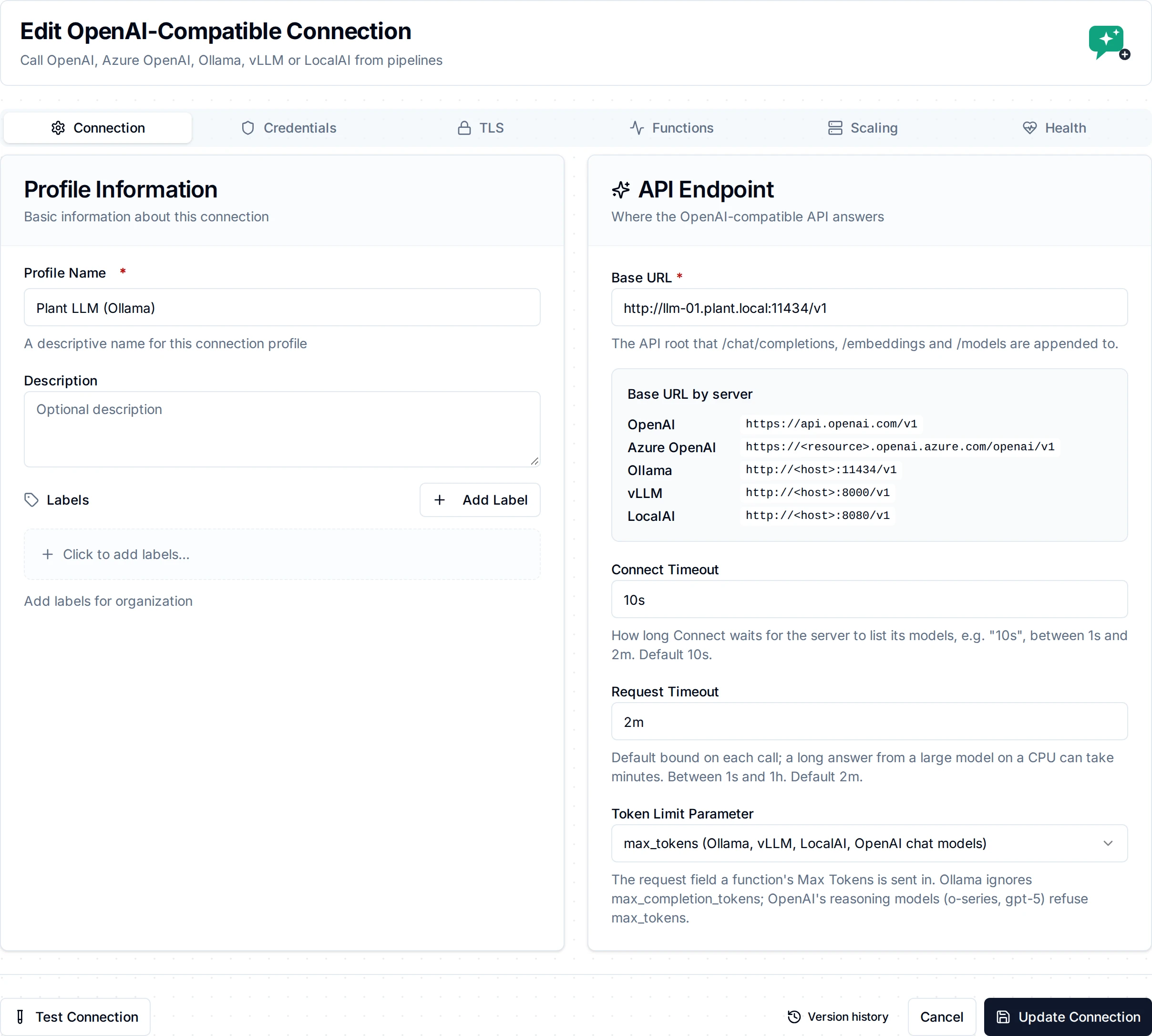
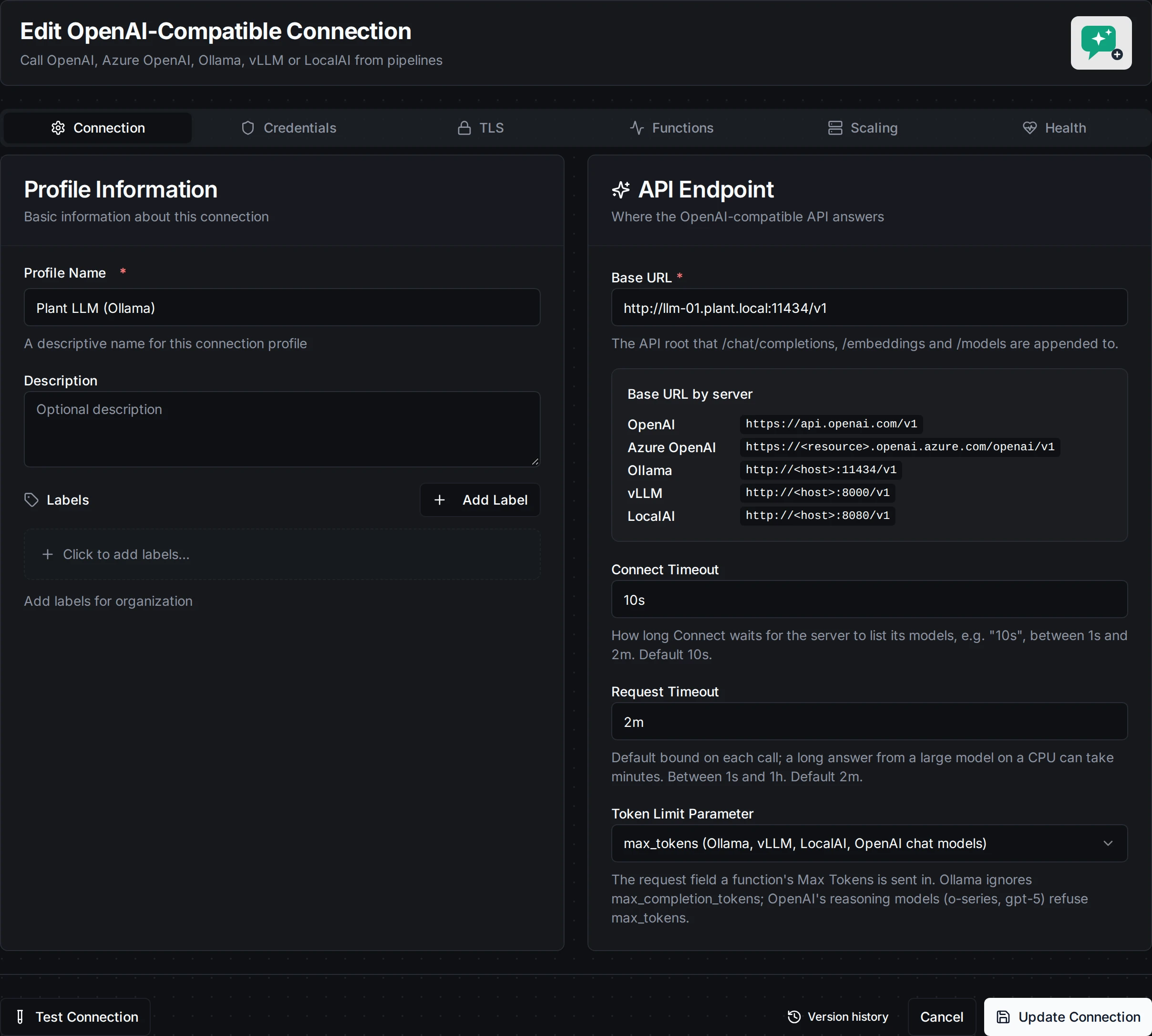
The OpenAI-compatible connection form
1. Profile Information
| Field | Default | Description |
|---|---|---|
| Profile Name | - | A descriptive name for this connection profile (required, max 100 characters) |
| Description | - | Optional description for this connection |
2. Connection
| Field | Default | Description |
|---|---|---|
| Base URL | https://api.openai.com/v1 | The API root that /chat/completions, /embeddings and /models are appended to (required). It may not contain @, a query or a fragment: put the key in API Key |
| Connect Timeout | 10s | How long Test Connection and Connect wait for the server to list its models, 1 second to 2 minutes |
| Request Timeout | 120s | The bound on each call made directly (Test Function, the API), 1 second to 1 hour, and the inner cap in a pipeline. In a pipeline the node's Timeout bounds the call (see below). A long answer from a large model on a CPU can take minutes |
| Token Limit Parameter | max_tokens | The request field a function's Max Tokens is sent in. max_tokens is read by Ollama, vLLM, LocalAI and OpenAI's chat models; Ollama ignores max_completion_tokens. OpenAI's reasoning models (o-series, gpt-5) refuse max_tokens: choose max_completion_tokens for them |
3. Credentials
| Field | Default | Description |
|---|---|---|
| API Key | - | The server's key (stored encrypted). Leave empty for a server that runs without keys, such as Ollama |
| Key Header | bearer | bearer sends Authorization: Bearer <key> (OpenAI, Ollama, vLLM, LocalAI). api-key sends the api-key header Azure OpenAI also accepts, and needs a key |
| OpenAI Organization | - | Sent as the OpenAI-Organization header, for an OpenAI key that belongs to more than one OpenAI Organization |
| OpenAI Project | - | Sent as the OpenAI-Project header, to bill and limit calls under one OpenAI project |
4. TLS
| Field | Default | Description |
|---|---|---|
| CA Certificate (PEM) | - | The CA that signed the server's certificate, for a gateway or a self-hosted server with its own CA. Leave empty to trust the system's CAs |
| Client Certificate (PEM) | - | For mutual TLS, when the server or a gateway in front of it asks for a client certificate |
| Client Private Key (PEM) | - | The client certificate's key (stored encrypted) |
| Skip Certificate Verification | Off | Accept any certificate. Insecure: use it only to try out a server with a self-signed certificate; give the CA instead |
TLS follows the URL: https:// uses it, http:// does not, and the key and every prompt then travel unencrypted. TLS settings with an http:// Base URL are refused, because nothing would read them, and a key sent over http:// to another machine is logged as a warning.
- Test Connection sends one
GET /modelswith the key. Every OpenAI-compatible server answers it, it costs no tokens, and a server that checks keys refuses a wrong one with 401. A server that does not offer/modelscannot be connected. - A redirect is followed only to the same scheme and host: a key never follows a redirect to another server.
- Security: the key is stored encrypted and masked on edit. Leave the field empty to keep the stored value.
Function Builder
Creating Functions
After saving the connection:
- Open the connection and go to its Functions tab → New Function
- Select the function type
- Configure the function's parameters
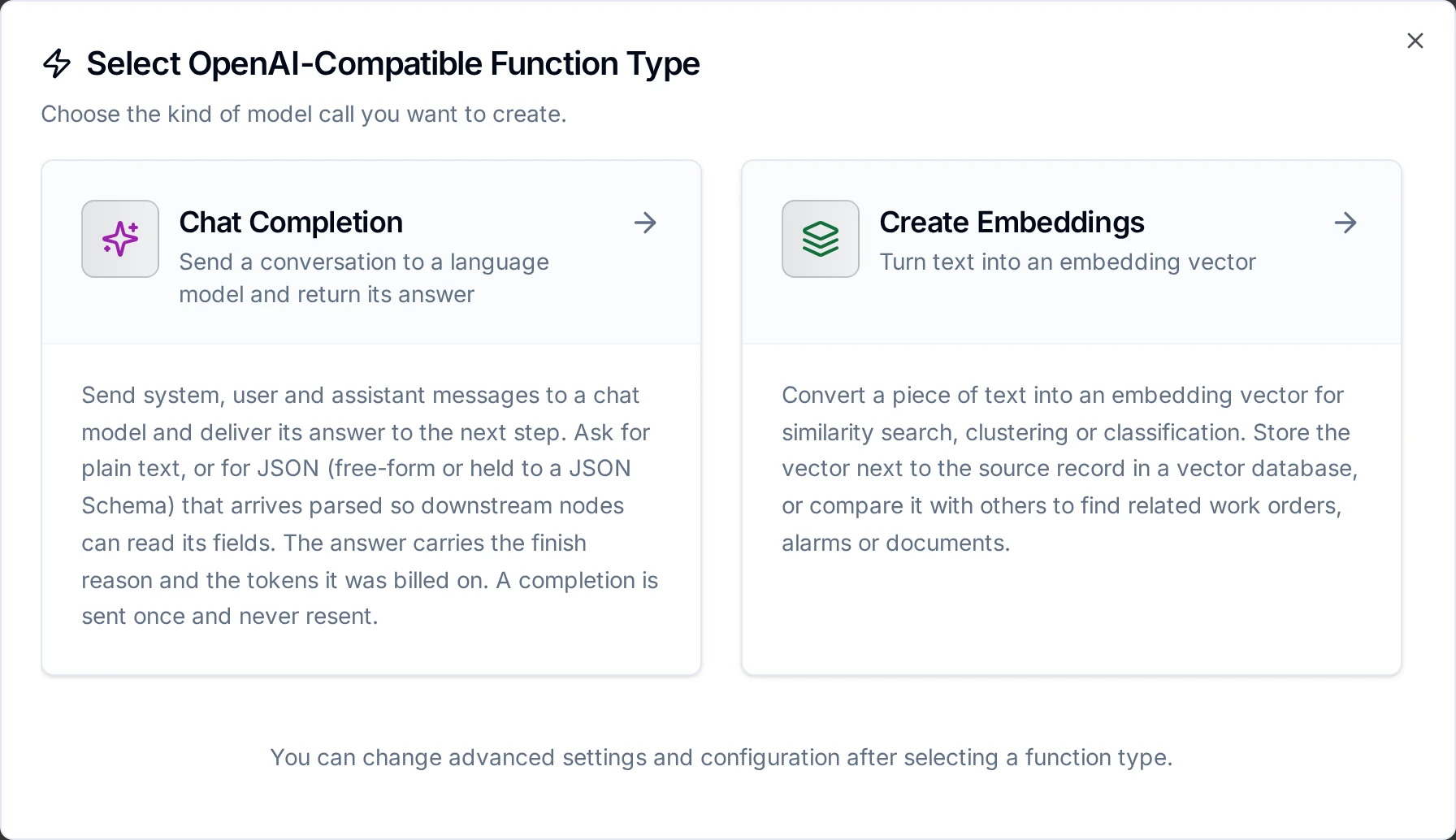
The OpenAI-compatible function types
Chat Completion Function
Send a conversation to a chat model and return its answer.
| Field | Default | Description |
|---|---|---|
| Model | - | The model the server knows: gpt-4.1-mini on OpenAI, qwen2.5:0.5b on Ollama, the served model name on vLLM, the deployment name on Azure OpenAI (required, supports ((parameter)) syntax) |
| Messages | - | The conversation. System and user message edits an optional system message and the user's question; Conversation (JSON) takes an array of {"role", "content"} objects with the roles system, developer, user and assistant, or one ((parameter)) that holds such an array (required, supports ((parameter)) syntax) |
| Response Format | text | text returns the answer as a string. json_object asks for any JSON object, json_schema for JSON held to the Response Schema; both arrive parsed on result.json. An answer that does not parse, is not a JSON object, or (for json_schema) does not match the schema fails the node, naming the first mismatch, with the answer kept on result.text |
| Response Schema | - | The JSON Schema the answer must follow, when the format is json_schema. Many servers treat it only as a hint, so MaestroHub checks the answer against it (see below) |
| Temperature | - | 0 to 2. Lower is more repeatable; 0 suits classification. Empty leaves the server's default |
| Max Tokens | 1024 | Upper bound on the answer's tokens, 1 to 131072, sent in the connection's Token Limit Parameter. An answer cut at the bound reports finishReason length. Empty leaves the server's default, which on some servers is unbounded |
| Timeout Override | - | Overrides the connection's Request Timeout for this call |
How the Response Schema is checked
MaestroHub checks a json_schema answer itself. It accepts the part of JSON Schema that OpenAI's Structured Outputs supports, so a schema written for OpenAI works here and on any other server:
| Kind | Keywords |
|---|---|
| Structure | type, properties, required, additionalProperties (true, false or a schema), items (one schema), anyOf |
| Values | enum, const |
| Strings | pattern, minLength, maxLength, format |
| Numbers | minimum, maximum, exclusiveMinimum, exclusiveMaximum, multipleOf |
| Arrays | minItems, maxItems |
| Reuse | $defs or definitions at the top, and $ref to # or #/$defs/name |
| Notes | description, title, default, and $schema (JSON Schema 2020-12 or draft-07; leave it out for 2020-12) |
- Any other keyword (for example
allOf,oneOf,not,if,$id,patternPropertiesorprefixItems) is refused when the function is saved, and the error names it. Keywords are matched exactly:$REFis refused with a note to write$ref. formatis read but not checked.patternuses Go's regular expressions (RE2), so lookaheads, lookbehinds and backreferences are refused when you save. Before apatternis compiled, MaestroHub counts an upper bound of its program: repeat counts multiply, and a*counts two. The limit is 10,000 per pattern and 50,000 for all of a schema's patterns together.a{1000}counts about 2,000; an email, ISO date or UUID pattern a few hundred. Character classes are counted by their size as well:\pL(any letter) has 1,368 range bounds,[a-z0-9]4, and the limit is 20,000 per pattern and 100,000 per schema, with at most 64 Unicode classes (\p,\P) in a pattern and 256 in a schema.- The Response Schema is fixed when you save: a
((parameter))anywhere in it (a pattern, an enum value, a property name, a description) is refused, because it would make every call a new schema. In a pattern, write(?:(instead of((. - Compiled schemas are kept in memory, up to an estimated 32 MB for all functions together (at most 29 MB measured), so a call does not compile its schema again.
- Some schemas are refused at save because they could never finish checking, or would take too long:
- one that refers back to itself without stepping into the answer, for example
{"$ref":"#"}; - one whose
anyOfand$refbranch into more than 10,000 checks of a single value.
- one that refers back to itself without stepping into the answer, for example
- A schema that recurses through
itemsorproperties, as in OpenAI's recursive UI and linked-list examples, is fine. - A schema may hold at most 2,000 subschemas, 64 levels deep, and 64 KB of JSON.
- Checking one answer is limited to 2,000,000 steps: one per value checked against one subschema, plus the size of the work inside it (property names,
required, the object's keys,enumandconstcomparisons, string lengths, and eachpatternby the string's length times the pattern's size). Using the whole budget takes about 50 ms at most (measured), and the call's deadline is checked as the work goes. An answer that would need more fails the node as "could not be checked", with the answer kept onresult.text. In practice that takes a branching recursive schema with a deeply nested wrong answer, or a heavypatternon a long string. multipleOfis exact on the numbers as written:12345678.123is not a multiple of0.01, and0.3is a multiple of0.1.requiredand atypelist must not name the same entry twice.- The error names the path, the rule that failed and the value found there, for example
at /severity: is the string "medium", not one of the 2 values enum allows. A string value is cut at 64 characters; an object or array is named by its kind only. The whole error is cut at about 1 KB, and the whole answer stays onresult.text.
A conversation holds at most 256 messages and 1 MB of text. An answer is read up to 16 bytes per Max Tokens token plus 64 KB, at most 8 MB (8 MB when Max Tokens is not set; an embedding up to 2 MB). A larger answer fails the call as Permanent instead of being cut: it would come back as large, and a retry is a new, billed generation.
A buffered answer arrives only when it is complete, so the wait can run past five minutes. The bound on it is:
- in a pipeline, the node's Timeout (Settings tab), 30 seconds unless you set one, and the Request Timeout or Timeout Override as an inner cap, whichever is shorter;
- for a direct call (Test Function, the API), the Request Timeout, or the function's Timeout Override.
A call is never left unbounded: without any of them it ends after one hour (the longest the connection allows), and an answer whose transfer stalls for five minutes is abandoned. Either ending, after the request was sent, is reported as Unknown.
In a pipeline, a node with no Timeout of its own is cut off after 30 seconds, whatever the Request Timeout says. A small model on a CPU can take minutes for a long answer, so set the node's Timeout (Settings) at least as long as the longest answer you expect, and keep Request Timeout at or above it.
- A completion is sent once. The connector never resends it: a second send would be a new generation, billed again, that can answer differently.
- A call that ran out of time after it reached the server, or whose answer was cut while it arrived, ends unknown: the server may still finish and bill it. The node's Retry on Fail and Retry on Timeout never send a completion again; an embeddings call, which is safe to repeat, is retried as the settings ask (see A write whose outcome is unknown is sent again only when that is safe). A call that never left (the server refused the connection, a TLS failure) is reported as the server being unavailable.
- A server's refusal of the request (400, 403, 413, 422, for example an unknown parameter or a prompt over the model's context window) fails for good: fix the function and run again.
- A rate limit (429, or a 503 that names a wait) reports the wait the server asked for. 502 and 503 report the server as unavailable. A 504 (a gateway timed out waiting for the model) ends a completion unknown: the model may have run it, so it is not sent again; an embeddings call is retried. Other 5xx, a 401 and a 404 count as transient.
- A model that refuses to answer, or a server that withholds the answer (
content_filter), fails the node for good, with what the model said onresult.text.
Create Embeddings Function
Turn a piece of text into an embedding vector.
| Field | Default | Description |
|---|---|---|
| Model | - | The embedding model the server knows, e.g. text-embedding-3-small on OpenAI or all-minilm on Ollama (required, supports ((parameter)) syntax) |
| Text | - | The text to embed, at most 1 MB (required, supports ((parameter)) syntax) |
| Timeout Override | - | Overrides the connection's Request Timeout for this call |
The same text and model give the same vector, so a repeated embedding changes nothing but the tokens spent. It too is sent once by the connector.
Function Parameters
Every field marked "supports ((parameter)) syntax" can be templated, and MaestroHub detects the placeholders automatically as you type.
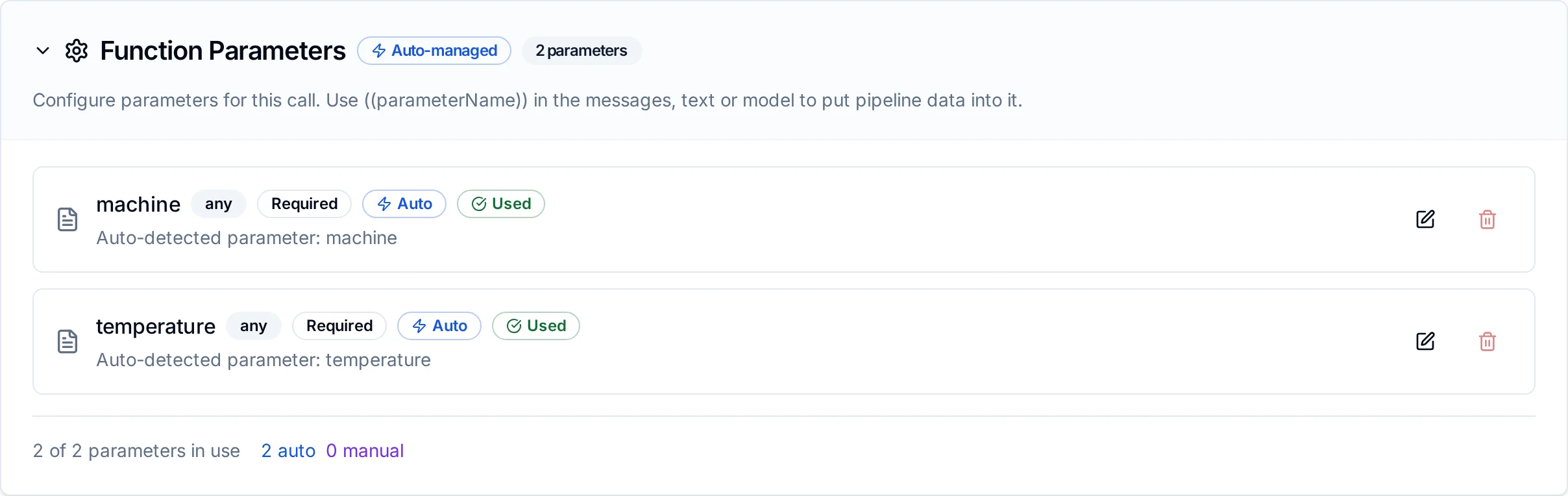
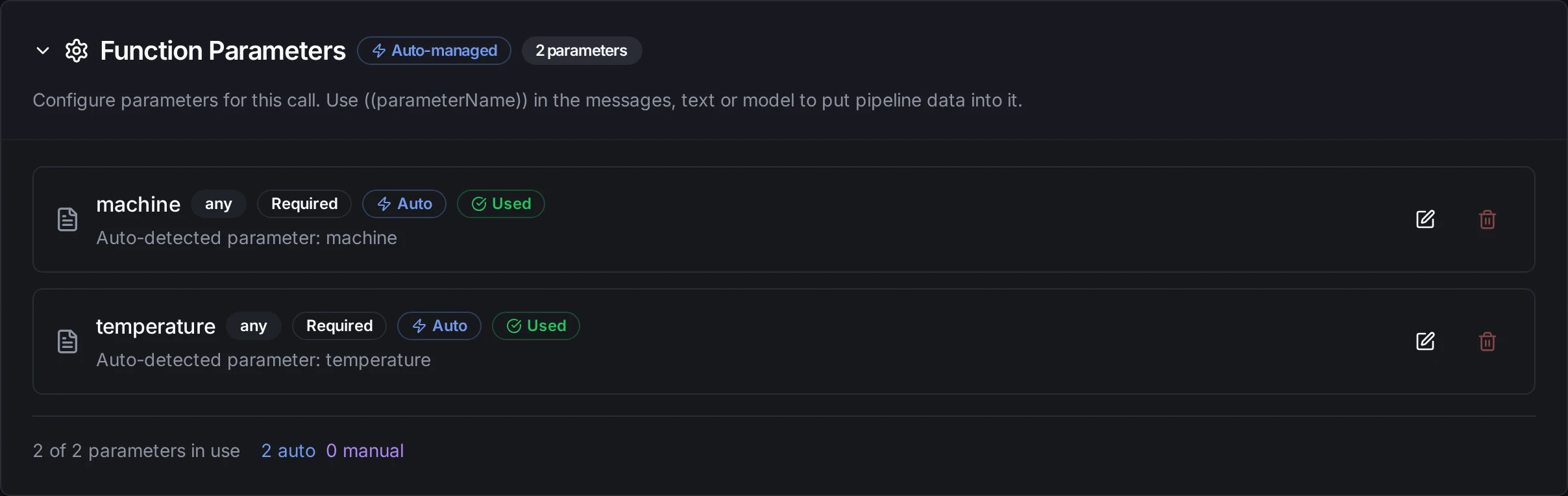
Placeholders written in a message become parameters the pipeline fills in at run time
Pipeline Integration
Each function type has a matching pipeline node in the AI group of the node library: OpenAI-Compatible Chat Completion and OpenAI-Compatible Create Embeddings. See the OpenAI-Compatible node reference for their output and how to read the answer downstream.
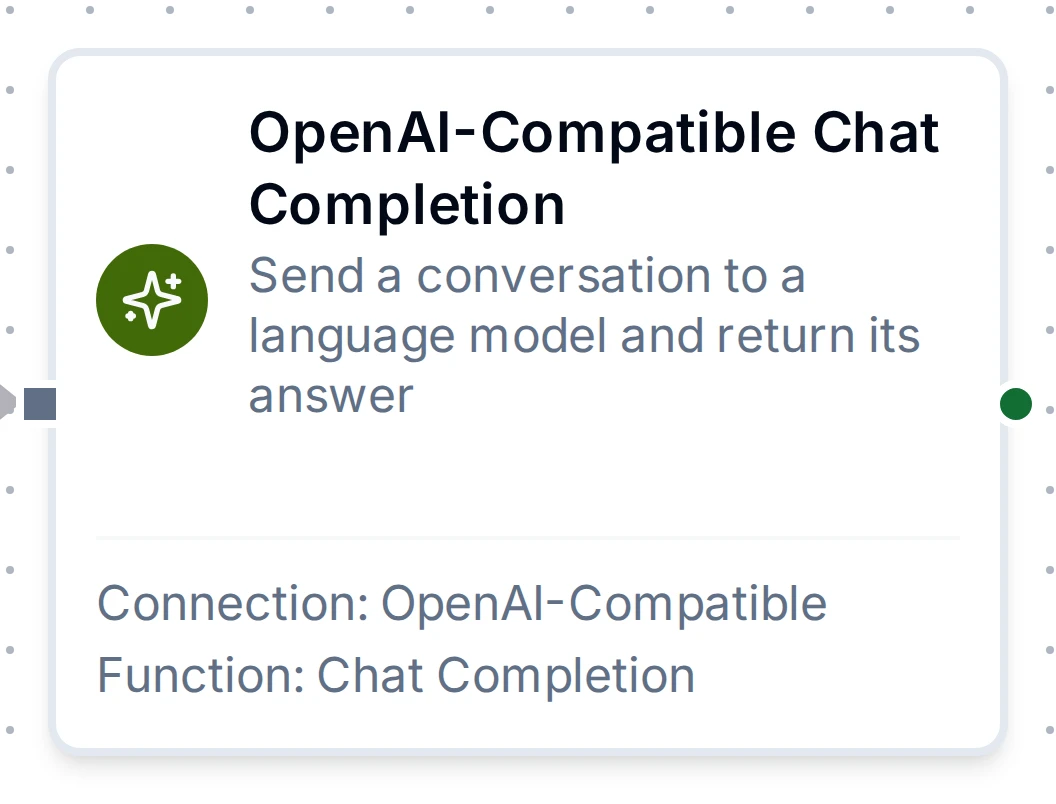
OpenAI-Compatible Chat Completion node
Common Use Cases
Explain an Anomaly to the Shift Lead, on Your Own Hardware
Scenario: When a bearing temperature crosses its limit, the shift lead should get a two-sentence explanation, and the readings must not leave the plant.
Connection: Ollama on a server in the plant, Base URL http://llm-01.plant.local:11434/v1, no key.
Chat Completion Configuration:
- Model:
qwen2.5:7b - System Message:
You are a reliability engineer on a stamping line. Answer in two sentences, name the most likely cause, and do not invent readings you were not given. - User Message:
Machine ((machine)) bearing temperature is ((temperature)) °C; its 7-day baseline is ((baseline)) °C. Explain what is most likely happening. - Temperature:
0.2
Pipeline Integration: Put the node after the condition that detects the excursion, and write $node["Explain Anomaly"].result.text to a UNS topic or send it to Microsoft Teams. Set On Error to Continue Execution with a fallback branch, so a failed call never swallows the alarm.
Classify Downtime Notes Into Reason Codes
Scenario: Operators type free-text downtime notes. Reporting needs one of five reason codes per stop.
Chat Completion Configuration:
- Model:
gpt-4.1-mini - User Message:
Classify this downtime note into one of: MECH, ELEC, MATERIAL, CHANGEOVER, OTHER. Note: ((note)) - Response Format:
json_schema - Response Schema:
{"type":"object","properties":{"reasonCode":{"type":"string","enum":["MECH","ELEC","MATERIAL","CHANGEOVER","OTHER"]}},"required":["reasonCode"]} - Temperature:
0
Pipeline Integration: Write $node["Classify Note"].result.json.reasonCode next to the stop record.
Find Similar Past Failures
Scenario: When a work order is closed, store an embedding of its notes; when a new one opens, find the closest past work orders.
Create Embeddings Configuration:
- Model:
text-embedding-3-small(OpenAI) ornomic-embed-text(Ollama) - Text:
((notes))
Pipeline Integration: Store $node["Embed Notes"].result.embedding with a Qdrant Upsert Points, and search with the new order's vector.
Troubleshooting
| Symptom | Likely cause | What to do |
|---|---|---|
Test Connection fails with status 401 | A missing, wrong or revoked key, or the wrong Key Header for Azure | Paste the key again. For Azure OpenAI, try Key Header api-key. |
Test Connection fails with status 404 | The Base URL is not the API root: a missing /v1 (Ollama, vLLM, LocalAI) or /openai/v1 (Azure) | Use the Base URL shown for your server on the connection form. |
certificate signed by unknown authority | The server's certificate comes from a private CA | Paste that CA under TLS → CA Certificate. |
status 404 naming the model on a call | The server does not have that model (on Ollama: not pulled) | Pull it (ollama pull qwen2.5:0.5b), or fix the model name. |
status 429 | A rate limit or quota | The node reports the wait the server asked for. Lower the pipeline's rate, or raise the limit with your provider. |
| The node fails with outcome unknown | The call ran out of time after it reached the server | In a pipeline, raise the node's Timeout (Settings; 30 s unless set). For a direct call, raise the Request Timeout or the Timeout Override. A small model on a CPU can need minutes for a long answer; lower Max Tokens for shorter answers. |
response exceeds … more than Max Tokens (N) can produce | The answer is larger than Max Tokens allows, so the server did not apply the token cap | Set the connection's Token Limit Parameter to the field your server reads (max_tokens for Ollama). |
| An answer runs far past Max Tokens, and the log says "the server ignored Max Tokens" | The server does not read the connection's Token Limit Parameter (Ollama ignores max_completion_tokens) | Set Token Limit Parameter to max_tokens. |
status 400 naming max_tokens as unsupported | An OpenAI reasoning model refuses max_tokens | Set Token Limit Parameter to max_completion_tokens. |
the model's answer is not valid JSON | The answer was cut at Max Tokens, or the model ignored the format | Raise Max Tokens and use json_schema. The raw answer is on result.text. |
refused before sending: messages ... | The messages are not an array of {"role", "content"}, or have no user message with text | Check the upstream expressions that fill the messages' parameters. |