![Qdrant]() Qdrant Integration Guide
Search plant knowledge by meaning: store the embeddings of manuals, SOPs and past events in Qdrant, and find the nearest ones when an alarm fires.
- Authentication
- API key or JWT, or none
- Operations
- Upsert Points, Search, Get Points, Delete Points
- Works with
- Qdrant self-hosted (1.18 or later) and Qdrant Cloud
Store embeddings in a Qdrant vector database and search them from your pipelines. This guide covers what Qdrant needs, the connection, each function, how point ids work, and what happens when a write fails.
Overview
The Qdrant connector enables you to:
- Store points: up to 1,000 per call, each with an id, a vector (or several named vectors) and a JSON payload. A point whose id is already there is replaced.
- Search for the points nearest to a query vector, with Qdrant's own payload filter, a score threshold and Top K
- Get points back by id, and see which ids the collection does not hold
- Delete points by id
- Use text ids such as
SOP-114#3: the same text always reaches the same point
The vectors come from an embedding node earlier in the pipeline. Collections are created in Qdrant, not by this connector.
Prerequisites
- Qdrant 1.18 or later. The connection checks the version when it connects and refuses an older Qdrant, with the version it found: before 1.18, when Qdrant refuses one point of an upsert it still stores the points beside it, while the node would report that nothing was written.
- Network access from MaestroHub to Qdrant's REST port:
6333by default, or443/6333on Qdrant Cloud. The gRPC port6334is not used. - The API key, when Qdrant sets one (
service.api_keyin its configuration, orQDRANT__SERVICE__API_KEY). Qdrant Cloud always does: copy the cluster's API key from the Cloud console. A JWT for Qdrant's role-based access works in the same field. A read-only key can search and get points but not upsert or delete them. - A collection with the vector size your embedding model produces, for example 768 numbers with Cosine distance. Create it with Qdrant's dashboard or API:
PUT /collections/plant_docs
{"vectors": {"size": 768, "distance": "Cosine"}}
Connection Configuration
Creating a Qdrant Connection
Navigate to Connections → New Connection → Qdrant and configure the following:
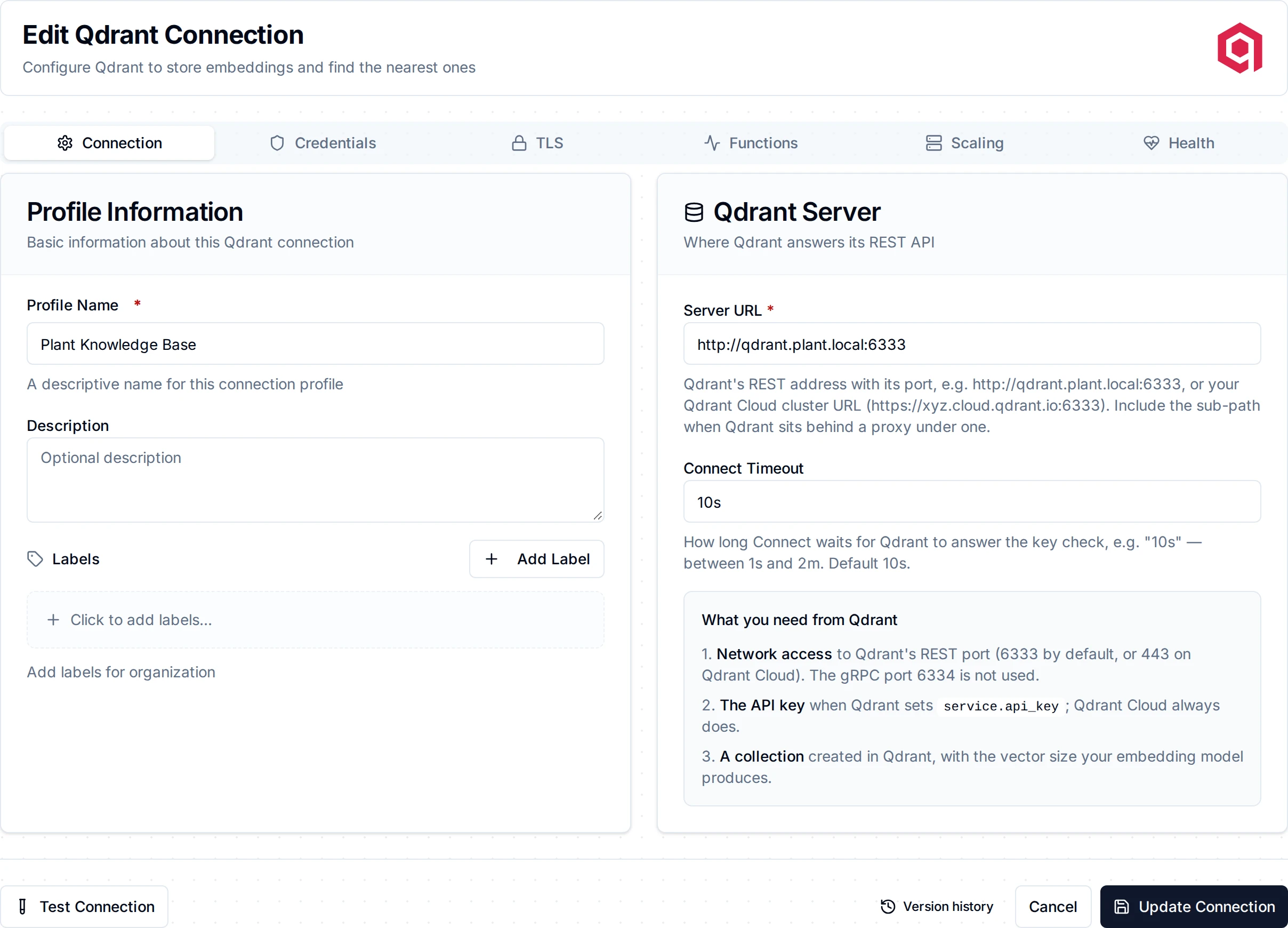
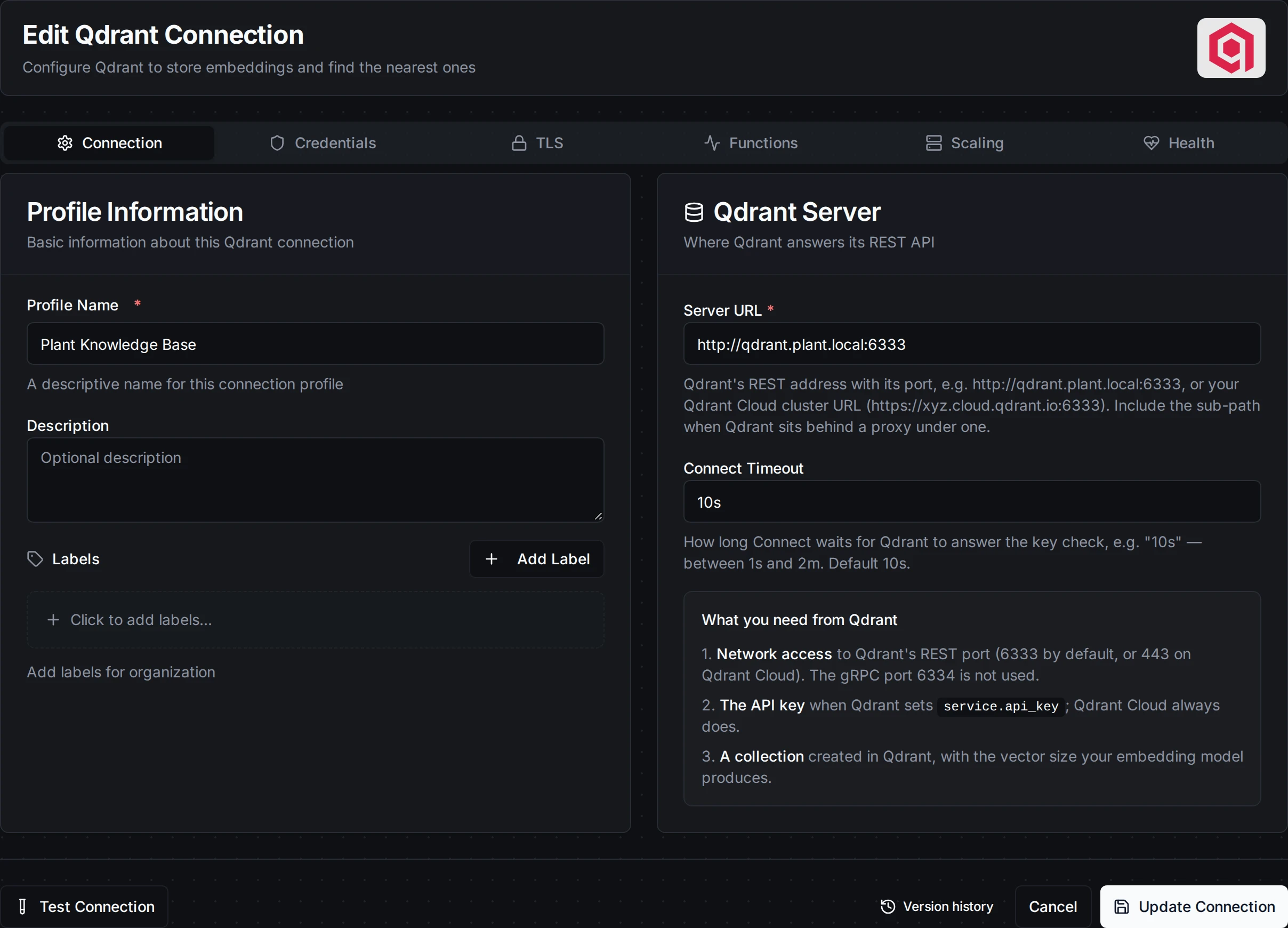
The Qdrant connection form
1. Profile Information
| Field | Default | Description |
|---|---|---|
| Profile Name | - | A descriptive name for this connection profile (required, max 100 characters) |
| Description | - | Optional description for this Qdrant connection |
2. Connection
| Field | Default | Description |
|---|---|---|
| Server URL | - | Qdrant's REST address with its port, e.g. http://qdrant.plant.local:6333, or your Qdrant Cloud cluster URL https://xyz.cloud.qdrant.io:6333 (required) |
| Connect Timeout | 10s | How long Test Connection and Connect wait for Qdrant's answer, 1 second to 2 minutes |
3. Credentials
| Field | Default | Description |
|---|---|---|
| API Key | - | Qdrant's API key or a JWT, sent as the api-key header. Leave empty when Qdrant runs without one (stored encrypted) |
4. TLS
| Field | Default | Description |
|---|---|---|
| CA Certificate (PEM) | - | The CA that signed Qdrant's certificate, when it comes from your own CA. Leave empty to trust the system's CAs |
| Client Certificate (PEM) | - | For mutual TLS, when Qdrant or a proxy in front of it asks for a client certificate |
| Client Private Key (PEM) | - | The client certificate's key (stored encrypted) |
| Skip Certificate Verification | Off | Accept any certificate. Insecure: use it only to try out a Qdrant with a self-signed certificate; give the CA instead |
TLS follows the URL: https:// uses it, http:// does not, and the API key then travels unencrypted.
- Test Connection sends one
GET /collectionswith the key, then reads Qdrant's version fromGET /. It proves that the key works, not only that Qdrant is up: a missing or wrong key fails at once with 401, and a Qdrant older than 1.18 fails with "upgrade to 1.18 or later"./healthzis not used because it answers without a key. - A Qdrant that runs without an API key ignores a key that is sent, so a key on such a connection does no harm and cannot be detected.
- Security: the key is stored encrypted and masked on edit. Leave the field empty to keep the stored value.
Function Builder
Creating Qdrant Functions
After saving the connection:
- Open the connection and go to its Functions tab → New Function
- Select the function type
- Configure the function's parameters
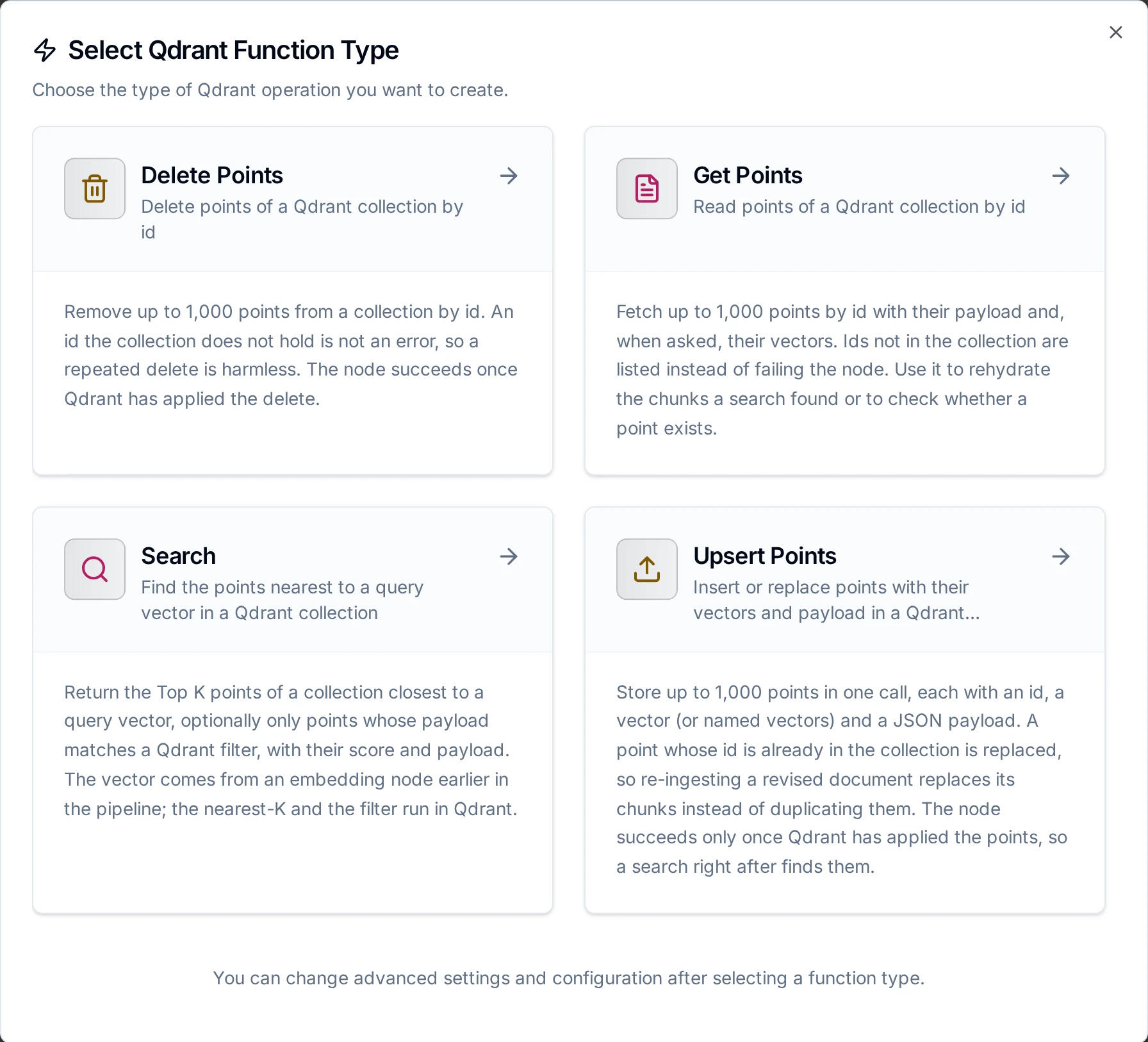
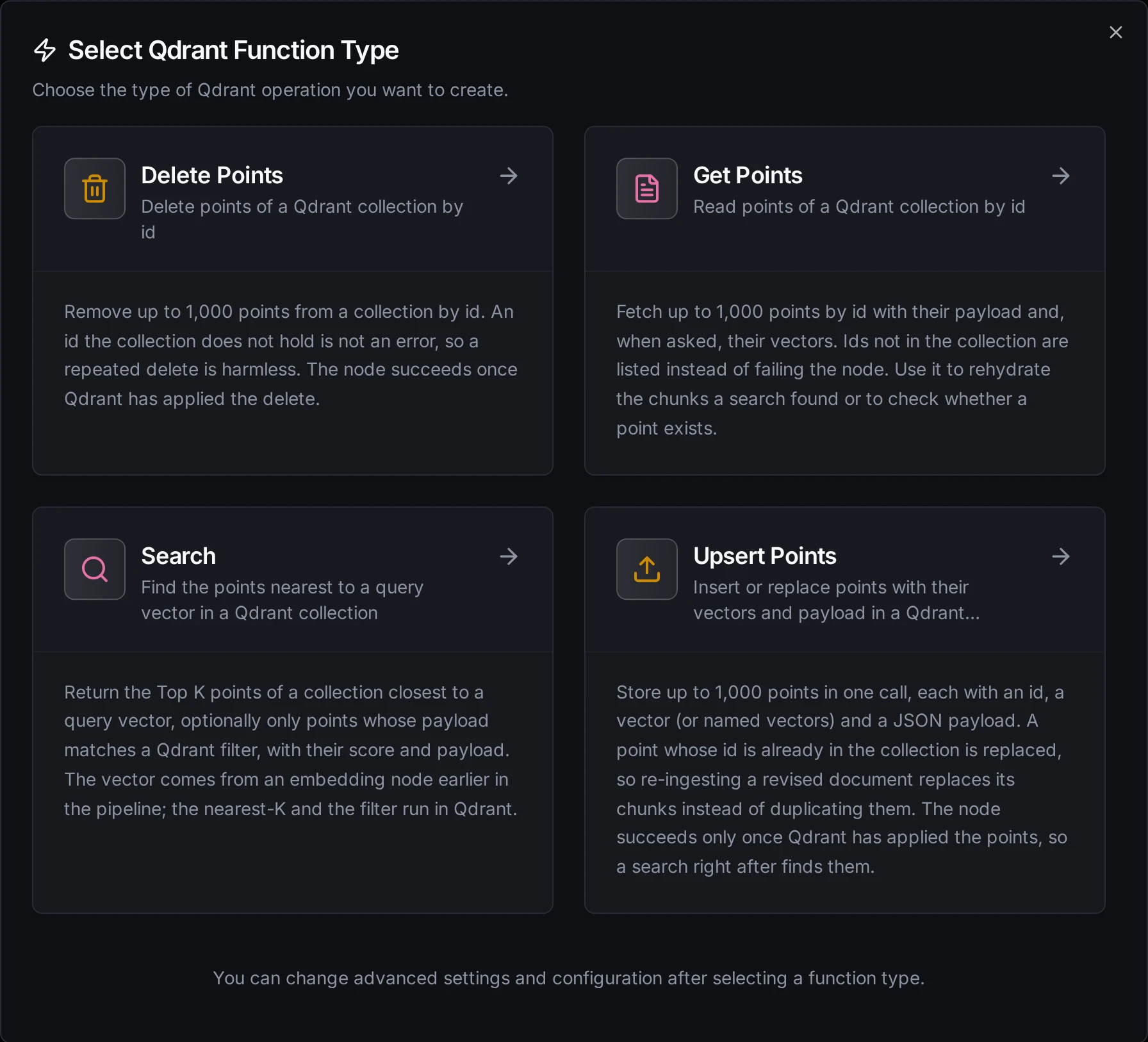
The Qdrant function types
Point IDs
Qdrant keeps two kinds of id: a whole number from 0 to 18446744073709551615, or a UUID. Every function reads an id the same way:
| You give | Qdrant stores it under |
|---|---|
A whole number, or a text of digits such as "42" (as a ((parameter)) delivers it) | That number |
| A UUID, in any form Qdrant takes (upper case, without dashes) | The UUID, lower case with dashes |
Any other text, such as SOP-114#3 | A UUID made from the text (UUIDv5). The same text always gives the same UUID, so Get Points and Delete Points find the point by the same text. A text id may not hold a comma, nor start with [ or {: Point IDs reads a comma as a separator and a leading [ as a JSON list |
| No id, in a pipeline | A UUID made from the pipeline write's own key and the point's position, so a repeated write replaces the same point |
| No id, with no write key: a Test run, or a call through the HTTP API or MCP | A new random UUID on every call, so calling twice stores two points |
A search and Get Points return the id Qdrant keeps, so a text id comes back as its UUID. Keep the text in the payload too if a search result should show it.
Upsert Points Function
Purpose: Insert or replace points in a collection.
| Field | Type | Required | Default | Description |
|---|---|---|---|---|
| Collection | String | Yes | - | The collection to write to. It must exist |
| Points | JSON | Yes | - | One point or an array of up to 1,000: each {"id", "vector", "payload"}. The request may be at most 32 MiB, Qdrant's default |
| Timeout | Duration | No | 1m | Bound on the call |
A point's vector is an array of numbers for a collection with one vector, or an object of named vectors, such as {"text": [...], "image": [...]}, for a collection with several. Its payload is any JSON object.
[
  {"id": "SOP-114#3", "vector": ((embedding)), "payload": ((meta))}
]
Pass the payload whole, as one parameter holding an object (((meta)) above, filled with {"asset": "PMP-104", "text": "..."}). Do not splice a parameter into a JSON string such as "text": "((chunk))": text with a quote or a line break then breaks the JSON, and a value can write into another field. The parameter must hold an object value, never text: a text value is pasted into the JSON as it is, and can rewrite the point's id.
Every point is checked before anything is sent: a point without a vector, a number that is not one, a number too large for Qdrant (beyond float32), two points with the same id, two lengths for the same vector in one call, more than 1,000 points, a request over 32 MiB (split the points into smaller calls), or a key other than id, vector and payload fails the call without contacting Qdrant. Qdrant itself would silently drop such a key; put your own fields under payload.
The node succeeds once Qdrant has applied the points (wait=true), so a search right after finds them. Qdrant applies the points of one call all together or not at all: when one point is refused, for example for a vector of the wrong length, none of them is written.
Search Function
Purpose: Find the points nearest to a query vector.
| Field | Type | Required | Default | Description |
|---|---|---|---|---|
| Collection | String | Yes | - | The collection to search |
| Query Vector | Array | Yes | - | Usually ((embedding)) from an embedding node, or [0.1, 0.2, ...]. Its length must match the collection's |
| Vector Name | String | No | - | For a collection with named vectors: which one to search |
| Top K | Integer | No | 5 | How many points to return, 1 to 1,000 |
| Filter | JSON | No | - | A Qdrant filter, as in Qdrant's documentation, e.g. {"must": [{"key": "asset", "match": {"value": "PMP-104"}}]} |
| Score Threshold | Number | No | - | Leave out points scoring worse than this |
| Include Payload | Boolean | No | On | Return each point's payload |
| Include Vectors | Boolean | No | Off | Return each point's vectors too: hundreds of numbers per point. An answer with vectors may be at most 16 MiB: about 1,700 points of 768 numbers, or 800 of 1,536 |
| Timeout | Duration | No | 30s | Bound on the call |
The score follows the collection's distance: for Cosine and Dot a higher score is closer, for Euclid and Manhattan the score is the distance and a lower one is closer. The points come back closest first either way.
Get Points Function
Purpose: Read points by id.
| Field | Type | Required | Default | Description |
|---|---|---|---|---|
| Collection | String | Yes | - | The collection to read from |
| Point IDs | List | Yes | - | Up to 1,000 ids, separated by commas, or one ((parameter)) holding a list |
| Include Payload | Boolean | No | On | Return each point's payload |
| Include Vectors | Boolean | No | Off | Return each point's vectors too. An answer with vectors may be at most 16 MiB: about 1,700 points of 768 numbers, or 800 of 1,536. With 1,536-number vectors, Include Vectors fails above about 800 points, so a full 1,000-point write cannot be read back with vectors in one Get Points: ask for fewer ids per call |
| Timeout | Duration | No | 30s | Bound on the call |
An id the collection does not hold is not an error: it is listed in missingIds.
Delete Points Function
Purpose: Remove points by id.
| Field | Type | Required | Default | Description |
|---|---|---|---|---|
| Collection | String | Yes | - | The collection to delete from |
| Point IDs | List | Yes | - | Up to 1,000 ids, separated by commas, or one ((parameter)) holding a list |
| Timeout | Duration | No | 30s | Bound on the call |
An id the collection does not hold is not an error, so deleting the same ids again is harmless. The node succeeds once Qdrant has applied the delete.
- A refusal from Qdrant fails the call for good, because Qdrant checks a request before it applies any of it: a vector of the wrong length, a vector name the collection does not have, an invalid filter, a read-only key writing (403), or a collection that does not exist (404). Fix the setting and run again.
- A missing or wrong API key (401) fails at once when the connection connects. On a call it is retried a limited number of times, in case the key is being rotated, and then fails.
- A Qdrant that is down, overloaded (429, 5xx) or does not answer in time fails the call for now: Retry on Fail and store-and-forward may send it again. Every point keeps its id on a resend, so the resend replaces the same points and never adds a second copy.
- MaestroHub itself never re-sends.
Using Parameters
Use ((parameterName)) in fields to fill them from pipeline data at run time:
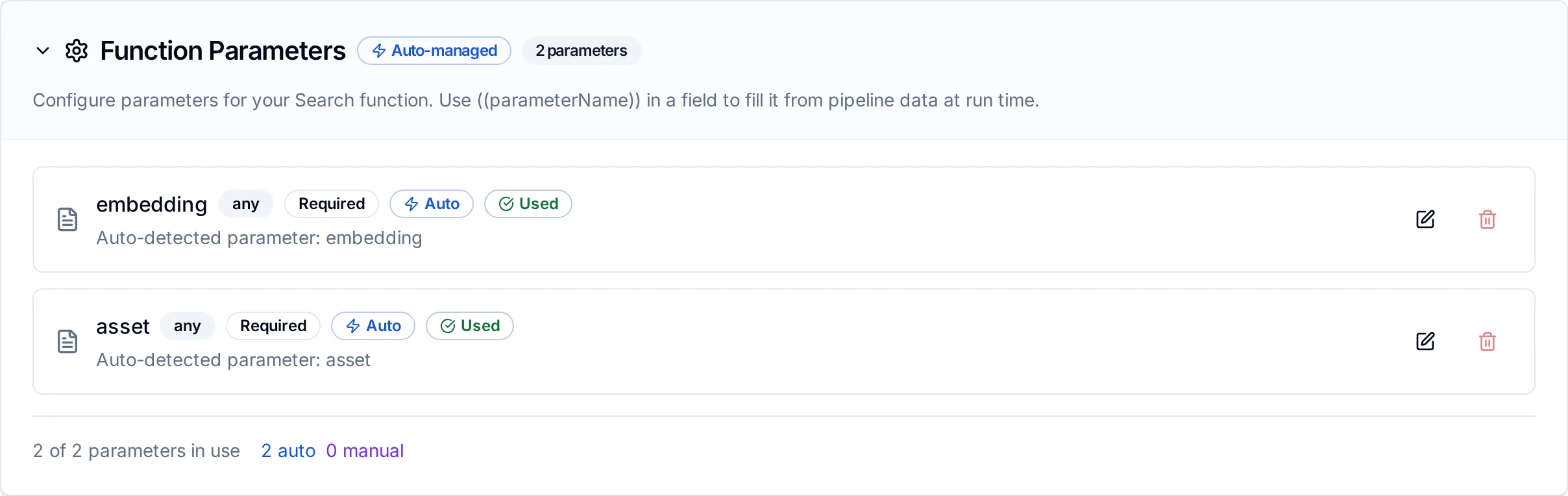
Parameters detected in a Qdrant function
| Field | Supports Templating |
|---|---|
| Collection, Points, Query Vector, Top K, Filter, Point IDs | Yes |
| Vector Name, Score Threshold, Include Payload, Include Vectors, Timeout | No |
Pipeline Integration
Each function is a node in the Pipeline Designer: Qdrant Upsert Points, Qdrant Search, Qdrant Get Points and Qdrant Delete Points. See the Qdrant nodes page for their output.
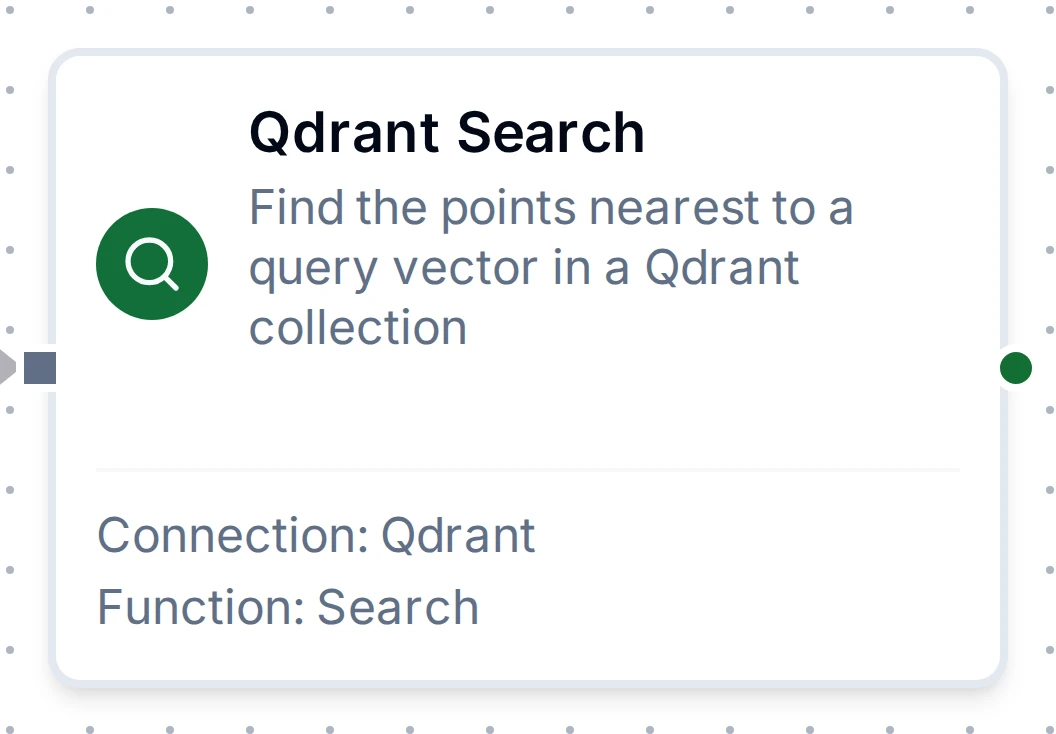
Qdrant Search node
Upsert Points and Delete Points can be buffered by store-and-forward while Qdrant is unreachable.
Common Use Cases
Index a revised manual
Pipeline Flow:
- A trigger fires when a manual is revised
- An embedding node turns each chunk into a vector
- Qdrant Upsert Points stores the chunks, keyed by document and chunk number, so the revision replaces the old chunks
Function Configuration:
Collection: plant_docs
Points: ((points))
with each point shaped {"id": "SOP-114#3", "vector": [...], "payload": {"doc": "SOP-114", "asset": "PMP-104", "text": "..."}}, built by the step before it.
Find the procedure for an alarm
Pipeline Flow:
- OPC UA Monitor trigger on the alarm tags
- An embedding node turns the alarm text into a vector
- Qdrant Search finds the 5 nearest chunks of that asset's manuals
Function Configuration:
Collection: plant_docs
Query Vector: ((embedding))
Top K: 5
Filter: {"must": [{"key": "asset", "match": {"value": "((asset))"}}]}
Troubleshooting
| Problem | Cause and fix |
|---|---|
Test Connection fails with Qdrant 1.17.1 is older than this connector supports | Upgrade Qdrant to 1.18 or later |
holds a comma, which Point IDs reads as a separator or starts with "[" | Use text ids without commas that do not start with [ or { |
the request is 39.5 MiB, over the 32 MiB Qdrant takes by default | Send fewer points per call, for example with a ForEach |
Test Connection fails with 401 Must provide an API key | Qdrant sets an API key and the connection has none. Paste the key under Credentials |
401 Invalid API key or JWT | The key is wrong or the JWT expired. Copy the key again from Qdrant's configuration or the Cloud console |
403 Forbidden: Global manage access is required | A read-only key tried to upsert or delete. Use a key with write access |
404 Not found: Collection `x` doesn't exist! | The collection name is wrong, or the collection was not created. Create it in Qdrant with your model's vector size |
400 Vector dimension error: expected dim: 768, got 384 | The vector's length is not the collection's. Use the embedding model the collection was made for, or create a collection of that size |
400 Not existing vector name error | The collection has named vectors: set Vector Name on Search, or give each point's vector as an object of named vectors |
has the key "content", which Qdrant would drop | A point carries a field beside id, vector and payload. Move it under payload |
| Search returns a UUID instead of my id | A text id is stored as its UUID. Keep the text in the payload as well |
| Certificate errors on Test Connection | Qdrant's certificate is from your own CA: paste that CA under TLS |