Microsoft Fabric (OneLake) Nodes
Append rows to lakehouse Delta tables, and write, read, list and delete files and create directories in a Microsoft Fabric lakehouse, over the ADLS Gen2 endpoint.
- Needs
- A Microsoft Fabric (OneLake) connection
- Operations
- Append to Table · Write · Read · List Paths · Create Directory · Delete Path
- Limits
- Binary payloads need Input Format base64
Microsoft Fabric OneLake nodes let pipelines write rows into lakehouse tables and read and write files in a Fabric lakehouse over the ADLS Gen2 endpoint. Use them to stream OT data into Delta tables, land payloads and Parquet inputs, list and create directories, and clean up processed files. All six node types connect through your configured Microsoft Fabric (OneLake) connections.
Configuration Quick Reference
| Field | What you choose | Details |
|---|---|---|
| Parameters | Connection, Function, Function Parameters, Timeout Override | Select the connection profile, function, configure function parameters with expression support, and optionally override timeout. |
| Settings | Description, Timeout (seconds), Retry on Timeout, Retry on Fail, On Error | Node description, maximum execution time, retry behavior on timeout or failure, and error handling strategy. All execution settings default to pipeline-level values. |
Table Operations
OneLake Append to Table Node
Write pipeline rows into a Delta table under Tables/. The node writes the Parquet data file and the _delta_log commit itself, so the rows are queryable from the Lakehouse, its SQL analytics endpoint and Power BI Direct Lake when the node finishes; there is no Load to Tables step. The first write creates the table.
Supported Function Types:
| Function Name | Purpose | Common Use Cases |
|---|---|---|
| Append to Table | Append rows to a lakehouse Delta table | Streaming UNS readings into a table for Fabric AI and analytics, feeding Power BI Direct Lake reports |
Node Configuration
| Parameter | Type | Required | Description |
|---|---|---|---|
| Connection | Selection | Yes | Microsoft Fabric (OneLake) connection profile to use |
| Function | Selection | Yes | Append to Table function from the selected connection |
| Function Parameters | Dynamic | Varies | Auto-populated from the function schema (table, data, columns, schemaName). See your OneLake connection functions for full parameter details. |
| Timeout Override | Number (seconds) | No | Override the default function timeout |
data takes one row (an object) or a batch (an array of objects). Bind it to the rows an upstream node produces, for example {{ $node["Buffer"].result }}.
Every execution adds one Parquet file to the table, and readers slow down as small files pile up. Put a Buffer node in front so each write carries hundreds of rows, not one.
Output Structure
{
  "result": {
    "table": "Tables/sensor_readings",
    "committed": true,
    "version": 42,
    "created": false,
    "rowsWritten": 500,
    "parseFailures": 0,
    "bytesWritten": 18432,
    "dataFile": "Tables/sensor_readings/part-00000-3f2a9c1e-7d4b-4e8a-9b1c-2d5e6f7a8b9c-c000.zstd.parquet"
  },
  "_metadata": { "success": true, "functionId": "<function-id>", "durationMs": 640, "timestamp": "2026-10-05T08:00:00Z" }
}
| Field | Type | Description |
|---|---|---|
result.table | string | The table's path in the lakehouse |
result.committed | boolean | Whether rows were committed; false only when the input carried no rows |
result.version | number | The table version this execution committed (when committed); on a replay, the version that already holds its rows |
result.created | boolean | Whether this execution created the table (when committed) |
result.rowsWritten | number | Rows written |
result.parseFailures | number | Values that did not parse as their column's type and were written as null. A rising count means the upstream data changed shape. The first failure in each column of a table is also logged as a warning |
result.bytesWritten | number | Size of the Parquet data file (when committed) |
result.dataFile | string | The data file this execution added (when committed, and not on a replay) |
result.liveFiles | number | Data files the table holds after this execution (when committed). Each execution adds one; batch rows and run Fabric's Optimize to keep it down. Past 10,000 the connector logs a warning, once per table |
result.alreadyCommitted | boolean | Present and true when this execution is a replay of a write the table already holds: nothing was written |
result.ignoredFields | array | Row fields left out because no column matches them; present only when there are some. The first time each field is left out is also logged as a warning |
result.checkpointed | boolean | Present and true when this commit also wrote a checkpoint (every 10 versions by default) |
result.warning | string | Present when a checkpoint was due but not written, with the reason. The table stays correct; readers replay more commit files until a checkpoint exists |
When store-and-forward, Retry on Fail or a dead-letter replay sends a write again, the table already holds its rows. The connector recognises that from the write's key, recorded in the table log, and answers with alreadyCommitted: true instead of appending a second copy. The record lasts 31 days, the longest the engine resends a write with its default retention. Within one execution, a commit whose outcome is unknown (a timeout) is checked against the table log before retrying, so it is never committed twice.
Path Operations
OneLake Write File Node
OneLake Write File Node
Upload data to a file under the configured workspace and lakehouse, creating it or overwriting an existing file.
Supported Function Types:
| Function Name | Purpose | Common Use Cases |
|---|---|---|
| Write File | Upload data to a lakehouse file path | Landing OT snapshots, staging Parquet for a Fabric table load, archiving pipeline output |
Node Configuration
| Parameter | Type | Required | Description |
|---|---|---|---|
| Connection | Selection | Yes | Microsoft Fabric (OneLake) connection profile to use |
| Function | Selection | Yes | Write function from the selected connection |
| Function Parameters | Dynamic | Varies | Auto-populated from the function schema (e.g. path, data). See your OneLake connection functions for full parameter details. |
| Timeout Override | Number (seconds) | No | Override the default function timeout |
All function parameters support expression syntax ({{ expression }}) for dynamic values from the pipeline context.
The data parameter is a string. A Convert to File node emits Parquet and Excel base64-encoded, so the write function's Input Format must be set to base64 for those payloads; otherwise the base64 characters are uploaded as the file contents and the result is unreadable. CSV and JSON are text and need no change.
Output Structure
{
  "result": {
    "path": "Files/snapshots/2026-06-03.json",
    "bytesWritten": 2048,
    "contentType": "application/json"
  },
  "_metadata": { "success": true, "functionId": "<function-id>", "durationMs": 120, "timestamp": "2026-06-03T08:00:00Z" }
}
| Field | Type | Description |
|---|---|---|
result.path | string | Resolved lakehouse path the file was written to |
result.bytesWritten | number | Number of bytes written |
result.contentType | string | MIME content type applied (auto-detected when not supplied) |
The Write File node is a durable sink with keyed idempotency: the path is the idempotency handle, so retries converge to the same end state.
OneLake Read File Node
OneLake Read File Node
Download the full content of a file from the lakehouse and return it as node output.
Supported Function Types:
| Function Name | Purpose | Common Use Cases |
|---|---|---|
| Read File | Download a lakehouse file's content | Reading reference files, configuration blobs, archived payloads |
Node Configuration
| Parameter | Type | Required | Description |
|---|---|---|---|
| Connection | Selection | Yes | Microsoft Fabric (OneLake) connection profile to use |
| Function | Selection | Yes | Read function from the selected connection |
| Function Parameters | Dynamic | Varies | Auto-populated from the function schema (e.g. path). See your OneLake connection functions for full parameter details. |
| Timeout Override | Number (seconds) | No | Override the default function timeout |
Output Structure
{
  "result": {
    "data": "id,value\n1,42\n",
    "metadata": {
      "path": "Files/reference/lookup.csv",
      "fileName": "lookup.csv",
      "sizeBytes": 15,
      "encoding": "text"
    }
  },
  "_metadata": { "success": true, "functionId": "<function-id>", "durationMs": 120, "timestamp": "2026-06-03T08:00:00Z" }
}
| Field | Type | Description |
|---|---|---|
result.data | string | File content: text, or base64 for binary content types |
result.metadata.path | string | Resolved lakehouse path read |
result.metadata.fileName | string | File name extracted from the path |
result.metadata.sizeBytes | number | File size in bytes |
result.metadata.encoding | string | text or base64: how data is encoded |
result.metadata.contentType | string | MIME content type (when the service reports it) |
result.metadata.contentLength | number | Content length as reported by the service (when present) |
result.metadata.etag | string | File ETag (when present) |
result.metadata.lastModified | string | Last modification timestamp, RFC 3339 UTC (when present) |
OneLake List Paths Node
OneLake List Paths Node
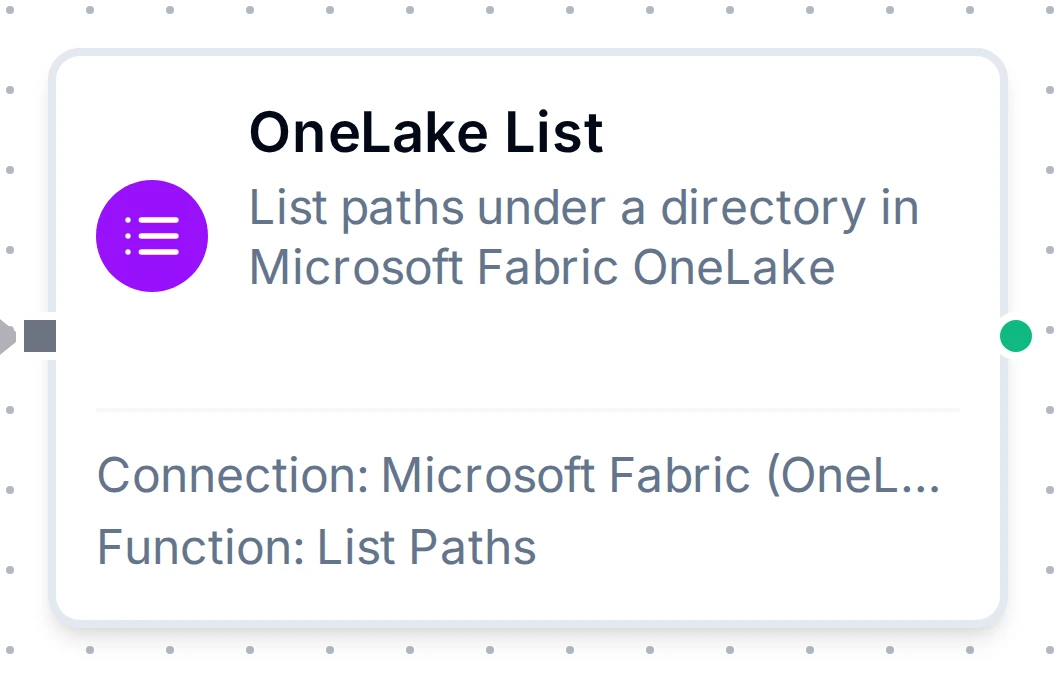
Enumerate paths under a directory, optionally recursively, with pagination.
Supported Function Types:
| Function Name | Purpose | Common Use Cases |
|---|---|---|
| List Paths | Enumerate files and directories under a path | Discovering files, building inventories, driving fan-out |
Node Configuration
| Parameter | Type | Required | Description |
|---|---|---|---|
| Connection | Selection | Yes | Microsoft Fabric (OneLake) connection profile to use |
| Function | Selection | Yes | List function from the selected connection |
| Function Parameters | Dynamic | Varies | Auto-populated from the function schema (e.g. path, recursive, maxResults). See your OneLake connection functions for full parameter details. |
| Timeout Override | Number (seconds) | No | Override the default function timeout |
Output Structure
{
  "result": {
    "path": "Tables/sensor_readings",
    "paths": [
      {
        "name": "Tables/sensor_readings/data.parquet",
        "isDirectory": false,
        "contentLength": 20480,
        "lastModified": "2026-06-03T08:00:00Z",
        "etag": "0x8D..."
      }
    ],
    "count": 1,
    "hasMore": true,
    "continuationToken": "..."
  },
  "_metadata": { "success": true, "functionId": "<function-id>", "durationMs": 120, "timestamp": "2026-06-03T08:00:00Z" }
}
| Field | Type | Description |
|---|---|---|
result.path | string | Directory that was listed |
result.paths | array | Path entries (see below) |
result.count | number | Number of entries returned |
result.hasMore | boolean | true when the service has another page |
result.continuationToken | string | Present only when hasMore is true; pass it back as continuationToken for the next page |
Path Entry Fields: each item of result.paths:
| Field | Type | Description |
|---|---|---|
name | string | Full path of the entry |
isDirectory | boolean | true if the entry is a directory |
contentLength | number | Size in bytes (files) |
lastModified | string | Last modification timestamp, RFC 3339 UTC (when the service reports it) |
etag | string | Entry ETag |
OneLake Create Directory Node
OneLake Create Directory Node
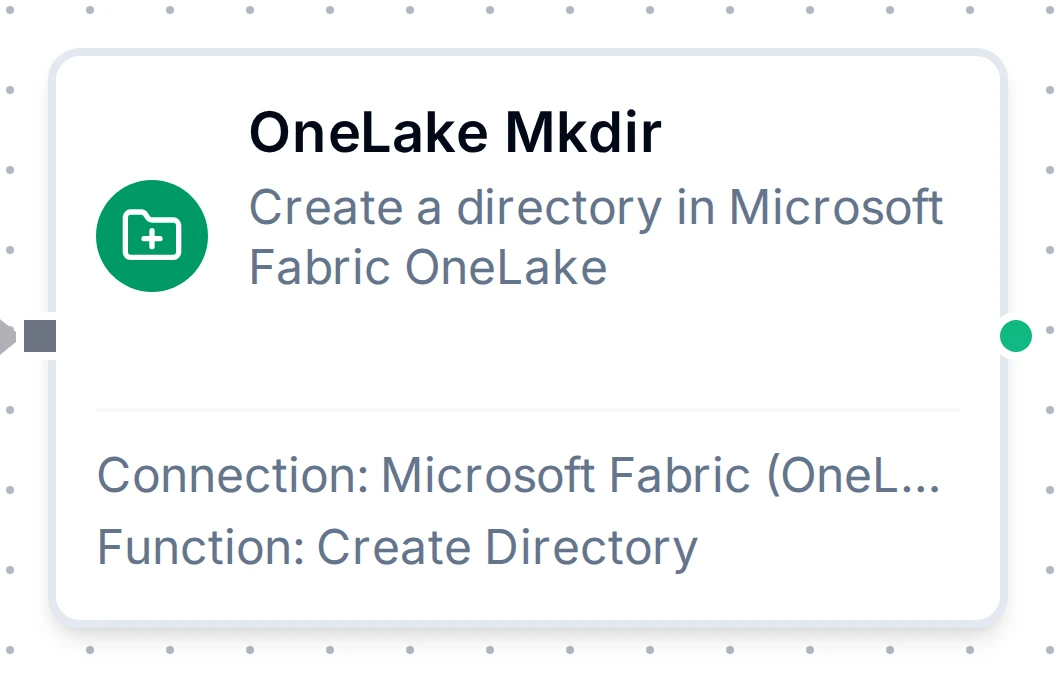
Create a directory in the lakehouse. Idempotent: succeeds if it already exists.
Supported Function Types:
| Function Name | Purpose | Common Use Cases |
|---|---|---|
| Create Directory | Create a lakehouse directory | Laying out partitioned paths, pre-provisioning folders |
Node Configuration
| Parameter | Type | Required | Description |
|---|---|---|---|
| Connection | Selection | Yes | Microsoft Fabric (OneLake) connection profile to use |
| Function | Selection | Yes | Create Directory function from the selected connection |
| Function Parameters | Dynamic | Varies | Auto-populated from the function schema (e.g. path). See your OneLake connection functions for full parameter details. |
| Timeout Override | Number (seconds) | No | Override the default function timeout |
Output Structure
{
  "result": {
    "path": "Files/daily/2026-06-03"
  },
  "_metadata": { "success": true, "functionId": "<function-id>", "durationMs": 120, "timestamp": "2026-06-03T08:00:00Z" }
}
| Field | Type | Description |
|---|---|---|
result.path | string | Resolved directory path |
OneLake Delete Path Node
OneLake Delete Path Node
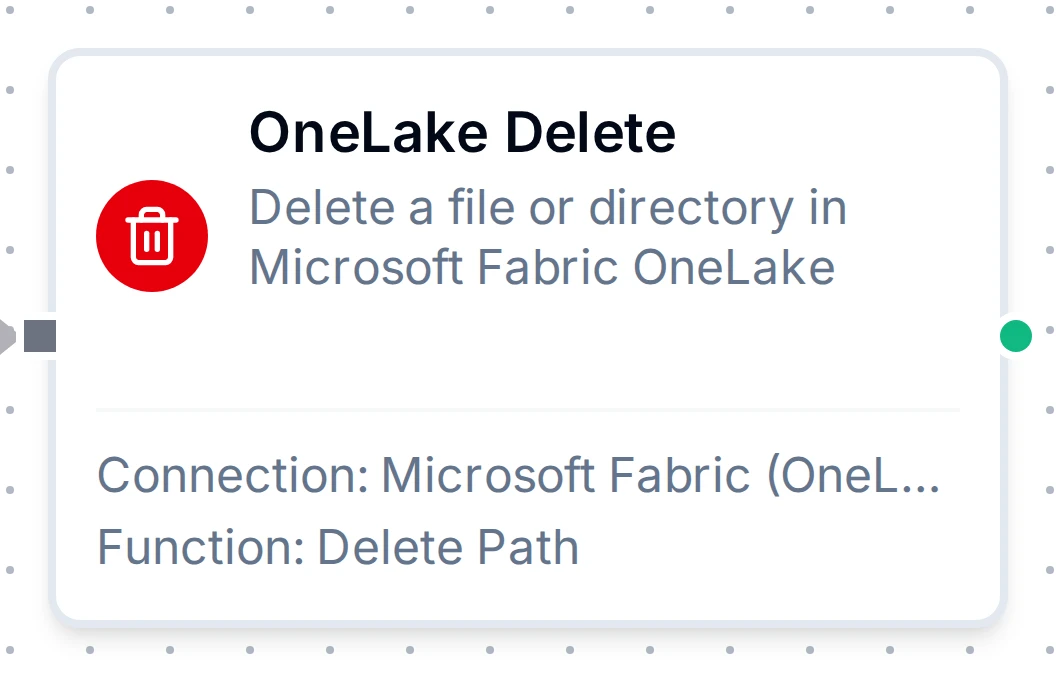
Permanently remove a file or directory from the lakehouse, optionally recursively.
Supported Function Types:
| Function Name | Purpose | Common Use Cases |
|---|---|---|
| Delete Path | Delete a file or directory | Retention cleanup, undo-on-failure, removing processed inputs |
Node Configuration
| Parameter | Type | Required | Description |
|---|---|---|---|
| Connection | Selection | Yes | Microsoft Fabric (OneLake) connection profile to use |
| Function | Selection | Yes | Delete function from the selected connection |
| Function Parameters | Dynamic | Varies | Auto-populated from the function schema (e.g. path, recursive). See your OneLake connection functions for full parameter details. |
| Timeout Override | Number (seconds) | No | Override the default function timeout |
Output Structure
{
  "result": {
    "path": "Files/staging/processed.json",
    "kind": "file"
  },
  "_metadata": { "success": true, "functionId": "<function-id>", "durationMs": 120, "timestamp": "2026-06-03T08:00:00Z" }
}
| Field | Type | Description |
|---|---|---|
result.path | string | Resolved path that was deleted |
result.kind | string | file or directory |
Deletion is permanent and cannot be undone. Enable Recursive only when you intend to remove a directory and all of its contents; use a Condition node to verify before deleting.
Settings Tab
All Microsoft Fabric (OneLake) node types share the same Settings tab:
| Setting | Type | Default | Description |
|---|---|---|---|
| Description | Text | - | Optional description displayed on the node |
| Timeout (seconds) | Number | Pipeline default | Maximum time the node may run before timing out |
| Retry on Timeout | Toggle | Pipeline default | Automatically retry the node if it times out |
| Retry on Fail | Toggle | Pipeline default | Automatically retry the node if it fails |
| On Error | Selection | Pipeline default | Error strategy: Pipeline Default (the pipeline's Error Handling setting), Stop Pipeline or Continue Execution |
When left at their defaults, these settings inherit from the pipeline-level execution configuration.