Databricks Storage Nodes
Read files from and write files to Databricks Unity Catalog Volumes from your pipelines, through the Databricks Files API.
- Needs
- A Databricks Storage connection
- Operations
- Read File · Write File
- Output
- Read: base64 content plus file metadata
Databricks Storage nodes enable pipelines to read and write files on Unity Catalog Volumes via the Databricks Files API. Use these nodes to automate file-based data ingestion, export, and exchange workflows through your Databricks workspace.
Configuration Quick Reference
| Field | What you choose | Details |
|---|---|---|
| Parameters | Connection, Function, Function Parameters, Timeout Override | Select the connection profile, function, configure function parameters with expression support, and optionally override timeout. |
| Settings | Description, Timeout (seconds), Retry on Timeout, Retry on Fail, On Error | Node description, maximum execution time, retry behavior on timeout or failure, and error handling strategy. All execution settings default to pipeline-level values. |
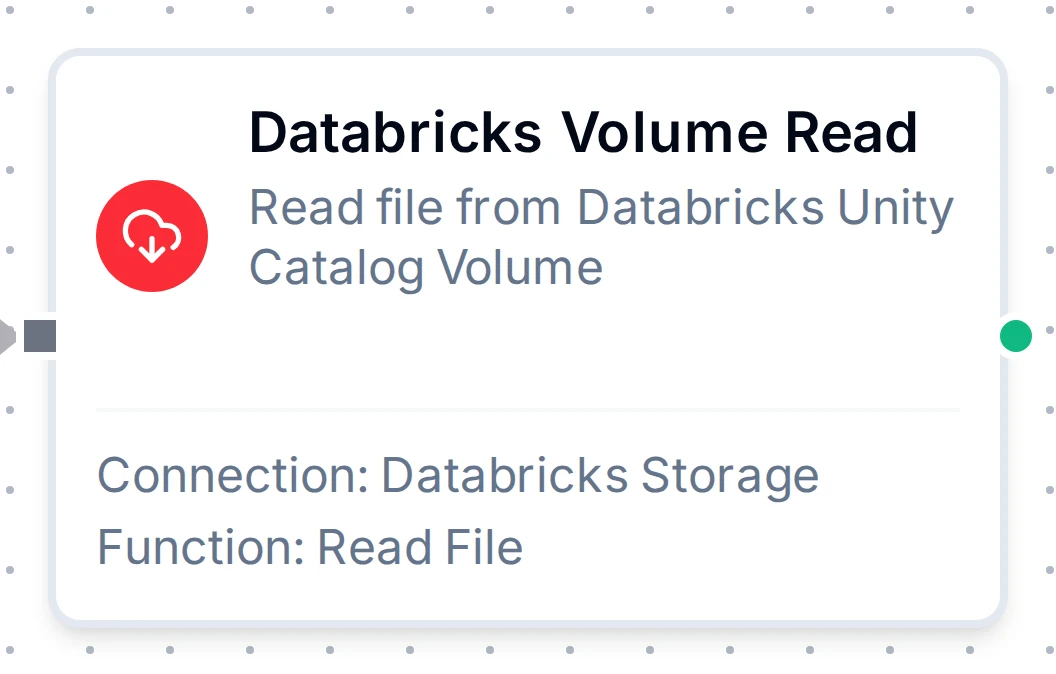
Databricks Volume Read Node
Databricks Storage Read Node
Read files from Unity Catalog Volumes with automatic content encoding detection.
Supported Function Types:
| Function Name | Purpose | Common Use Cases |
|---|---|---|
| Read File | Download file content from a Unity Catalog Volume | Data imports, configuration retrieval, report processing, log analysis |
Node Configuration
| Parameter | Type | Required | Description |
|---|---|---|---|
| Connection | Selection | Yes | Databricks Storage connection profile to use |
| Function | Selection | Yes | Read function from the selected connection |
| Function Parameters | Dynamic | Varies | Auto-populated from the function schema (e.g., volumePath). See your Databricks Storage connection functions for full parameter details. |
| Timeout Override | Number (seconds) | No | Override the default function timeout |
All function parameters support expression syntax ({{ expression }}) for dynamic values from the pipeline context.
Input
The node receives the output of the previous node as input. Use expressions like {{ $input[0].result.metadata.fileName }} (from an upstream Read) to dynamically specify which file to read.
Output Structure
On success the node produces:
{
  "result": {
    "data": "aGVhZGVyMSxoZWFkZXIyCnZhbHVlMSx2YWx1ZTIK...",
    "metadata": {
      "volumePath": "/Volumes/my_catalog/my_schema/my_volume/data/report.csv",
      "fileName": "report.csv",
      "fileType": "csv",
      "sizeBytes": 4096,
      "contentType": "text/csv"
    }
  },
  "_metadata": { "success": true, "functionId": "<function-id>", "durationMs": 312, "timestamp": "2026-04-09T10:30:00Z" }
}
| Field | Type | Description |
|---|---|---|
result.data | string | File content, always base64-encoded; decode it downstream, or feed it to a File Extractor |
result.metadata | object | File metadata (see below) |
Metadata Fields:
| Field | Type | Description |
|---|---|---|
result.metadata.volumePath | string | Full volume path of the file |
result.metadata.fileName | string | File name extracted from the path |
result.metadata.fileType | string | Extension without the leading dot (csv, json, …) |
result.metadata.sizeBytes | number | File size in bytes |
result.metadata.contentType | string | MIME content type (when the response carried one) |
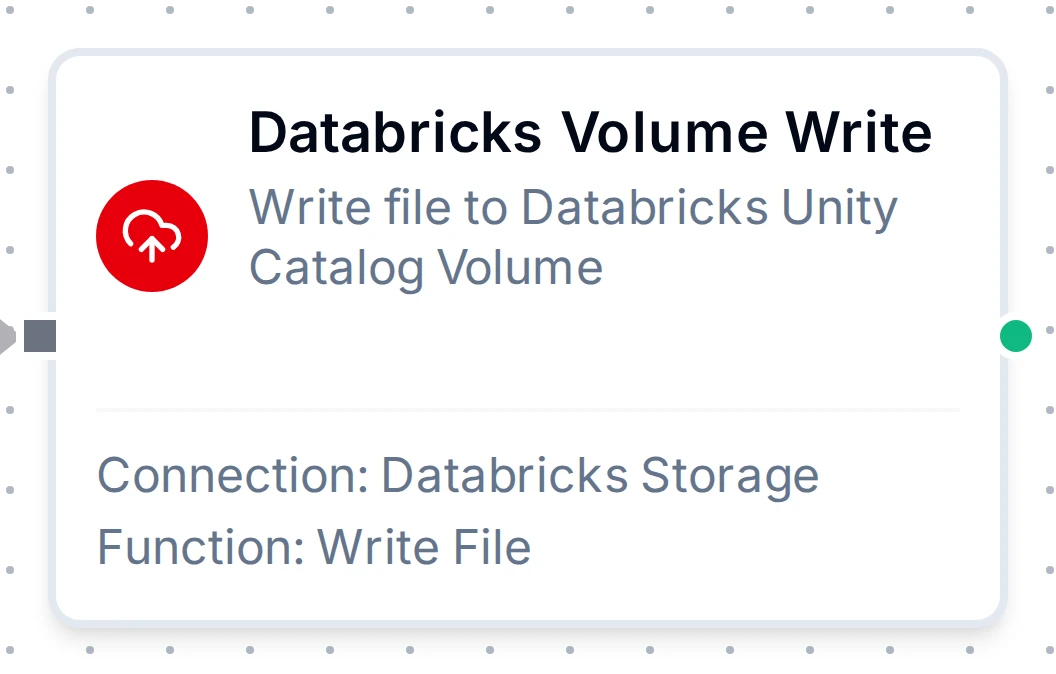
Databricks Volume Write Node
Databricks Storage Write Node
Write files to Unity Catalog Volumes with overwrite control. Data is written as text, or decoded from base64 when the function's Input Format is base64 (output from a Data Serializer or a Databricks Storage Read needs this).
Supported Function Types:
| Function Name | Purpose | Common Use Cases |
|---|---|---|
| Write File | Upload data to a Unity Catalog Volume | Data exports, pipeline result storage, report generation, artifact archival |
Node Configuration
| Parameter | Type | Required | Description |
|---|---|---|---|
| Connection | Selection | Yes | Databricks Storage connection profile to use |
| Function | Selection | Yes | Write function from the selected connection |
| Function Parameters | Dynamic | Varies | Auto-populated from the function schema (e.g., volumePath, data, overwrite). See your Databricks Storage connection functions for full parameter details. |
| Timeout Override | Number (seconds) | No | Override the default function timeout |
Input
The node receives the output of the previous node as input. Use expressions like {{ $input[0].result }} to dynamically pass content to write.
Output Structure
On success the node produces:
{
  "result": {
    "volumePath": "/Volumes/my_catalog/my_schema/my_volume/output/result.json",
    "bytesWritten": 2048,
    "overwrite": true
  },
  "_metadata": { "success": true, "functionId": "<function-id>", "durationMs": 245, "timestamp": "2026-04-09T10:30:00Z" }
}
| Field | Type | Description |
|---|---|---|
result.volumePath | string | Full path of the written file |
result.bytesWritten | number | Number of bytes written |
result.overwrite | boolean | Whether the call was allowed to replace an existing file (the Overwrite setting as applied) |
Settings Tab
Both Databricks Storage node types share the same Settings tab:
| Setting | Type | Default | Description |
|---|---|---|---|
| Description | Text | — | Optional description displayed on the node |
| Timeout (seconds) | Number | Pipeline default | Maximum time the node may run before timing out |
| Retry on Timeout | Toggle | Pipeline default | Automatically retry the node if it times out |
| Retry on Fail | Toggle | Pipeline default | Automatically retry the node if it fails |
| On Error | Selection | Pipeline default | Error strategy: Pipeline Default (the pipeline's Error Handling setting), Stop Pipeline or Continue Execution |
When left at their defaults, these settings inherit from the pipeline-level execution configuration.