Seeing who has access
Answer “why can't I?” and “who else can?” without reading role definitions.
- For yourself
- Explain my access · My Access
- For a resource
- Who has access
- Licence
- Every edition (Via roles needs Advanced Access Control)
Explain my access
In the Data Explorer, right-click a topic and choose Explain my access…. Pick an action, such as View or Publish, and the dialog says whether you can, and what decided it:
| Cause | Meaning |
|---|---|
| A role | One of your roles grants it. Your roles in the workspace are listed. |
| Ownership | You own the resource. |
| A share | Something was shared with you, or you steward the branch. |
| A deny | A deny rule blocks you, whatever else you hold. |
| No grant | Nothing you hold gives it. |
It names the kind of rule, not the individual share or deny. For a topic it takes the branches above into account, so a share or deny on a parent counts.
For a resource you can't see, the dialog does not explain the decision. It says only that you cannot see it, or that it does not exist, and offers Request access, which opens an access request for that resource and action. You get exactly the same answer for an id that does not exist and for a resource of another workspace, so Explain my access never reveals whether a hidden resource is there. The one exception is an action you hold without being able to see the resource, such as a share of Edit alone: then the dialog answers it in full, because you can perform it. Workspace and System Administrators always get the full answer, deny and owner included.
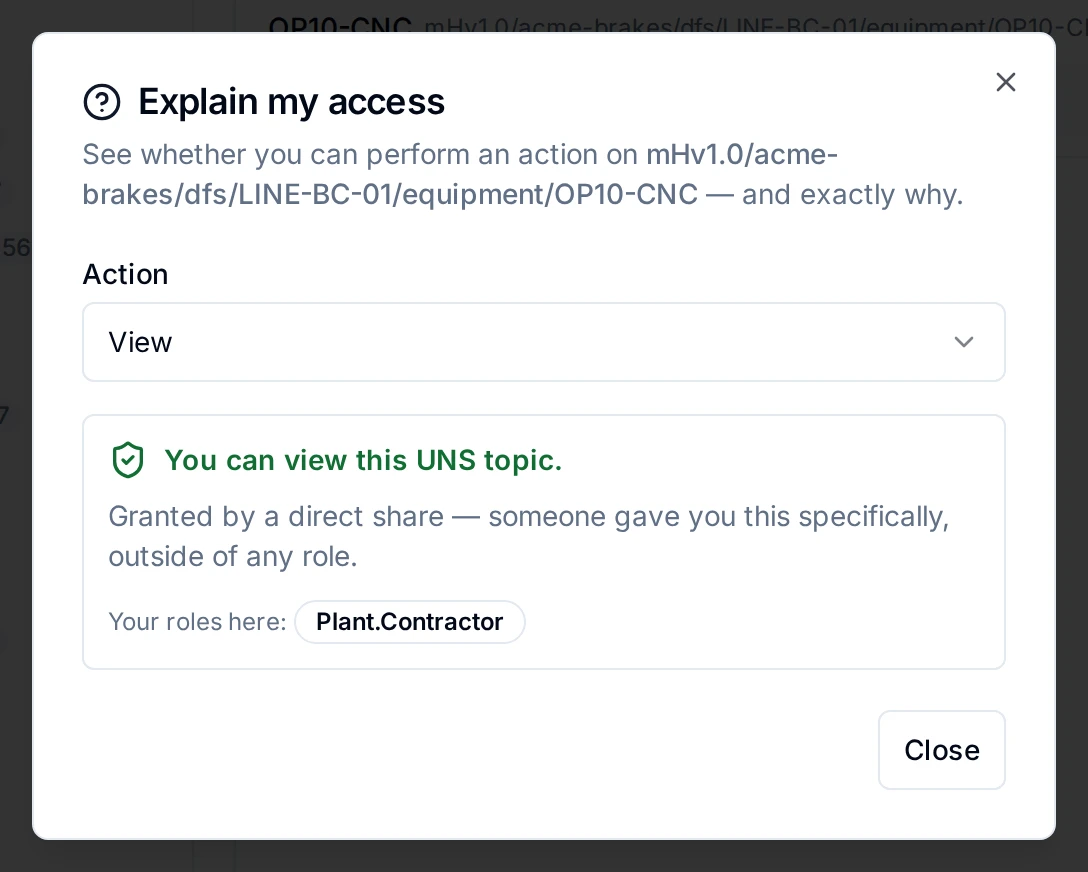
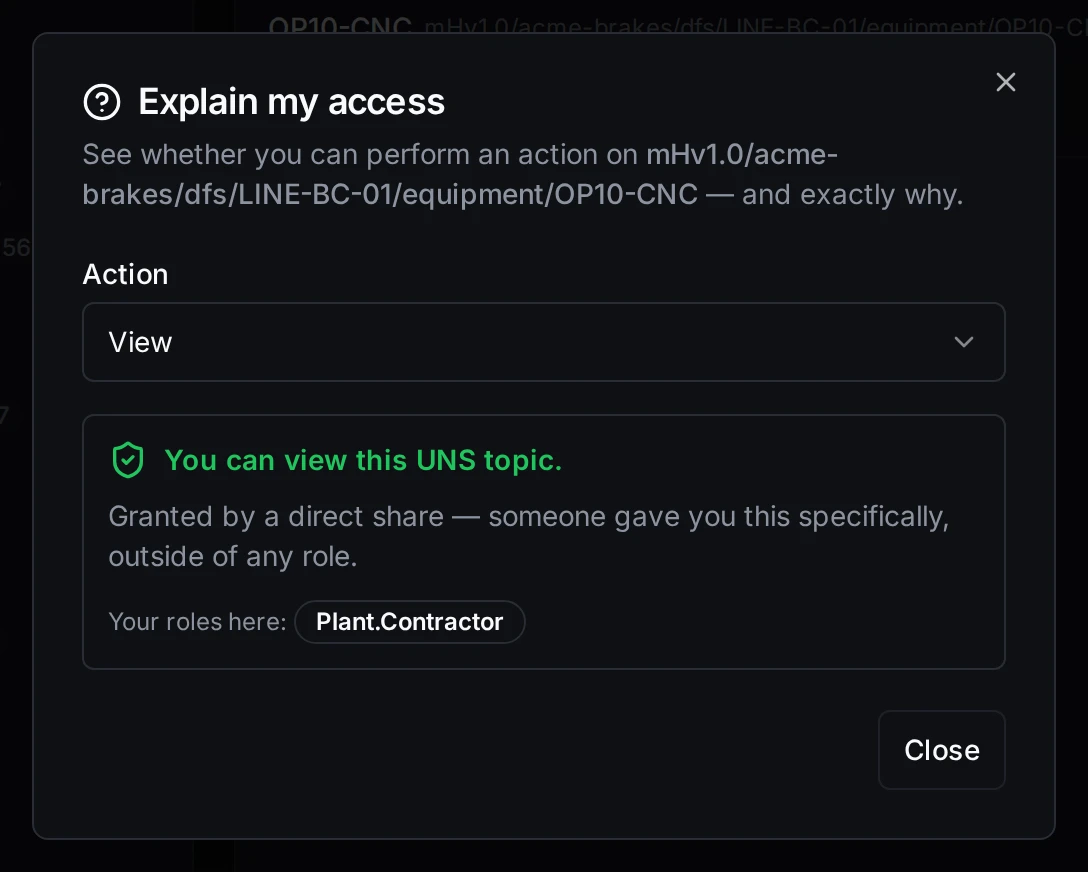
Why Kai can view the OP10-CNC branch
Explain my access works on every edition; Request access needs Advanced Access Control, and says so when it is off. Through the API, POST /api/v1/authz/explain answers the same question for any resource type, and a Workspace Administrator can ask it for someone else (authz:explain). For a resource you cannot see, the API answers allowed: false, would_return_status: 404, a message and request_access_endpoint instead of the trace.
Who has access
Open Who has access… from a topic's right-click menu, or from the ⋮ menu of a connection, pipeline or dashboard. The item is there for people who may share the resource. The dialog lists, in order:
| Section | What it shows | Who sees it |
|---|---|---|
| Owner | Who owns the resource. Topics have no owner. | Anyone who may read it |
| Stewards | The branch's stewards, its own and from branches above (topics) | |
| Shares | Each share: to whom, which action, the scope, and until when | People who may share it |
| Via roles | Everyone whose roles in this workspace grant an action, which you choose; platform administrators are marked | People who may read the audit trail, with Advanced Access Control |
| Active denies | Each deny, with its reason | People who may share it |
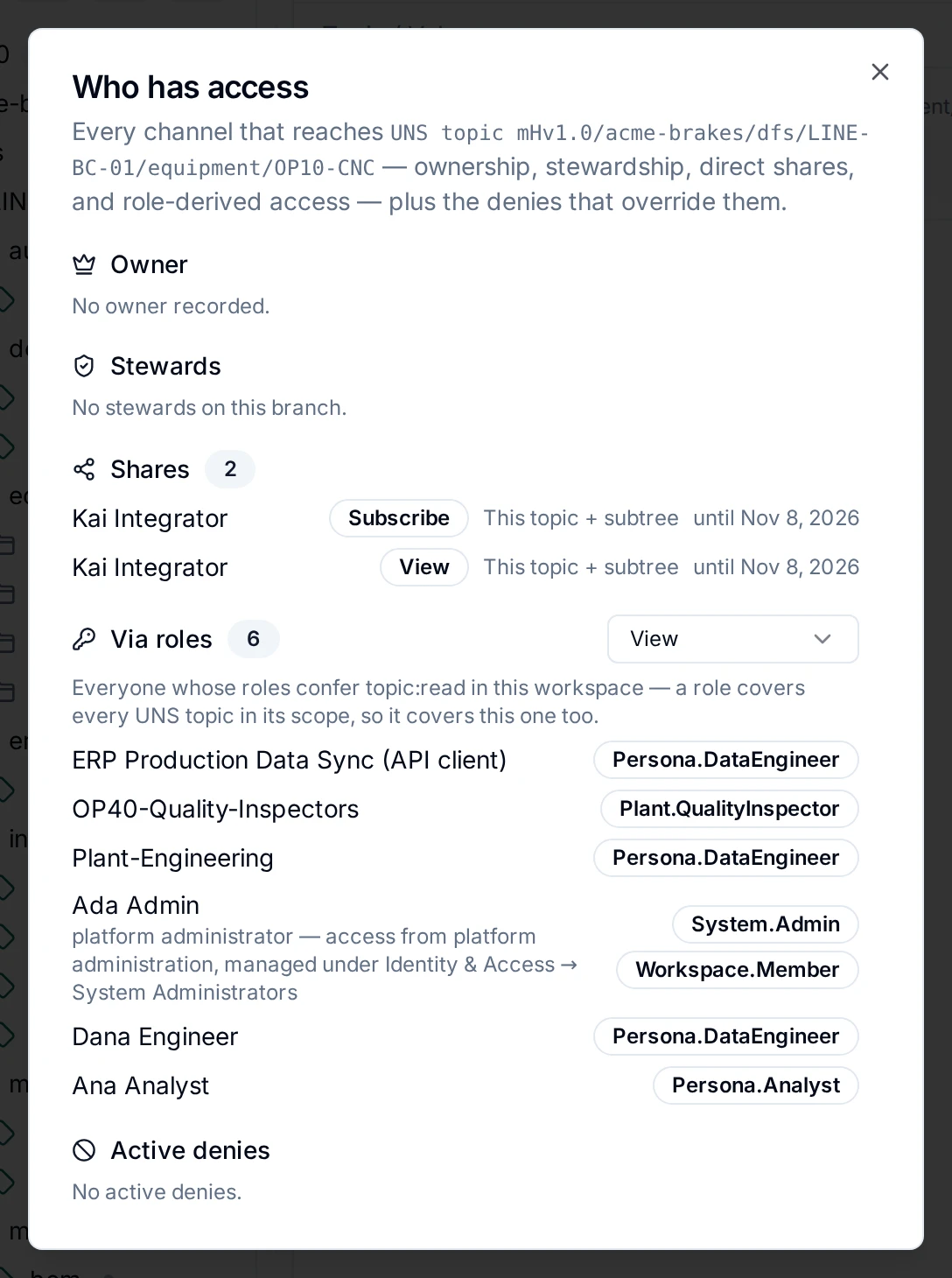
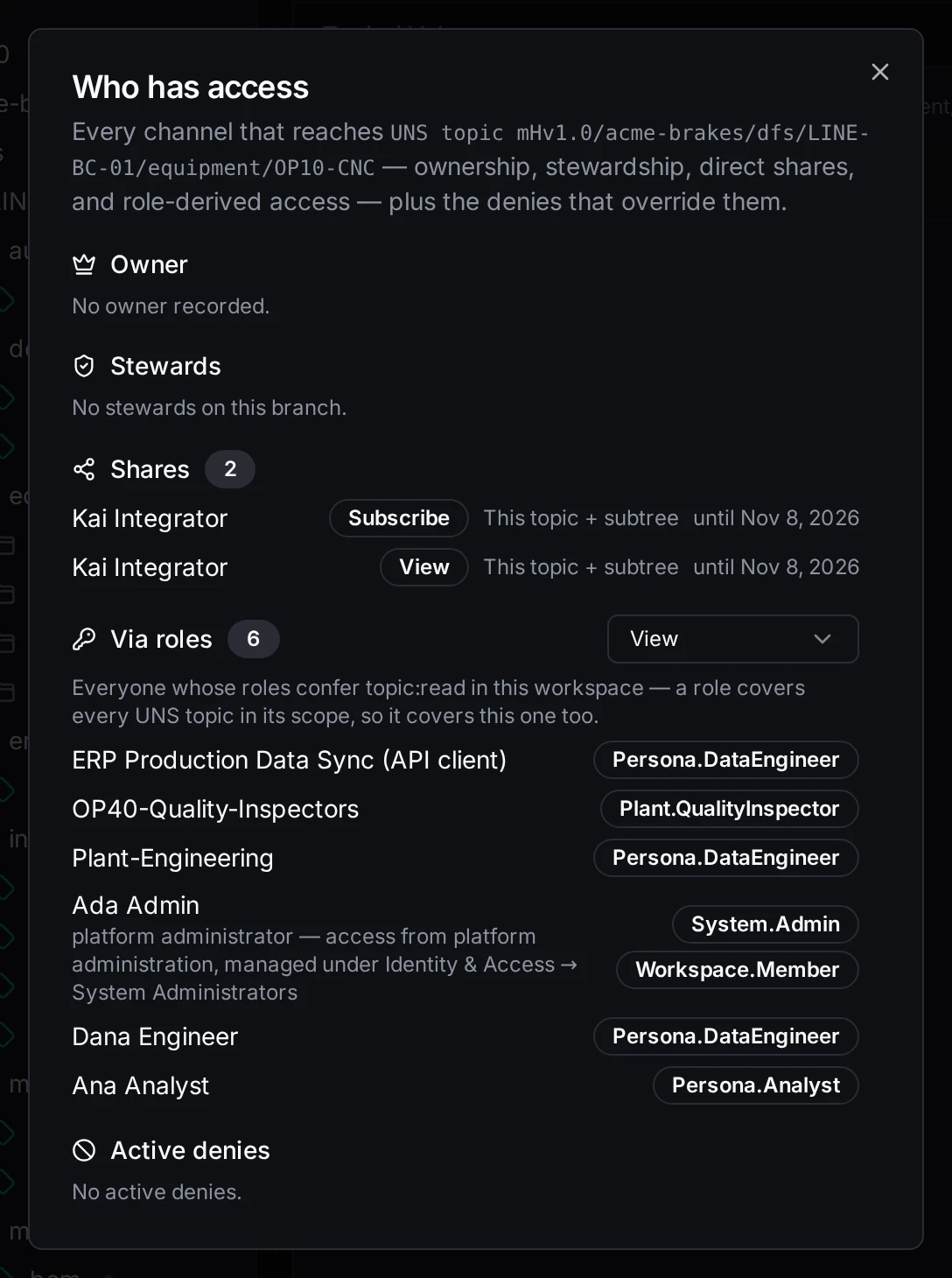
Everyone who can reach the OP10-CNC branch, and how
A section you lack the permission for says which one you would need. On Foundation, Via roles points to Identity & Access → Roles, where each role's holders are listed.
My Access
My Access (in the sidebar under You, or the profile menu) is your own access, in one place:
| Tab | What it shows |
|---|---|
| What I can do | What your roles, and your groups' roles, let you do in the workspace. Turn on Show permissions I don't have to see the rest of the catalog: a verb on a resource that can be shared gets a Request button, which fills in an access request; a verb only a role gives says to ask an administrator. Access shared with you on one resource is on Shared with me. |
| Shared with me | What was shared with you directly: who shared it, when, until when. Shares to a group you are in are not listed here. |
| Shared by me | What you shared, and with whom. |
| Requests | Your access requests, and the requests waiting for your decision. See Access requests. |
| Expiring | Grants that end, yours and those you gave, with whether you may renew them. See Time-bound access. |
| My roles | Your roles, direct and through groups, who assigned them and when they expire. A role the licence no longer includes is marked inactive. |
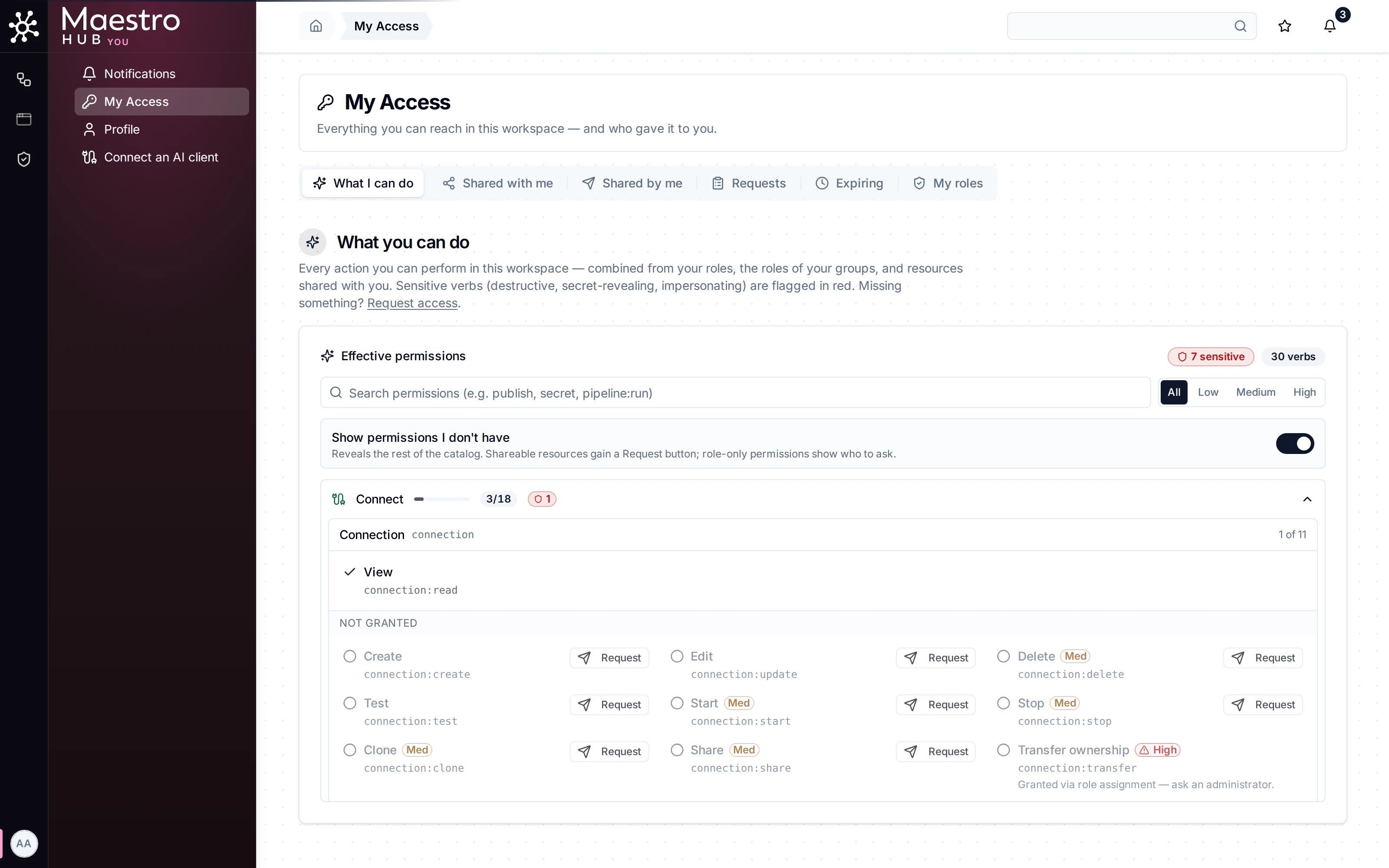
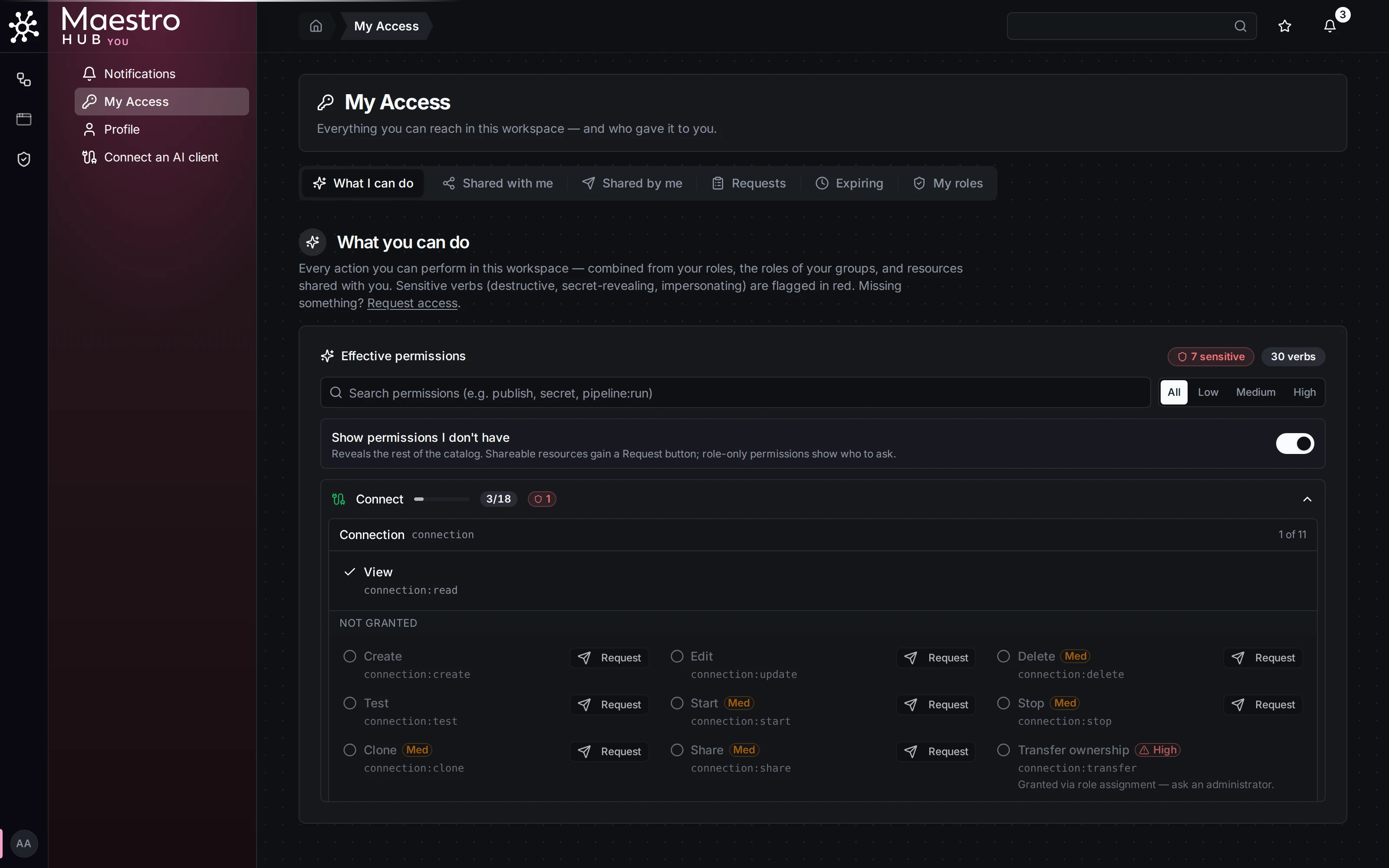
What Ana holds, and how to ask for more
Hidden by an access policy
A list that leaves out something because a deny hides it says so, with the count: 1 connection is hidden by an access policy. An administrator or the resource owner can lift the denial or share them with you. See Deny rules.