Store & Forward capacity
One disk, shared by every workspace on this instance: what holds it, what is promised, and the controls that size or pause every workspace.
- Where
- System Management › Monitor › Store & Forward capacity
- Scope
- The whole instance
- View
- durability:read
- Change
- A platform administrator (durability_settings:update)
What it shows
Every workspace's Store & Forward buffers live on the same disk. This page shows that disk, and holds the controls that act on every workspace at once.
Navigation Path: System Management > Monitor > Store & Forward capacity
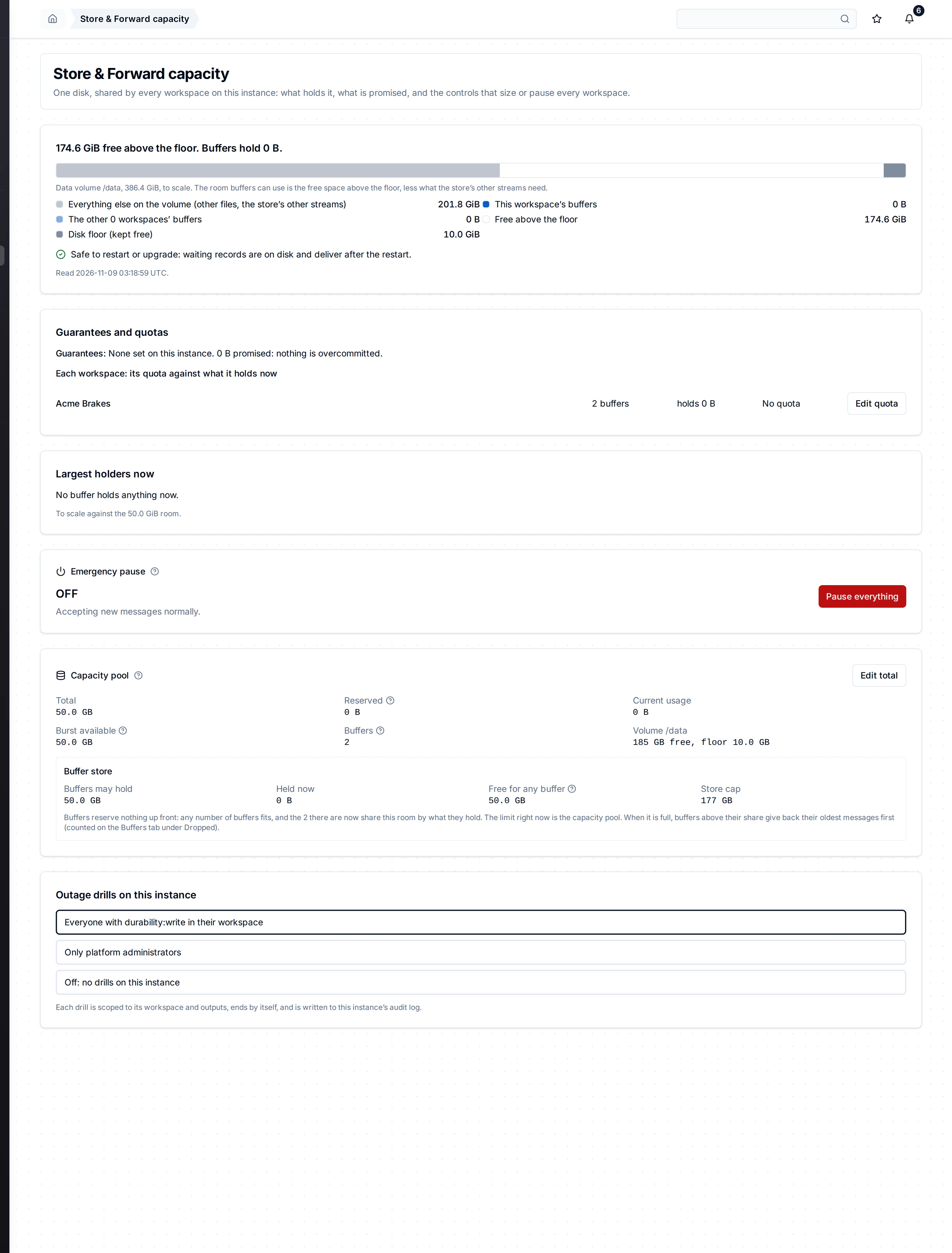
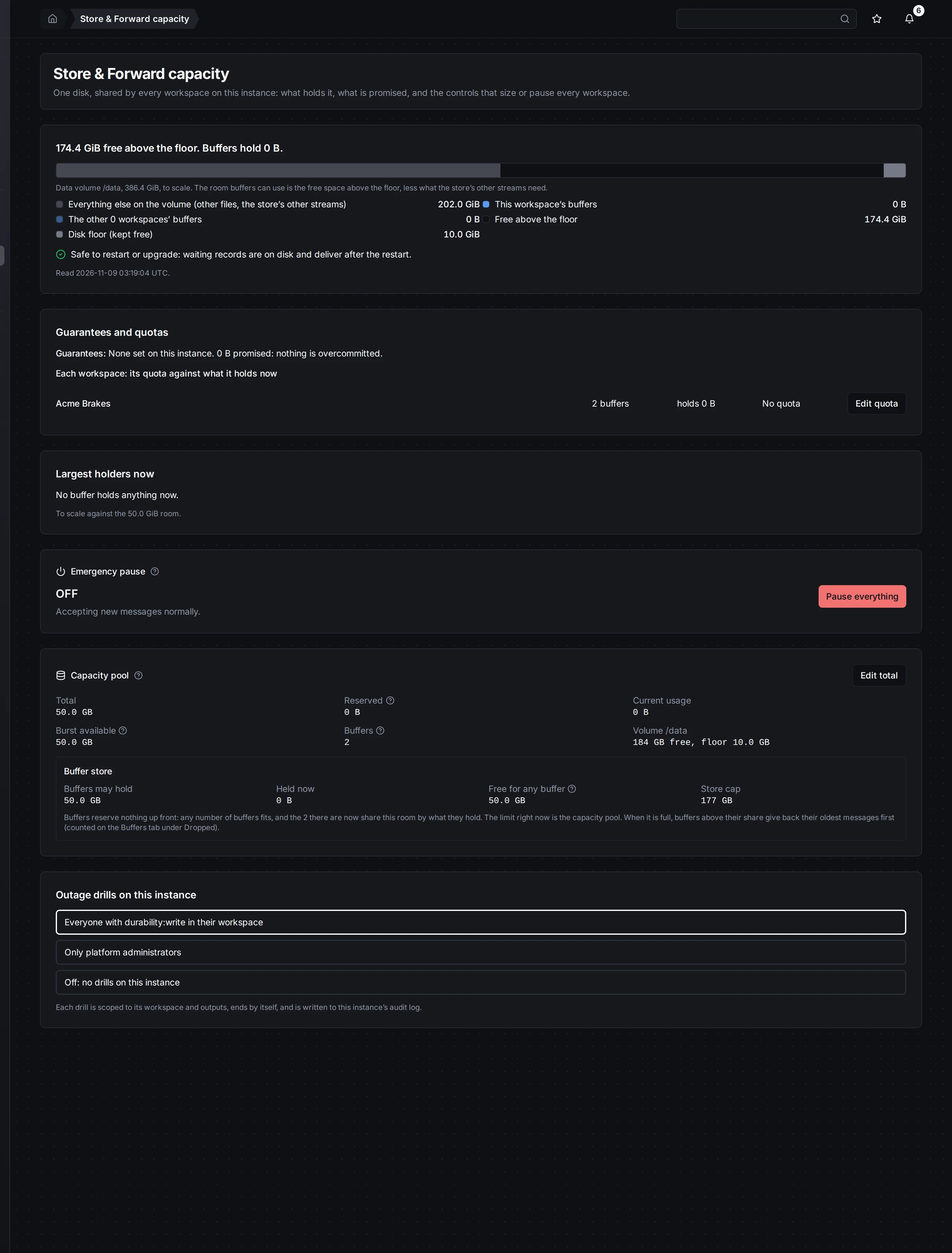
The data volume to scale, each workspace's quota against what it holds, the largest holders, and the instance controls.
Who can see and change it
Anyone with durability:read in a workspace can open the page.
Only a platform administrator can change it. Everyone else sees each control greyed out, with the reason: Managed by a platform administrator under System Management. A note at the top says you are viewing, not changing.
A viewer sees other workspaces as counts and bytes, never their names or their buffers' names. A platform administrator sees every workspace and buffer by name.
The data volume, to scale
The headline says how much is free above the disk floor, and what the buffers hold.
The bar is the data volume, to scale:
| Part | What it is |
|---|---|
| Everything else on the volume | Other files, and the message store's other streams. |
| This workspace's buffers | What your workspace's buffers hold now. |
| The other workspaces' buffers | What every other workspace's buffers hold. |
| Free above the floor | Room buffers can still use. |
| Disk floor (kept free) | Space MaestroHub never fills. When free space drops below it, the part reads Free, below the floor. |
When this engine reports no data volume of its own, the bar shows the buffers' room instead.
Safe to restart or upgrade
Under the bar, one line:
- Safe to restart or upgrade: waiting records are on disk and deliver after the restart.
- At the disk floor: Restarting will not free disk space. The held records are on the same disk. Free space first.
Guarantees and quotas
Guarantees says what is promised to buffers across the instance. If the guarantees add up to more than the room, it says so: overcommitted.
Then one row per workspace: its buffers, what they hold, and its quota. A platform administrator can Edit quota or Clear it. With no quota, a workspace is bounded only by the shared room.
Largest holders now
The five buffers holding the most, each with its workspace and pipeline, drawn to scale against the room. A viewer sees another workspace's buffer as A buffer in another workspace.
Emergency pause
Stops new buffering in every workspace on this instance. Waiting records keep delivering.
A platform administrator pauses with a reason, recorded in the activity log. While it is on, new writes to a buffer go to Failed messages and are replayed by hand after resuming. At the disk floor MaestroHub pauses by itself, and resumes by itself once space is back.
Each workspace's Overview shows the pause as a status line, not a button.
Disk pool
The total room buffers may use, 50 GiB by default. A platform administrator can Edit total. Growing is always safe. Shrinking below what is reserved asks you to confirm.
Outage drills on this instance
Who may start an outage drill:
- Everyone with durability:write in their workspace (the default).
- Only platform administrators.
- Off: no drills on this instance.
A platform administrator picks one. The change is saved at once and written to the audit log. Each drill is scoped to its workspace and outputs, and ends by itself.
On a phone
The bar and its legend stack, and each workspace takes one row. Nothing scrolls sideways.


The same page at phone width.