Break-glass
Emergency access that does not wait for an administrator, and leaves a trail nobody can miss.
- Where
- My Access › Emergency access
- Needs
- break_glass:elevate
- Into
- The roles the instance allows
- Licence
- Every edition
At 3 a.m. a connection on the line hangs, and the operator on call may read connections but not restart them. Break-glass lets them give themselves a role they don't hold, for a few hours, without waking an administrator. The elevation needs a written reason, alerts everyone who reads the audit trail, ends on its own and cannot be renewed.
Break-glass is part of every edition: an emergency is not a reason to upsell.
Set it up
Break-glass is off until an administrator of the instance says which roles one may elevate into. The policy is instance configuration; there is no screen for it.
| Setting | Default | Meaning |
|---|---|---|
modules.authz.breakGlass.allowedRoles | empty | The roles one may elevate into, by exact name, for example Connect.Editor. Empty refuses every elevation. |
modules.authz.breakGlass.maxDurationHours | 4 | The longest elevation. |
modules.authz.breakGlass.minReasonLength | 20 | The shortest reason, in characters. |
As environment variables: MAESTROHUB_MODULES_AUTHZ_BREAKGLASS_ALLOWEDROLES=Connect.Editor and so on. The policy is read when the instance starts.
A role that can impersonate people (user:impersonate: System Administrator, Identity Administrator, Security Administrator) cannot be on the list: the instance refuses to start with it, naming the role. Someone elevated into it could act as a permanent administrator and give themselves access that outlives the elevation.
Then decide who may break the glass: the people holding break_glass:elevate. No built-in role grants it except System Administrator, so create a custom role with just that permission (for example On call) and assign it to the on-call people, or to a group such as Night-Shift. Custom roles need Advanced Access Control; on Foundation, only a System Administrator can break the glass.
API clients, agents and pipelines can never break the glass.
Break the glass
- Open My Access and click Emergency access. The button is there only for people holding
break_glass:elevate. - Choose the role to elevate into, from the roles the instance allows.
- Enter the duration in minutes, up to the instance's limit.
- Write the reason: what happened and what you are going to do. It goes into the audit trail and the alert.
- Click Elevate.
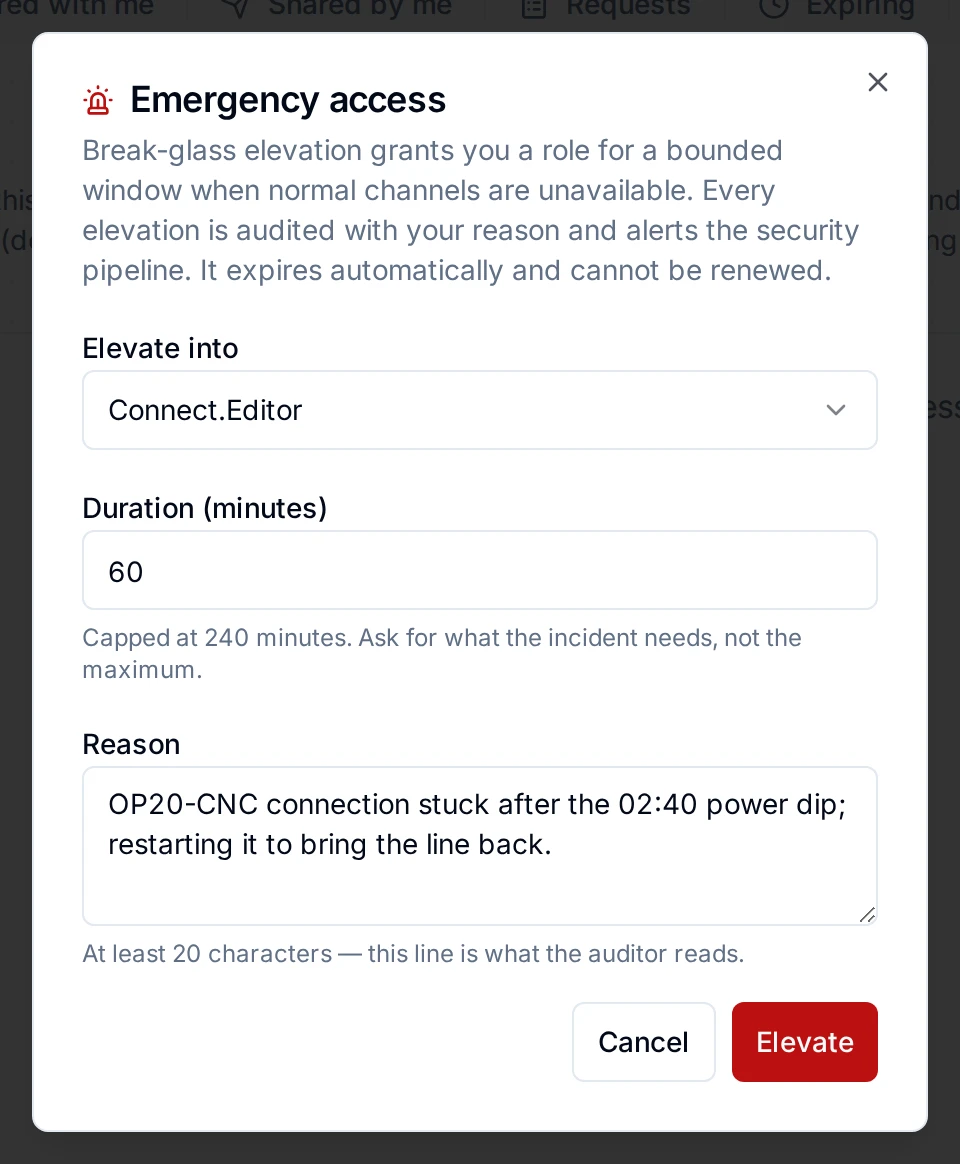
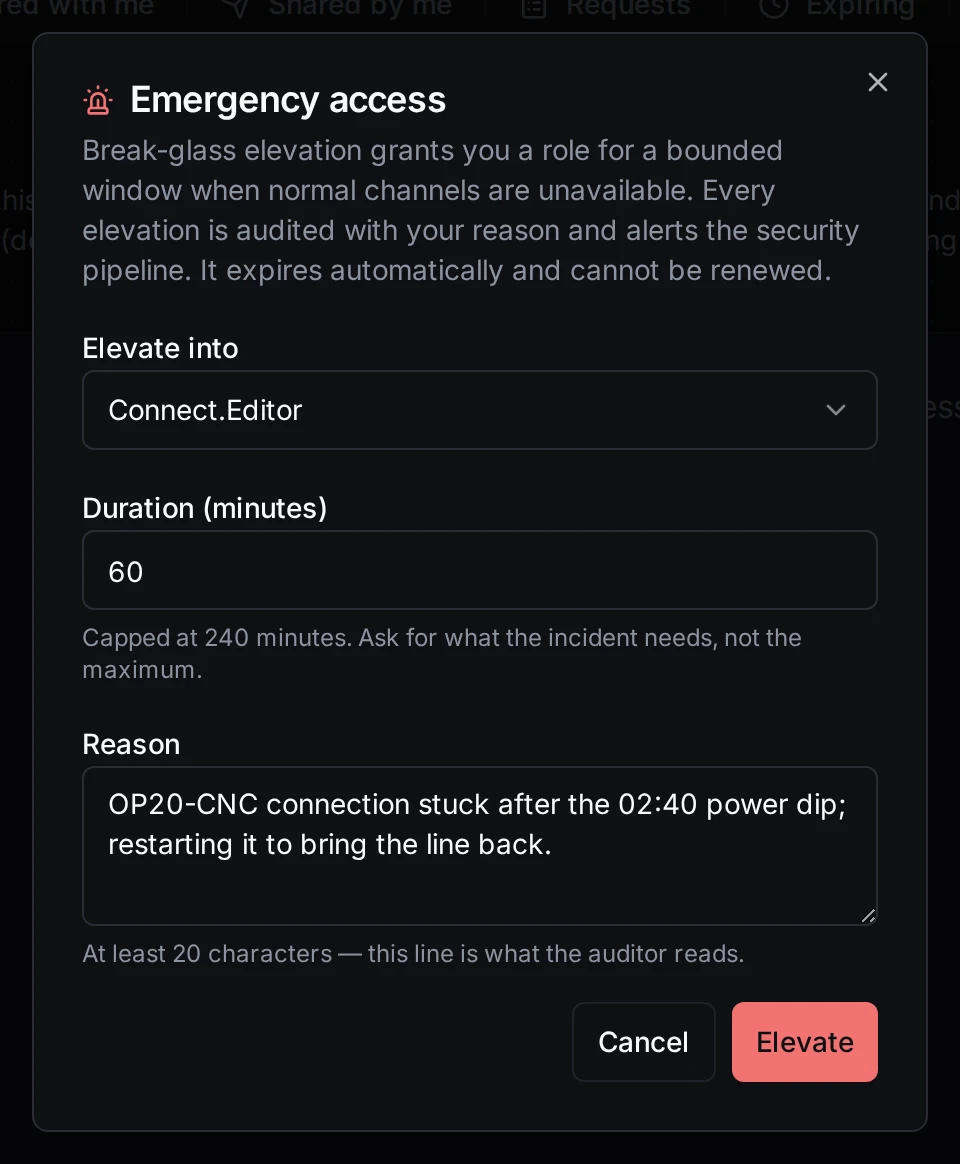
Breaking the glass on the night shift
You hold the role straight away, in this workspace, until the elevation ends. It shows on your My Access → Expiring tab.
Elevating is refused when the instance has no policy, when the role is not on the list, when the duration is over the limit, when the reason is too short, and when you already hold the role (renew that grant instead, if it is about to end).
Who is told
Everyone who may read the audit trail (audit_log:read: administrators, Security Administrators, Compliance Auditors) gets a critical notification: Break-glass: person elevated to role, with the reason and when it ends. The elevation is recorded as break_glass.granted, and every action taken under it is recorded with the person who took it.
Every grant the elevated person makes names the elevation: role assignments, shares, group memberships and ownership changes carry break_glass_grant_id (the grant_id of the break_glass.granted event) on their audit events. To review a window, GET /api/v1/authz/break-glass/{grant_id}/grants lists every role and share given under it, including those since removed.
While elevated, a person cannot give themselves anything, nor a group they are in or a role they hold, nor leave a group or give up a role a deny reaches them through: an administrator role held only through break-glass does not count as being an administrator for that, because leaving outlasts the elevation. Resources they create (pipelines, connections and the like) are theirs as any creation is, and stay theirs.
How it ends
The elevation ends at the end of its duration: the expiry sweep removes the role within five minutes of the cutoff. Until the sweep has removed it, the person still holds the role, and the rules for elevated people above still apply to them. It also ends when an administrator removes it earlier, when the custom role it elevated into is force-deleted, or when the person leaves the workspace or their account is deleted. However it ends, the role is removed at that moment, whatever else happens.
Then the clean-up: the roles and shares given under the elevation to an API client or agent the person created during any of their break-glass elevations in the workspace are removed too, because those credentials are in the person's hands. Who created a client or agent is read from its own record, so handing it to someone else afterwards changes nothing. Grants to people, and to API clients and agents that existed before or that someone else created, stay. An early removal starts the clean-up at once; the sweep finishes it, and retries it on every run until it succeeds (for example while the service that knows who created an agent does not answer). A pending clean-up never keeps the role alive.
Thirty minutes before the end, the person is warned. A break-glass elevation is never renewed; if the emergency is still on, break the glass again, with a new reason, once the role has been removed.
If the expiry sweep is turned off (an empty expiryWorker.schedule), nothing removes an elevation's role at its end and nothing is cleaned up; the server warns about it at start.
The admin CLI's password reset for a locked-out administrator is a different tool. Break-glass here is for people who can sign in and need more access for a short time.